


Mappi Free vs Pro: what’s included in each plan?
Free (and guest) accounts can make unlimited map animations and export them at up to 1080p with a small watermark, with up to 5 destinations per map. Pro adds 4K exports, watermark-free videos, the Satellite theme, custom map themes, your own uploaded icons and as many destinations as you need.
Step by step
Check what you’re on
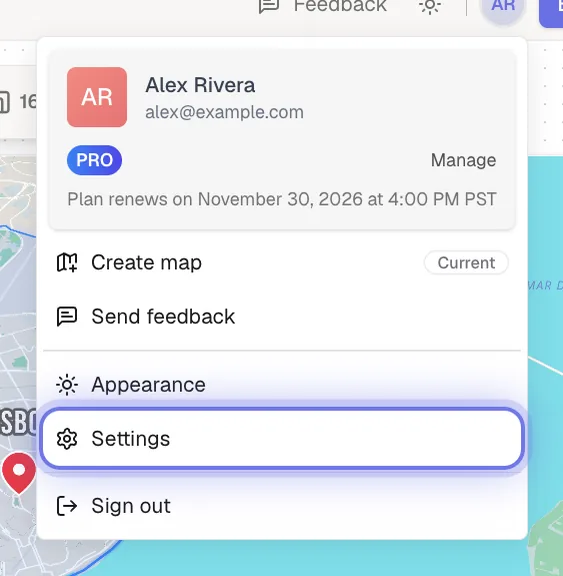
Signed in? Click your avatar in the top-right corner of the editor. The card at the top of the menu shows FREE or PRO.
Compare the plans
Use the table below, or see the pricing page. Mappi Pro is billed monthly or yearly: $9 a month, or $84 a year, which works out to $7 a month.
Plan comparison
| Feature | Guest and Free | Pro |
|---|---|---|
| Price | Free | $9 a month, or $84 a year |
| Map animations and exports | Unlimited | Unlimited |
| Export quality | 720p and 1080p | 720p, 1080p and 4K |
| Watermark | Small mappi.studio watermark | No watermark |
| Destinations per map | 5 | As many as you need |
| Map themes | 10 built-in themes | Adds Satellite |
| Custom map themes | Preview only | Create and save |
| Your own icons | Mappi icons only | Upload your own |
| Travel modes, boundaries, dropped pins, camera and label styling | Included | Included |
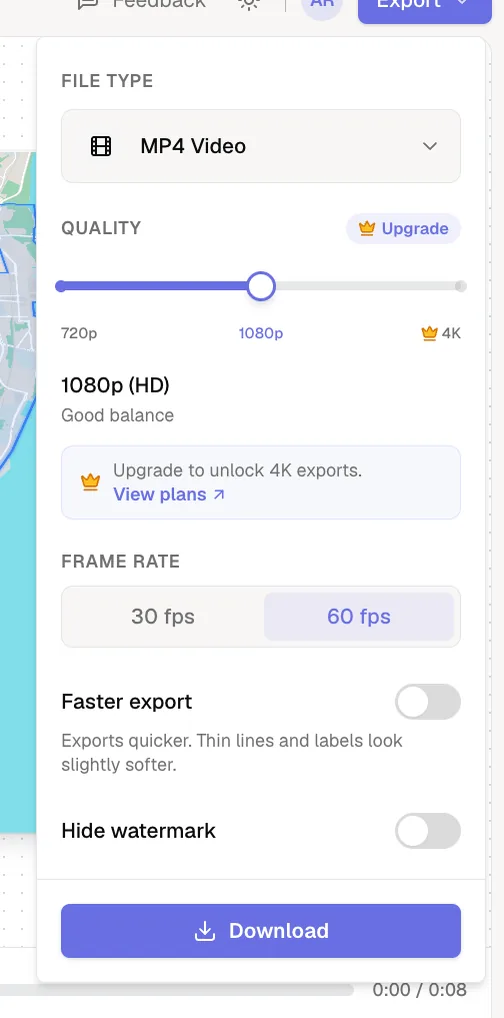
Need API access, a custom watermark or team support? The Enterprise plan covers that; contact us for a quote. Videos you make with Mappi can be used commercially on any plan.
Was this guide helpful?
Try it in the editor
Mappi is a map animation maker that runs in your browser. No download, and no account needed to start.
Open MappiRelated guides
How to upgrade to Mappi Pro
Upgrade your Mappi account to Pro: sign in, open the pricing page, choose monthly or yearly billing, click Get Pro and pay securely with Stripe.
Account & billing
How to cancel or manage your Mappi Pro subscription
Cancel your Mappi Pro subscription or change billing details: open your account menu, choose Settings, then Manage your payment preferences in Stripe.
Account & billing
 0:33
Export & formats
How to export a map animation in 4K
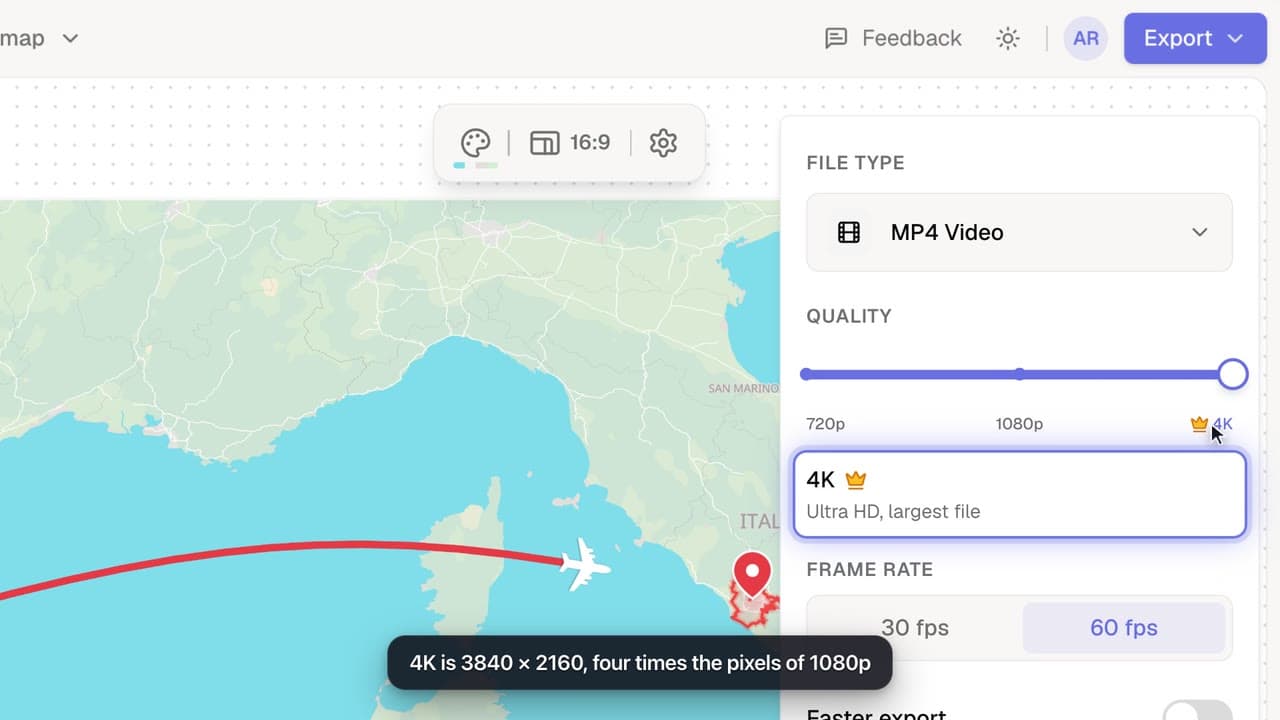
Export your map animation in 4K (3840 × 2160 for landscape) with Mappi Pro: set Quality to 4K in the Export options and download an ultra-sharp MP4.
Pro
How many destinations can a map have?
Free and guest maps hold up to 5 destinations; Mappi Pro maps hold as many as you need. Learn what counts toward the limit and what to do when you reach it.
Destinations & routes
