Turn your trips into
cinematic travel map videos.
Animate your travel route, drop in every destination, and export a beautiful trip map video for YouTube, TikTok, Instagram Reels, or your wedding slideshow. All in your browser. No editing skills required.
See how it works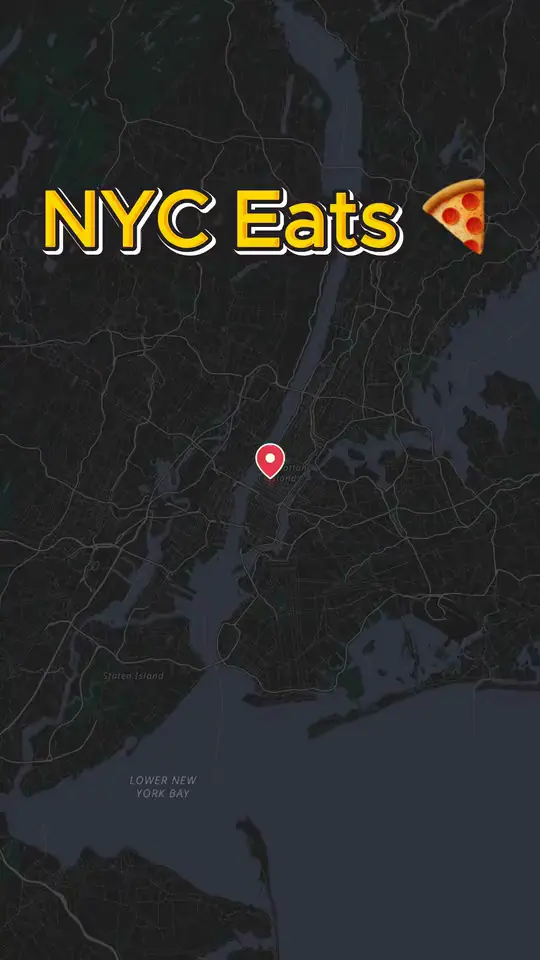
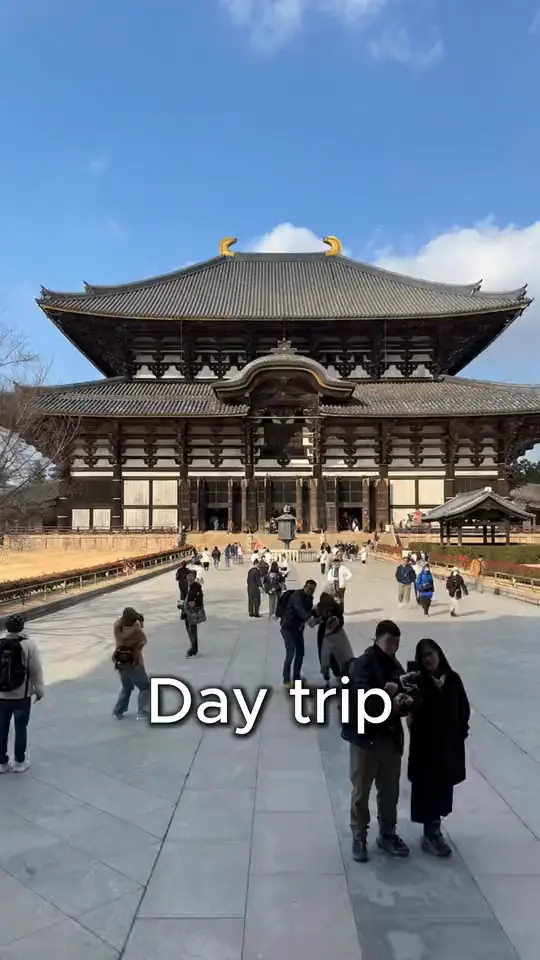
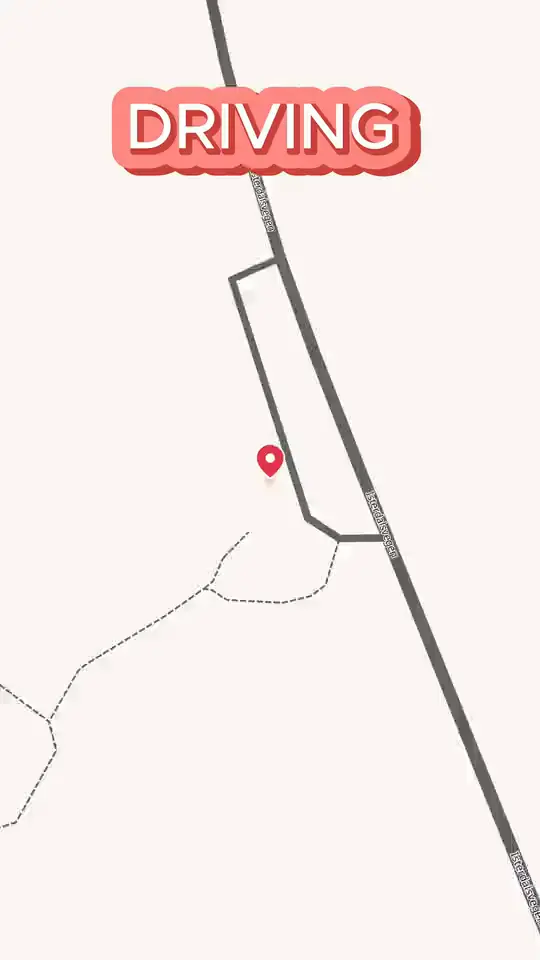
Travel storytelling, finally as visual as the trip itself.
A travel map video shows where you went, in the order you went, with the kind of motion that keeps viewers watching. Mappi makes that possible without After Effects, plugins, or render farms.
- MinutesFrom your itinerary to a finished travel map video
- 4KCrisp MP4 exports ready for YouTube, Reels, and TikTok
- Any tripRoad trips, flights, hikes, cruises, multi-country tours
Built for every kind of travel storyteller.
If your story includes a place, a route, or a journey, a Mappi travel map video will tell it better. These are the creators using Mappi today.
Travel YouTubers & vloggers
Open every travel vlog with an animated route map. Show subscribers exactly where you flew, drove, or hiked before the b-roll even starts.
Couples & honeymoon videos
Honeymoons, anniversaries, proposals on the road. Animate the cities and countries you visited together for a wedding slideshow or anniversary reel.
Family vacation recaps
Turn the family road trip or summer vacation into a keepsake video. Pin every stop and let the route animate itself across the map.
Backpackers & gap-year travelers
Multi-country, multi-month itineraries are hard to explain in words. A travel map animation makes a six-month route instantly readable.
Travel agencies & tour operators
Sell tours and itineraries with branded map animations. Show clients exactly where the trip goes, day by day, on a beautiful custom map theme.
Instagram & TikTok travel creators
Vertical 9:16 exports built for Reels, TikTok, and Shorts. Recap a trip in a 15-second swipe without ever opening a desktop editor.
Travel photographers & filmmakers
Open a portfolio reel or short film with a cinematic map sequence that grounds viewers in where the work was shot.
Travel bloggers & guide creators
Embed travel itinerary videos in destination guides, “7 days in Japan” posts, and round-up content to boost time-on-page and engagement.
Every tool you need for travel route animations.
Designed specifically for the way travel content gets made. Search a place, drag in a route, customize the look, export.
GPS-accurate travel routes
Animate flights, drives, walks, train rides, hikes, and ocean crossings. Every route follows real-world geography, not a hand-drawn line.
Multi-destination itineraries
Add as many stops as your trip had. Mappi sequences them on the map with smooth camera flights between every destination.
Custom travel-friendly map themes
Pick from cinematic light, dark, vintage, and minimalist map styles. Match the look of your travel vlog, brand, or wedding video.
Custom pins, icons & labels
Pin Eiffel Tower, Mount Fuji, Bali villas, your hotel — anywhere. Choose icons that match the trip and label every stop.
Vertical, square, and widescreen exports
Export the same trip in 9:16 for Reels and TikTok, 1:1 for Instagram feed, and 16:9 for YouTube — without rebuilding the project.
Transparent background renders
Export your travel map animation with a transparent background and overlay it on your travel footage in any video editor.
4K MP4 export, watermark-free
Every trip recap renders in up to 4K with frame-perfect motion. No Mappi badge anywhere on the file, ready to drop into your travel channel intro or send to a brand sponsor.
100% browser-based, mobile friendly
Build a travel map video on your laptop on the plane home, or finish it from your phone. No installs, no plugins, no render farm.
Make a travel map video in three simple steps.
From a list of cities to a finished, shareable trip map animation in minutes.
- Step 1
Add every destination from your trip
Search by city, country, address, or landmark using Google Places. Drop in flights between airports, drives between cities, or walking routes through a neighborhood.
- Step 2
Customize the look of your travel map
Pick a map theme that matches your travel content. Adjust route colors, animation speed, camera zoom, custom pins, and labels. Choose vertical, square, or widescreen.
- Step 3
Export in 4K and post anywhere your audience watches
Render in up to 4K and post the same file to a YouTube vlog opener, a TikTok travel recap, an Instagram Reel, or the wedding slideshow you’re cutting tonight.
The fastest way to make travel videos people actually watch.
Travel content lives or dies on the first three seconds. A map animation that shows where the trip went answers the “why should I keep watching” question instantly — and travel viewers reward that with longer watch times, more saves, and more shares.
For years the only way to ship one of those animations was hours of After Effects work, premium map plugins, or a freelance motion designer paid per video. Mappi compresses that pipeline into a single browser tab: search your stops, drag in the route, customize the look, and the trip animates itself.
Whether you are recapping a weekend road trip, a six-month backpacking route across Asia, or a destination wedding on the Amalfi coast, Mappi gives your trip the cinematic travel map animation it deserves.
Endless travel video ideas, one tool.
A few of the most popular travel map video formats Mappi creators are shipping every week.
Road trip recap videos
Cross-country road trips, Pacific Coast Highway, European driving tours. Animate the entire route across one map.
Multi-country backpacking maps
Show a 5-country, 30-stop backpacking itinerary in a 30-second video that finally makes the trip make sense.
Honeymoon & wedding slideshow intros
Start the wedding video or honeymoon recap with the route from where you both flew in to the destination.
YouTube travel vlog openers
A consistent animated map intro for every episode of your travel vlog series. Branded, repeatable, instantly recognizable.
Travel itinerary explainers
Pair an animated map with day-by-day itinerary text for “7 days in Japan,” “10 days in Italy,” or any guide post.
Cruise & flight animations
Animate ocean cruises, transcontinental flights, or train journeys with realistic transport routes on the map.
Travel map video FAQs
Quick answers to the questions travel creators ask most before making their first map video.
How do I make a travel map video for YouTube?
Open Mappi in your browser, search for each destination on your trip, choose a map theme, set the aspect ratio to 16:9 for YouTube, and export in 4K. Drop the MP4 straight into your editor as the opening shot of your vlog.
Can I make a vertical travel map video for TikTok or Instagram Reels?
Yes. Mappi exports in 9:16 vertical, 1:1 square, 4:5 portrait, and 16:9 widescreen. You can build a trip once and export it in every aspect ratio you need for short-form social.
Do the routes follow real travel paths?
Yes. Mappi uses real-world GPS data and vector tiles, so flight arcs, driving routes, walking paths, and train lines all match the actual geography of your trip.
Can I add multiple stops and a multi-day itinerary?
Absolutely. Add as many destinations as you need — a weekend with three stops or a six-month gap year with fifty. Mappi animates between them in order with smooth camera flights.
Are travel map videos exported with a Mappi watermark?
No. Paid Mappi exports come out as clean 4K MP4 files with no Mappi badge anywhere on the frame. The same file works for a monetised YouTube travel channel, a brand-sponsored Reel, a paid travel ad, or a personal wedding edit.
Do I need video editing skills to make a travel map video?
No. There is nothing to keyframe and no After Effects-style timeline to learn. If you can plan a trip on Google Maps, you can build the matching travel map video in Mappi — most creators finish their first export in under 3 minutes.
Make your travel map video today
Travel YouTubers, agencies, photographers, and family storytellers use Mappi to turn weekend escapes and round-the-world itineraries into cinematic map videos.
Start creating
map animations today
Bring your routes, places, and stories to life with frame-perfect map animations. No editing skills required.



Mappi is the simplest way to create stunning animated maps. Perfect for YouTubers, journalists, and storytellers.
 Stripe Climate member
© 2026 Mappi. All rights reserved.