


How many destinations can a map have?
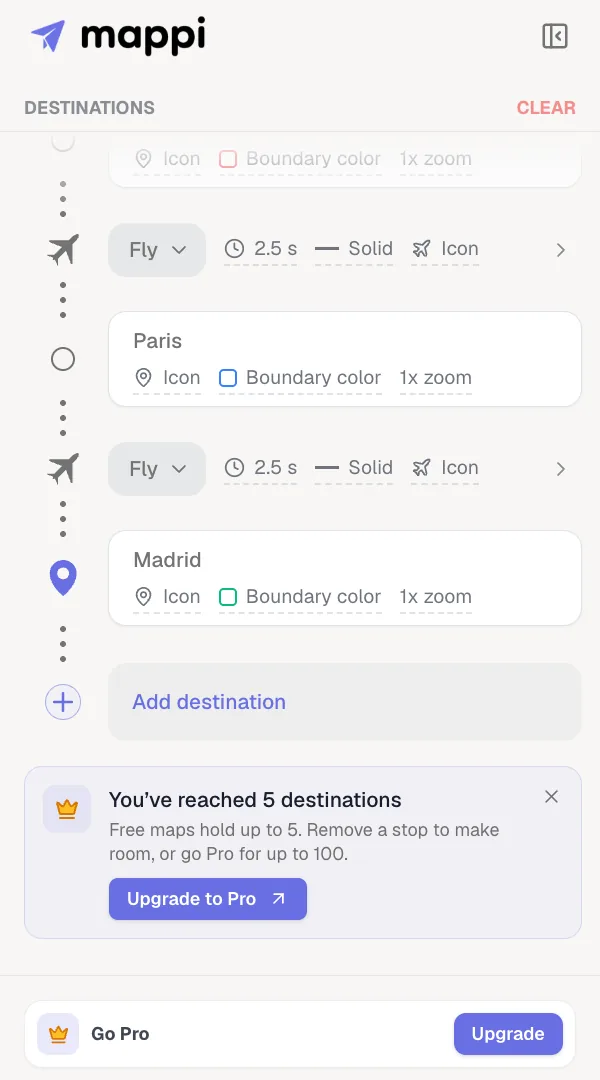
A free or guest map holds up to 5 destinations, and a Mappi Pro map holds as many as you need. Only stops count; the routes between them don’t. When you reach the limit on Free, remove a stop to make room or upgrade to Pro.
Step by step
Try to add a stop past the limit
Nothing shows until you try to add one more. Then a notice appears under Add destination, such as “You’ve reached 5 destinations”.
Make room or upgrade
Remove a stop you don’t need (open its More actions menu and choose Delete), or click Upgrade to Pro in the notice to add as many as you need.
Limits by plan
| Plan | Destinations per map |
|---|---|
| Guest (not signed in) | 5 |
| Free | 5 |
| Pro | As many as you need |
- Dropped pins count like any other stop. Routes don’t count.
- Pro maps do have a ceiling, far past what one video can comfortably show. If a map ever reaches it, the editor tells you, and you can remove a stop to make room.
- Only adding is limited. You can always reorder, swap or remove stops, even on a map that is over the limit.
- Planning a long trip on Free? Split it into several maps and export each part.
Compare everything else Pro adds in Mappi Free vs Pro.
Was this guide helpful?
Try it in the editor
Mappi is a map animation maker that runs in your browser. No download, and no account needed to start.
Open MappiRelated guides
Mappi Free vs Pro: what’s included in each plan?
Compare Mappi plans: Free includes unlimited 1080p map video exports with a watermark; Pro adds 4K, no watermark, satellite, custom themes and your own icons.
Account & billing
 0:41
Getting started
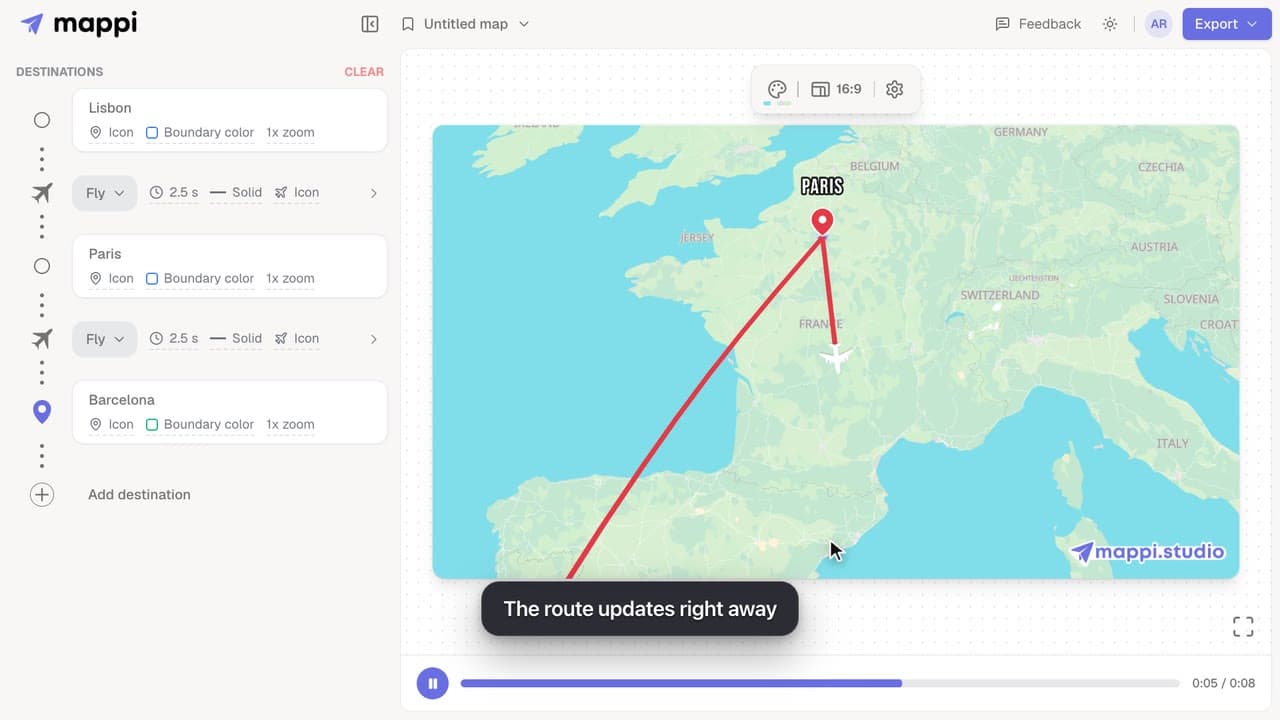
How to add, reorder and remove destinations
Add destinations to your map animation, drag stops into a new order, and delete the ones you don’t need. The routes between them update automatically.
How to upgrade to Mappi Pro
Upgrade your Mappi account to Pro: sign in, open the pricing page, choose monthly or yearly billing, click Get Pro and pay securely with Stripe.
Account & billing
 0:41
Animation & camera
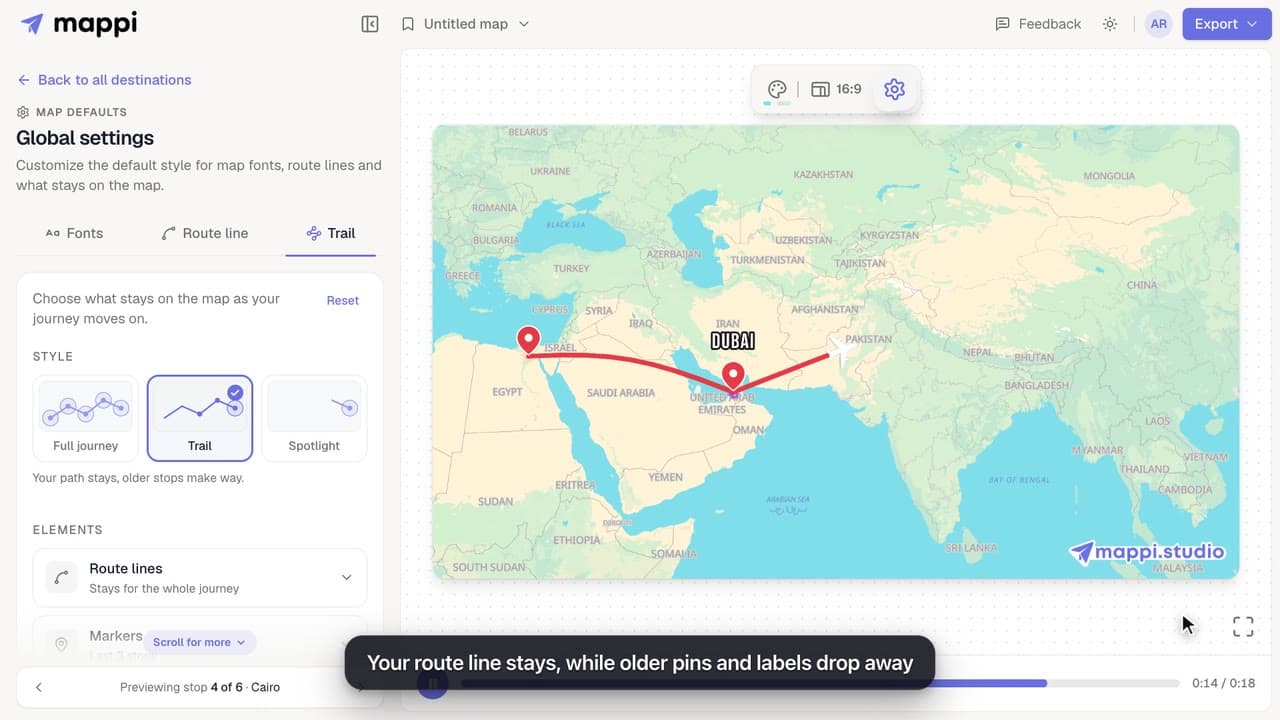
How to choose what stays on the map as the journey moves on
Keep the whole journey on screen, leave a trail, or spotlight only the current stop. Set how long route lines, markers, labels and boundaries stay visible.
