


How to create a custom map theme
Hover the palette button and click Create your own. Pick a starting point under Start from, change any of the six Colors (or press S to shuffle the unlocked ones), name your theme and click Save theme. Saving custom themes needs Mappi Pro.
Step by step
Open the theme editor
Hover the palette button in the toolbar above the preview and click Create your own under Custom themes (or the New tile, if themes are already listed there). The editor opens in the side panel, and the preview shows every change live.
Pick a starting point
Choose a chip under Start from: a mood like Midnight or Sandstone, or one of the built-in themes. Press S (or Shuffle) to try a new palette for every color you haven’t locked.
Fine-tune the colors
Click Land, Water, Parks, Roads, Borders or Labels to pick a color, or type a hex code. Click the lock next to a color to keep it when you shuffle.
Name and save it
Click the theme’s name at the top to rename it, then click Save theme. The theme is applied to your map and added to Custom themes for next time.
Detail and map labels
- Detail sets how much texture the map shows: forests, parks, buildings and smaller roads. Low values read as Minimal, high values as Detailed.
- Map labels turns the country, ocean and road names printed on the base map on or off. Your destination labels always show. See show or hide map labels.
- Made a change you don’t like? Use Undo and Redo at the top, or ⌘ Z / Ctrl Z.
Edit, rename or delete a theme
Hover a theme under Custom themes and click its pencil to edit it. In the editor, the Theme options menu has Rename and Delete theme. You can keep up to 30 custom themes. They’re saved in this browser for your account, and each map keeps its own copy of the theme it uses.
Video transcript
Show the transcriptHide the transcript
- 0:04Hover the palette and click Create your own
- 0:09Pick a starting point, like Midnight, or press S to shuffle
- 0:16Click any color to change it. Lock the ones you want to keep
- 0:25Name your theme, then click Save theme
- 0:35Find it under Custom themes to use it on any map
- 0:41Your theme now styles this map, in the preview and in every export
Was this guide helpful?
Try it in the editor
Mappi is a map animation maker that runs in your browser. No download, and no account needed to start.
Open MappiRelated guides
 0:34
Map styles & themes
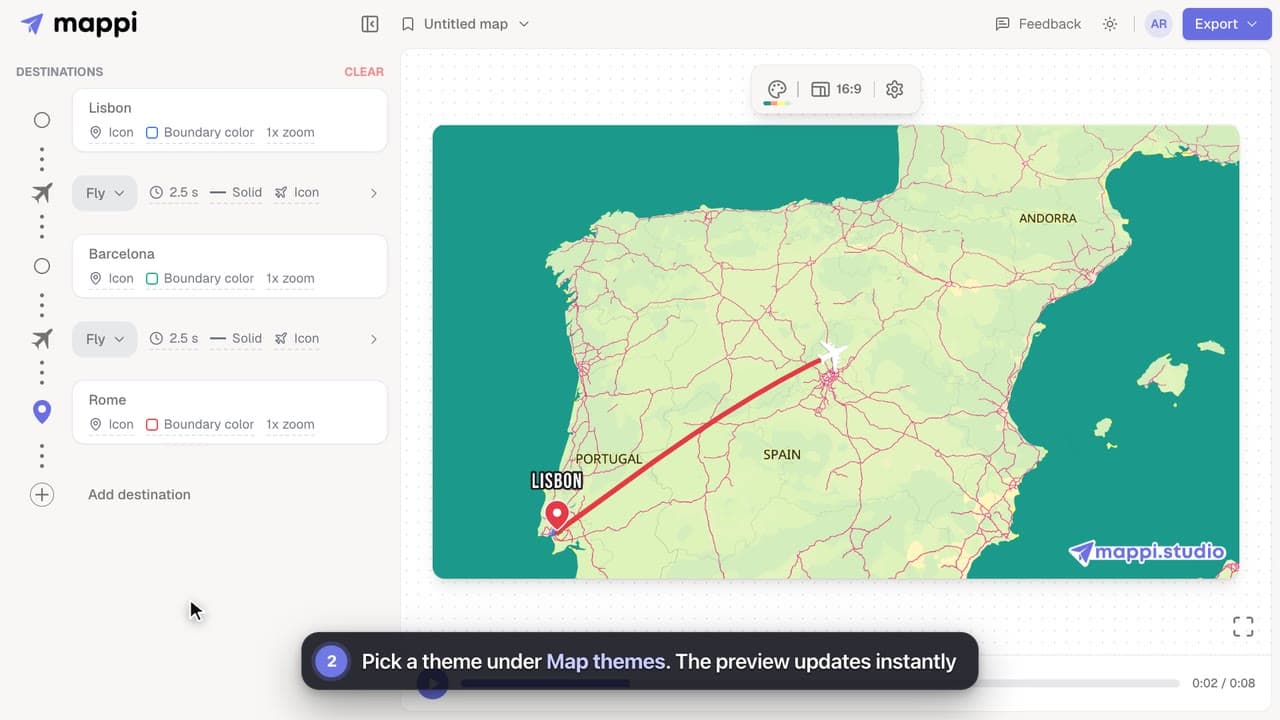
How to change the map theme
Restyle your whole map animation in one click: switch between Light, Dark, Retro, Ocean Sunset, Pastel Dream and the other built-in Mappi map themes.
 0:39
Map styles & themes
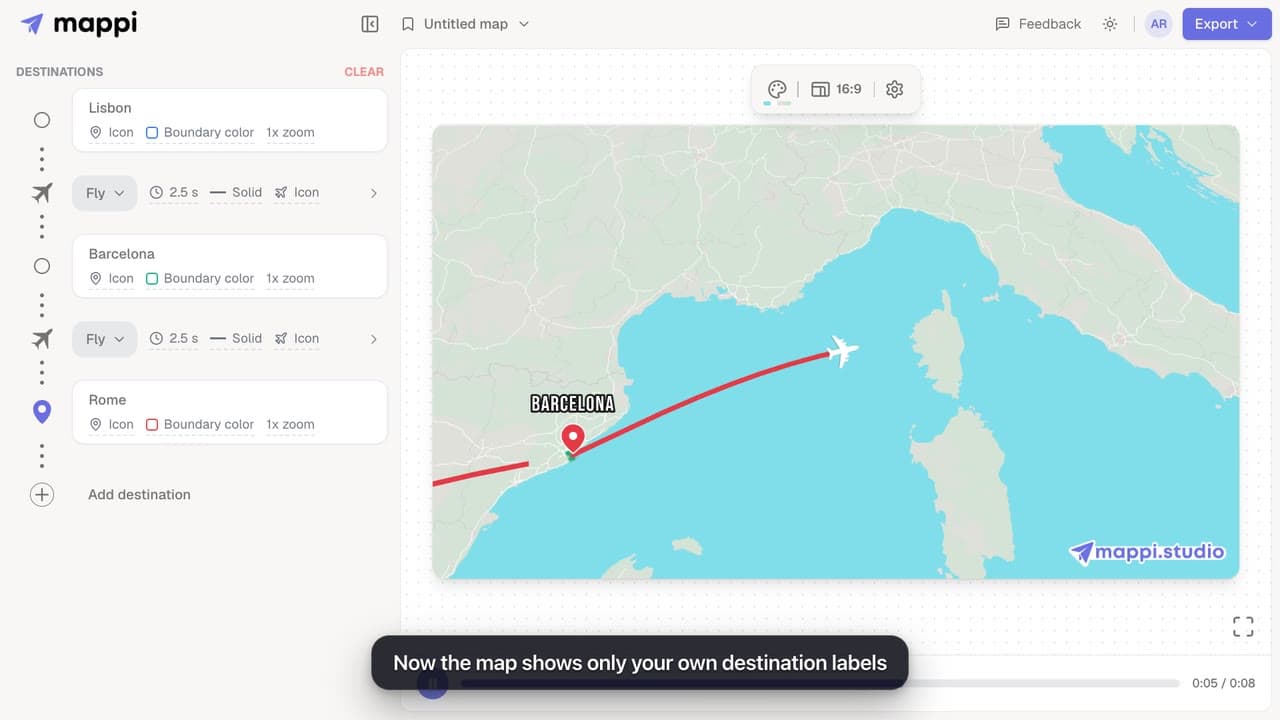
How to show or hide map labels
Turn the country, ocean and road names on the base map on or off with a custom map theme. Your own destination labels always stay on the map.
Pro
 0:32
Map styles & themes
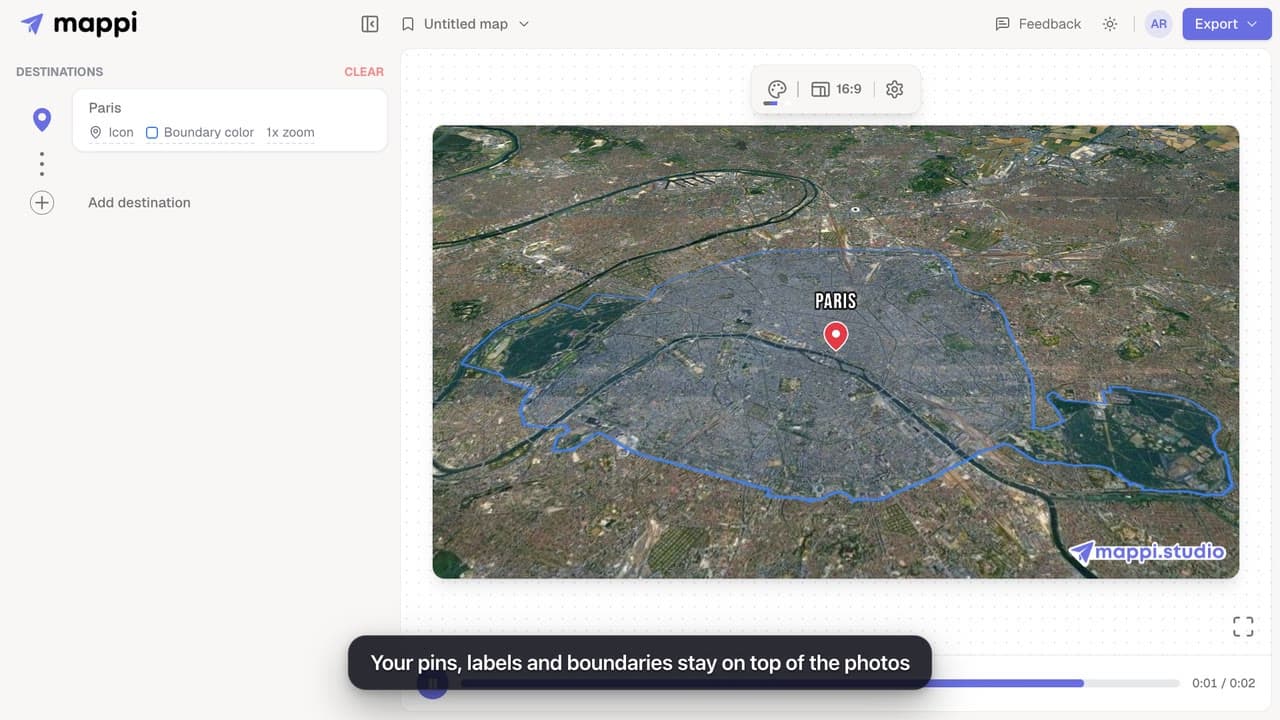
How to use the satellite map theme
Swap the drawn map for real satellite imagery in your map animation. Routes, pins and labels stay on top. The Satellite theme is a Mappi Pro feature.
Pro
Mappi Free vs Pro: what’s included in each plan?
Compare Mappi plans: Free includes unlimited 1080p map video exports with a watermark; Pro adds 4K, no watermark, satellite, custom themes and your own icons.
Account & billing
