


How to upgrade to Mappi Pro
Sign in, open the pricing page (or click Upgrade to Pro in the editor), choose Monthly or Yearly, and click Get Pro on the Pro plan. Pay securely on Stripe’s checkout page; you return to the editor with Pro unlocked.
Step by step
Sign in
Upgrading needs an account, so sign in or create one. In the editor, click Sign in at the top right. You can also do it when you click Get Pro: you’re asked to sign in, and you come right back to the pricing page.
Open the pricing page
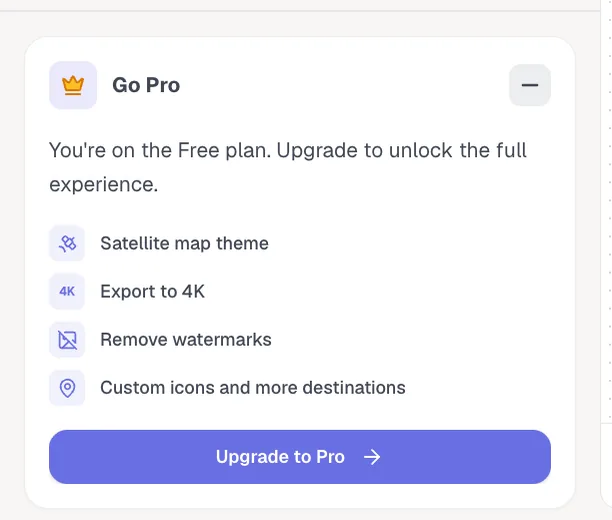
Go to mappi.studio/pricing. On a computer, the Go Pro card at the bottom of the editor’s side panel has an Upgrade to Pro button that opens the same page in a new tab. In a short browser window, or once you minimize the card, it shows a smaller Upgrade button instead, which opens the page in the same tab and leaves the editor, so save your map first.
Choose monthly or yearly, then click Get Pro
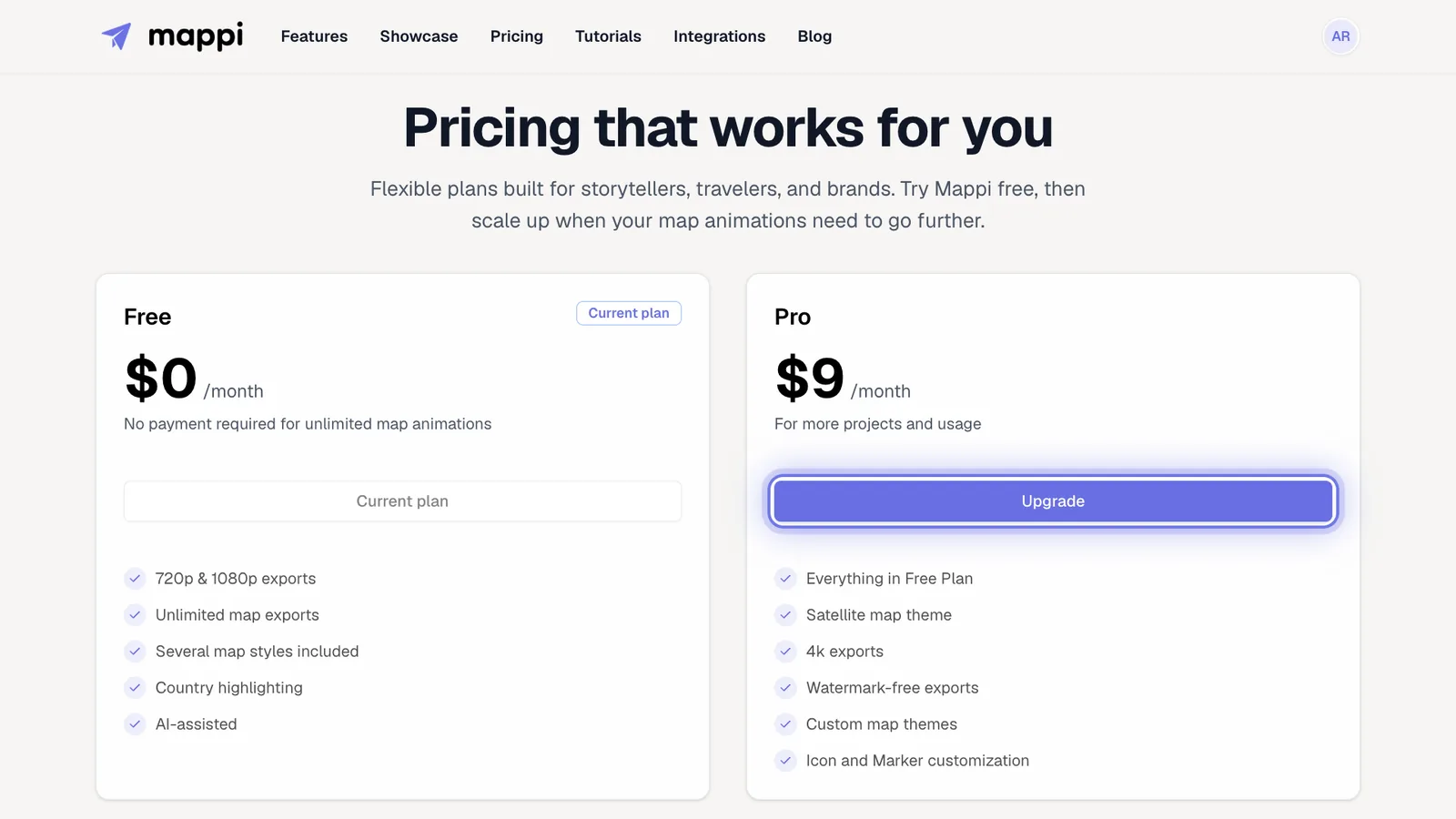
Above the plans, choose Monthly ($9 a month) or Yearly ($84 a year, which works out to $7 a month). Then click Get Pro on the Pro card. If you aren’t signed in yet, you’re asked to sign in first; once you’re signed in, click Get Pro again. You’re taken to Stripe’s secure checkout page to enter your payment details. Have a discount code? Use Add promotion code on the checkout page.
Return to the editor
After paying, Mappi shows “Activating your subscription” for a moment, then takes you to the editor with a new, empty map, where a message confirms Pro is active. An editor tab that was already open and signed in stays on Free until you reload it, and reloading clears unsaved changes, so save your map in that tab first, then reload it and reopen the map from your saved maps. If Pro features still don’t unlock, reload the page.
After you upgrade
- Your account menu shows PRO and the date your plan renews.
- Every Pro feature is on right away: 4K, no watermark, Satellite, custom themes, icon uploads and as many destinations as you need.
- Your plan renews every month or every year, depending on the billing you chose, until you cancel it.
Was this guide helpful?
Try it in the editor
Mappi is a map animation maker that runs in your browser. No download, and no account needed to start.
Open MappiRelated guides
Mappi Free vs Pro: what’s included in each plan?
Compare Mappi plans: Free includes unlimited 1080p map video exports with a watermark; Pro adds 4K, no watermark, satellite, custom themes and your own icons.
Account & billing
How to cancel or manage your Mappi Pro subscription
Cancel your Mappi Pro subscription or change billing details: open your account menu, choose Settings, then Manage your payment preferences in Stripe.
Account & billing
Is there a student discount on Mappi Pro?
Students get 50% off Mappi Pro. Email us from your school address to get a discount code, then enter it at checkout when you upgrade.
Account & billing
How to download invoices and receipts
Find and download your Mappi Pro invoices and receipts: open Settings from your account menu, then Manage your payment preferences to see billing history.
Account & billing
