


How to use the satellite map theme
Hover the palette button above the preview and pick Satellite, the tile with a crown under Map themes. Your routes, pins and labels are drawn over real satellite imagery. Satellite needs Mappi Pro.
Step by step
Open the themes panel
Hover the palette button, the first button in the toolbar above the preview.
Pick Satellite
Click Satellite, the second tile under Map themes. The preview loads satellite imagery for every stop and route.
Tips for satellite maps
- Satellite imagery has no base map labels, so name your stops clearly and give labels a dark halo. See change label fonts and colors.
- Bright route colors and a glow stand out best over imagery. See style a route line.
- Imagery loads as the camera moves, so give the preview a moment to sharpen. Exports wait for every tile.
Video transcript
Show the transcriptHide the transcript
- 0:04Hover the palette button in the map toolbar
- 0:08Pick Satellite, the tile marked with a crown
- 0:15To switch back, pick any other theme in the same panel
- 0:20Satellite needs Pro, and shows imagery without map labels
- 0:25Your pins, labels and boundaries stay on top of the photos
Was this guide helpful?
Try it in the editor
Mappi is a map animation maker that runs in your browser. No download, and no account needed to start.
Open MappiRelated guides
 0:34
Map styles & themes
How to change the map theme
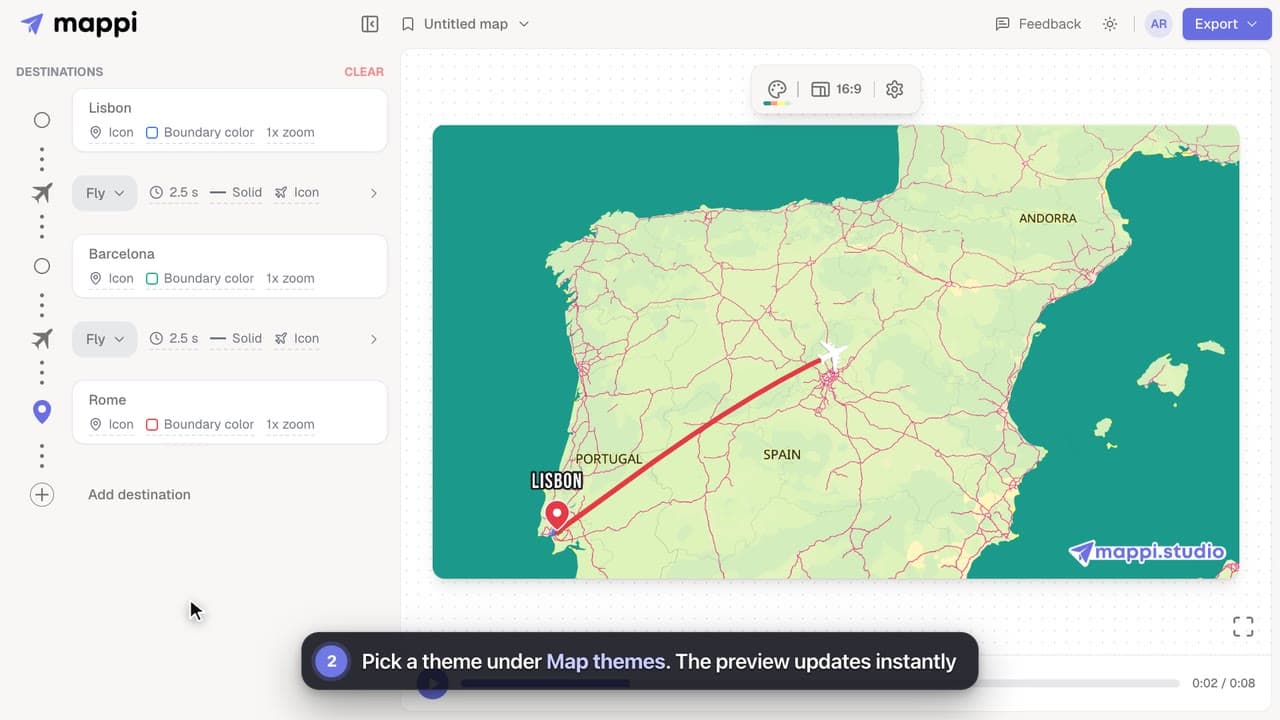
Restyle your whole map animation in one click: switch between Light, Dark, Retro, Ocean Sunset, Pastel Dream and the other built-in Mappi map themes.
 0:51
Map styles & themes
How to create a custom map theme
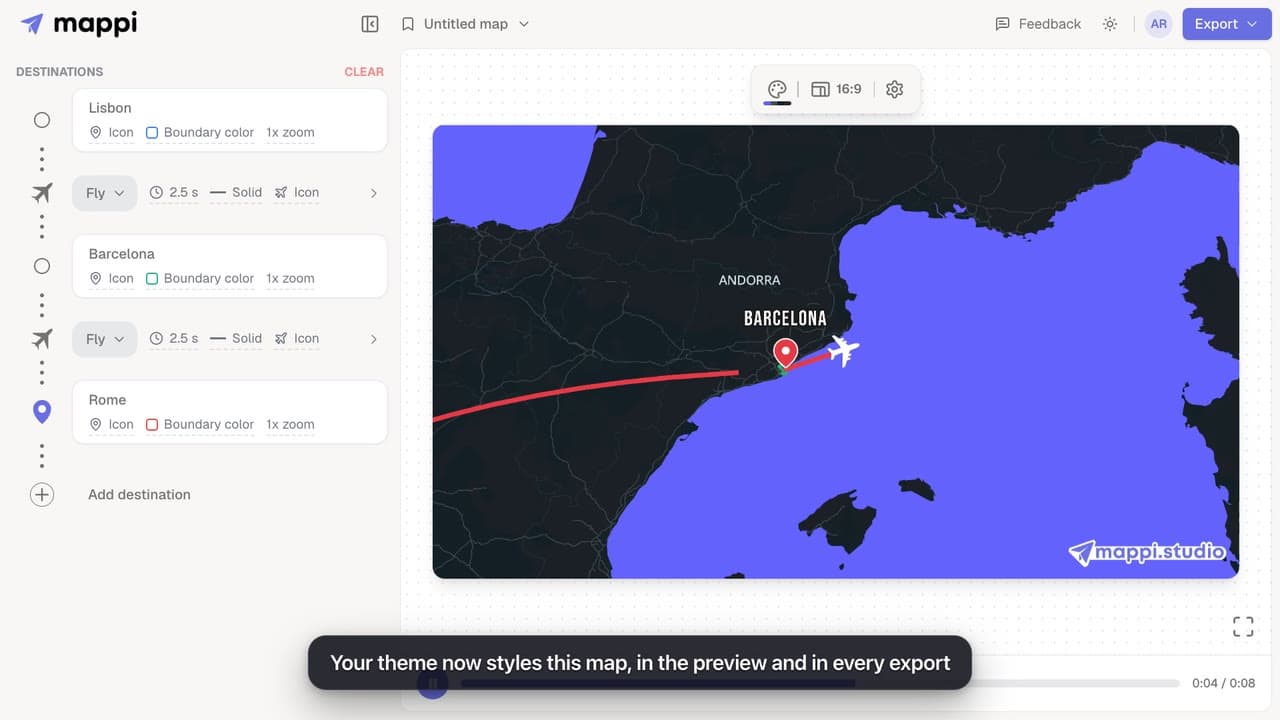
Design your own map theme: pick colors for land, water, parks, roads, borders and labels, shuffle new palettes, set the detail level, and save it.
Pro
Mappi Free vs Pro: what’s included in each plan?
Compare Mappi plans: Free includes unlimited 1080p map video exports with a watermark; Pro adds 4K, no watermark, satellite, custom themes and your own icons.
Account & billing
