


How to export a map animation in 4K
With Mappi Pro, click Export, set Quality to 4K and click Download. A landscape video renders at 3840 × 2160 pixels. 4K files take longer to render and are larger, so keep the tab open while it works.
Step by step
Open Export
Click Export in the top-right corner of the editor.
Choose 4K
Under Quality, select 4K. The summary reads “Ultra HD, largest file”.
Download in 4K
Click Download. 4K renders four times the pixels of 1080p, so it takes longer. Stay on the tab until the MP4 downloads.
4K sizes for each aspect ratio
| Aspect ratio | 4K size |
|---|---|
| 16:9 Landscape | 3840 × 2160 |
| 9:16 Vertical | 2160 × 3840 |
| 4:5 Portrait | 2160 × 2700 |
| 1:1 Square | 2160 × 2160 |
Is 4K worth it? Upload 4K when the video leans on fine map detail or will be cropped and zoomed in an editor. Platforms re-compress uploads, and starting from 4K keeps more detail after that.
Video transcript
Show the transcriptHide the transcript
- 0:04Click Export in the top-right corner
- 0:09Set Quality to 4K
- 0:154K is 3840 × 2160, four times the pixels of 1080p
- 0:20Click Download. 4K takes longer, so keep this tab open
- 0:25Progress shows on Export, over the preview and in the corner
Was this guide helpful?
Try it in the editor
Mappi is a map animation maker that runs in your browser. No download, and no account needed to start.
Open MappiRelated guides
 0:34
Export & formats
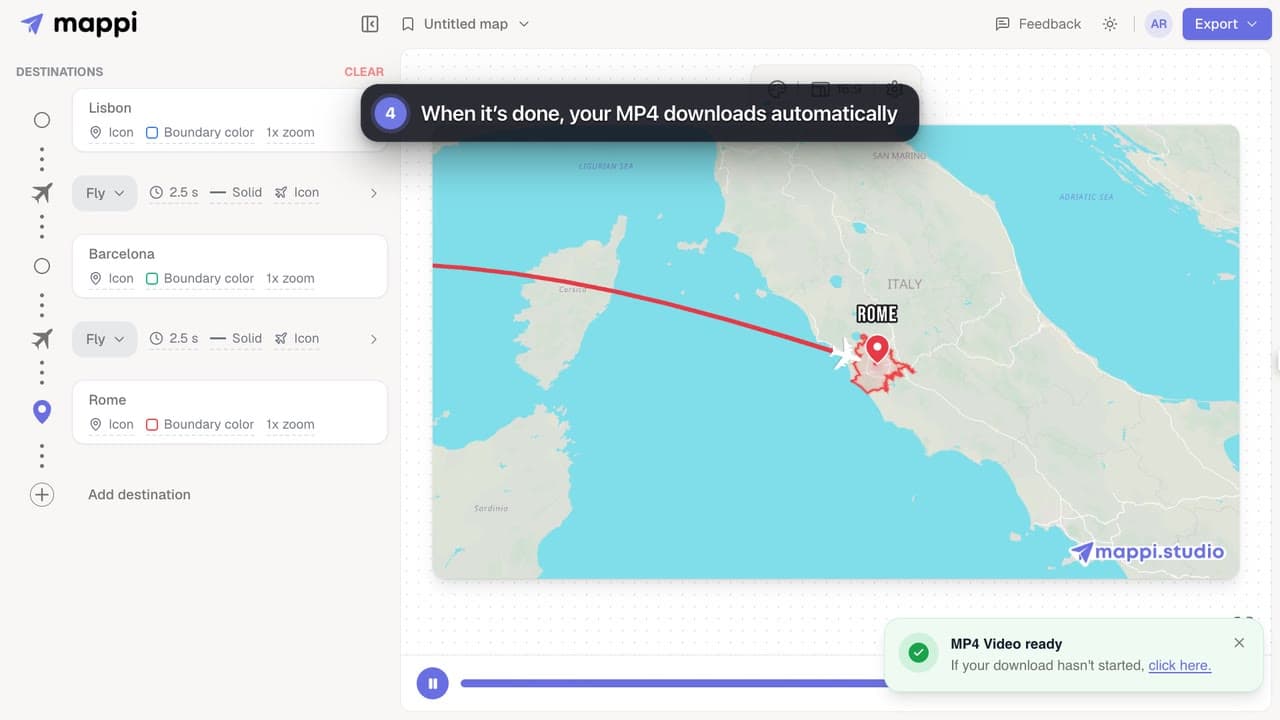
How to export your map animation as a video
Export your Mappi map animation as an MP4 video: open Export, choose the quality and frame rate, and click Download. It renders right in your browser.
 0:32
Export & formats
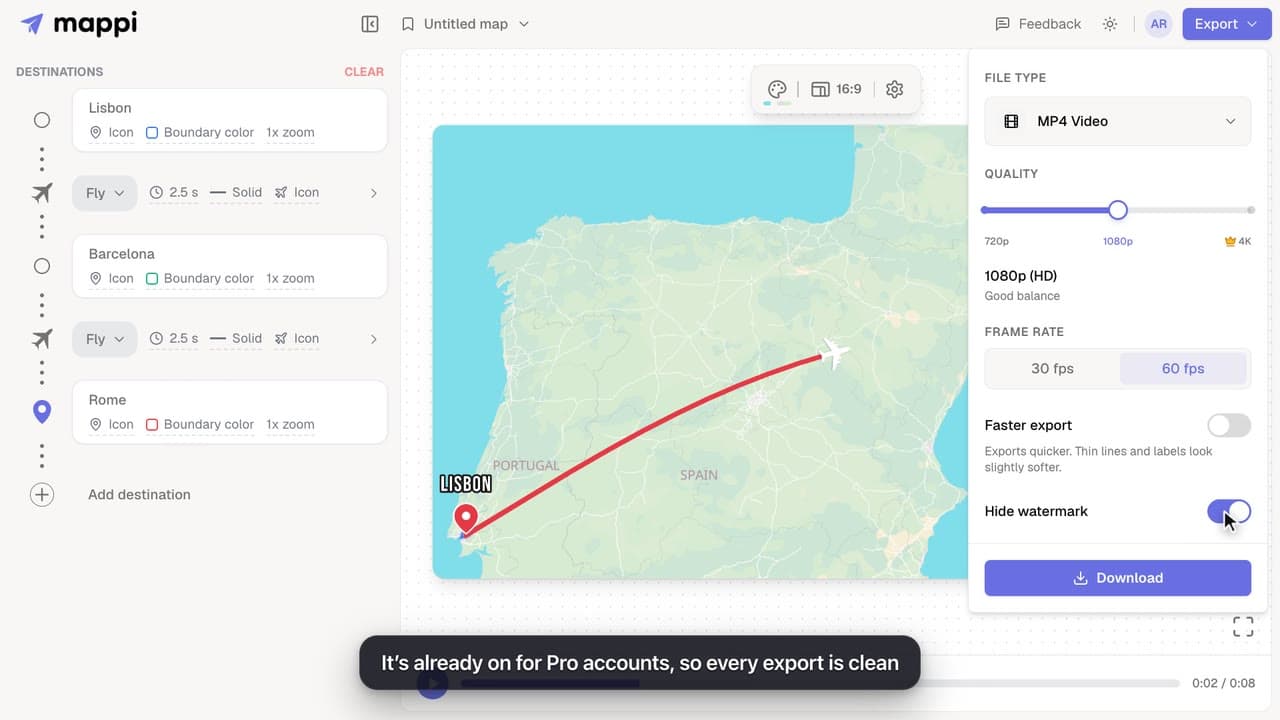
How to remove the Mappi watermark
Export map animations without the mappi.studio watermark: with Mappi Pro, turn on Hide watermark in the Export options before you download.
Pro
Export settings explained: quality, frame rate and file size
What every Mappi export option does: 720p, 1080p and 4K video sizes for each aspect ratio, 30 vs 60 fps, Faster export, the watermark and the MP4 format.
Export & formats
How to upgrade to Mappi Pro
Upgrade your Mappi account to Pro: sign in, open the pricing page, choose monthly or yearly billing, click Get Pro and pay securely with Stripe.
Account & billing
