


How to remove the Mappi watermark
Free and guest videos carry a small mappi.studio watermark in the bottom-right corner. With Mappi Pro, open Export and turn on Hide watermark (it’s on by default for Pro), then click Download.
Step by step
Find the watermark
The watermark is the small mappi.studio logo in the bottom-right corner of the preview and of free exports.
Check that Hide watermark is on
Click Export and check that Hide watermark is on. For Pro accounts it’s already on each time you open Export, so you don’t need to click it. If you switched it off, click it again before you download.
Download a clean video
Click Download. The exported MP4 has no watermark.
Good to know
- The editor preview always shows the watermark, even with Pro. Hide watermark removes it from the exported video file.
- Without Pro, clicking Hide watermark keeps the switch off and shows “Upgrade to Pro to hide the watermark.” with a View plans link.
- Videos you already exported keep their watermark. Export them again after upgrading.
- Need your own logo instead? A custom watermark is part of the Enterprise plan; contact us for details.
Video transcript
Show the transcriptHide the transcript
- 0:04Free videos carry a small mappi.studio watermark
- 0:09With Pro, open Export and check that Hide watermark is on
- 0:17It’s already on for Pro accounts, so every export is clean
- 0:21Click Download for a watermark-free video
Was this guide helpful?
Try it in the editor
Mappi is a map animation maker that runs in your browser. No download, and no account needed to start.
Open MappiRelated guides
 0:33
Export & formats
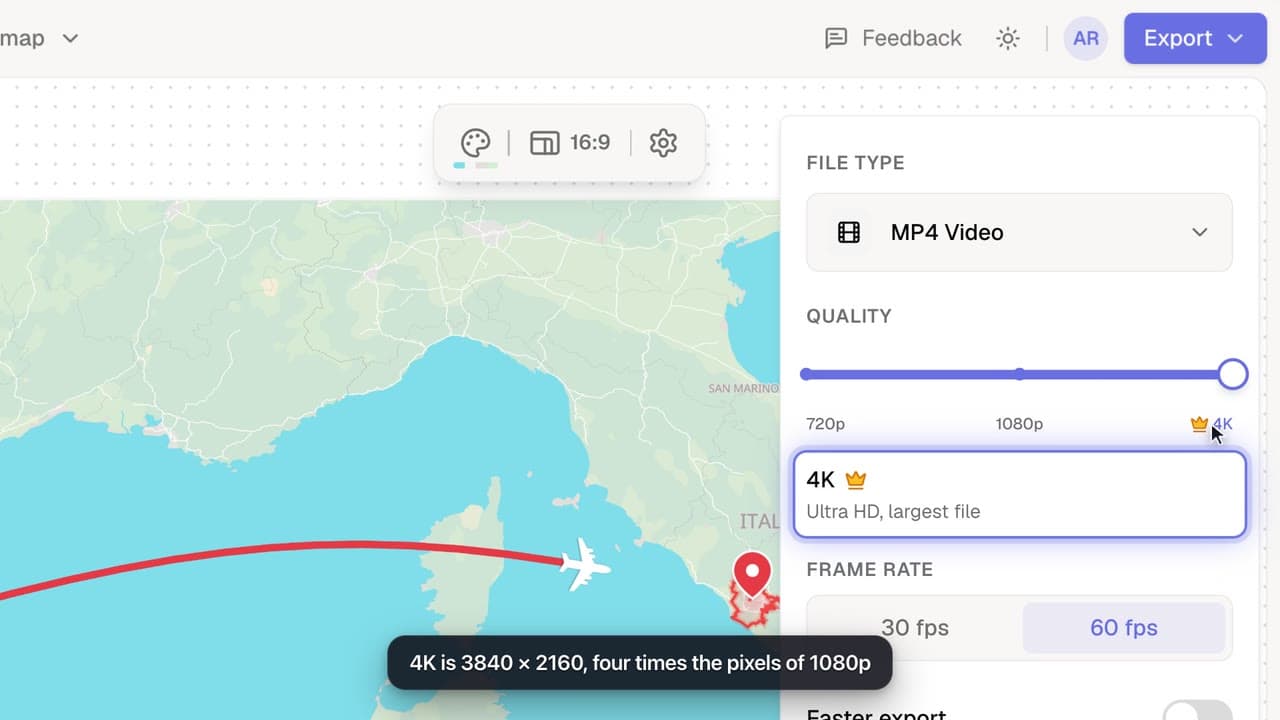
How to export a map animation in 4K
Export your map animation in 4K (3840 × 2160 for landscape) with Mappi Pro: set Quality to 4K in the Export options and download an ultra-sharp MP4.
Pro
How to upgrade to Mappi Pro
Upgrade your Mappi account to Pro: sign in, open the pricing page, choose monthly or yearly billing, click Get Pro and pay securely with Stripe.
Account & billing
Mappi Free vs Pro: what’s included in each plan?
Compare Mappi plans: Free includes unlimited 1080p map video exports with a watermark; Pro adds 4K, no watermark, satellite, custom themes and your own icons.
Account & billing
 0:34
Export & formats
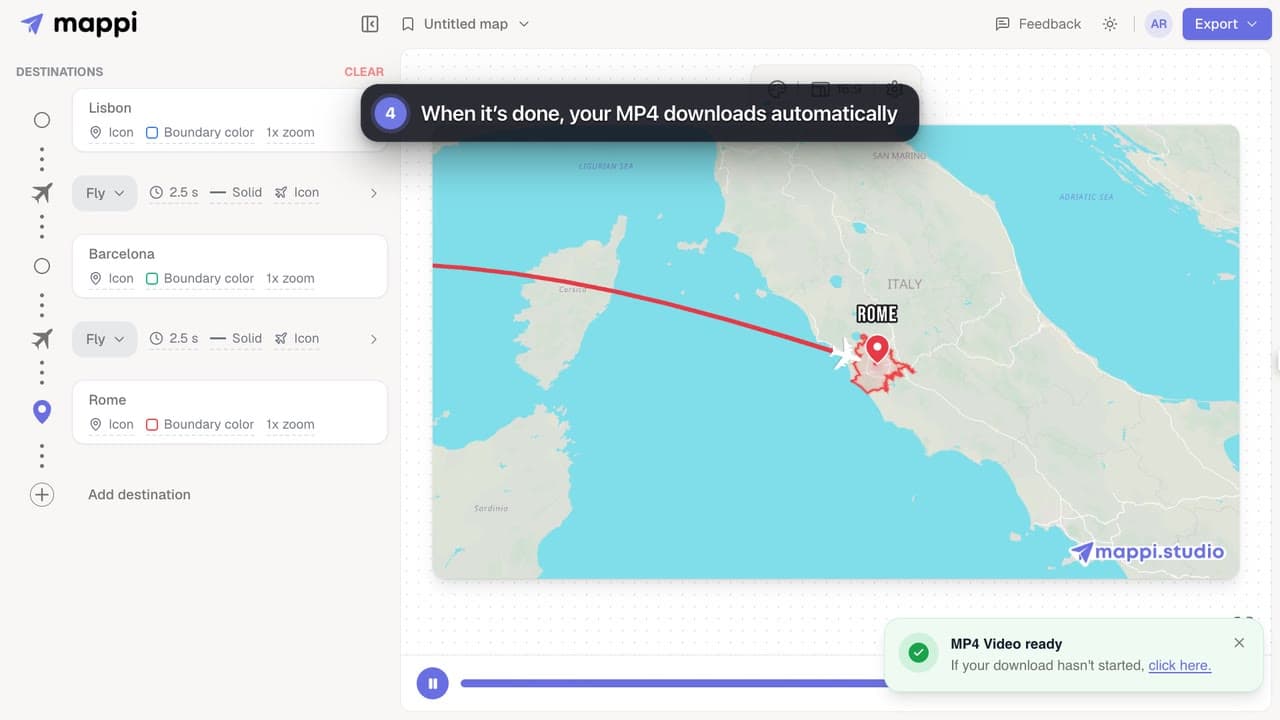
How to export your map animation as a video
Export your Mappi map animation as an MP4 video: open Export, choose the quality and frame rate, and click Download. It renders right in your browser.
