Turn any route into
an animated map video.
Animate truck routes, road trips, running paths, cycling rides, and hiking trails on real roads and trails. Export in 4K, straight from your browser. No editing skills.
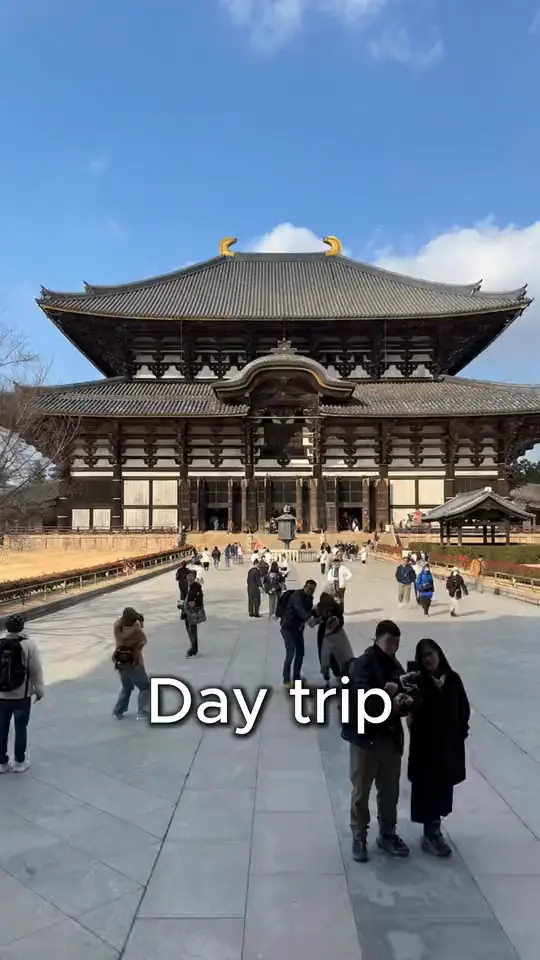
See how it works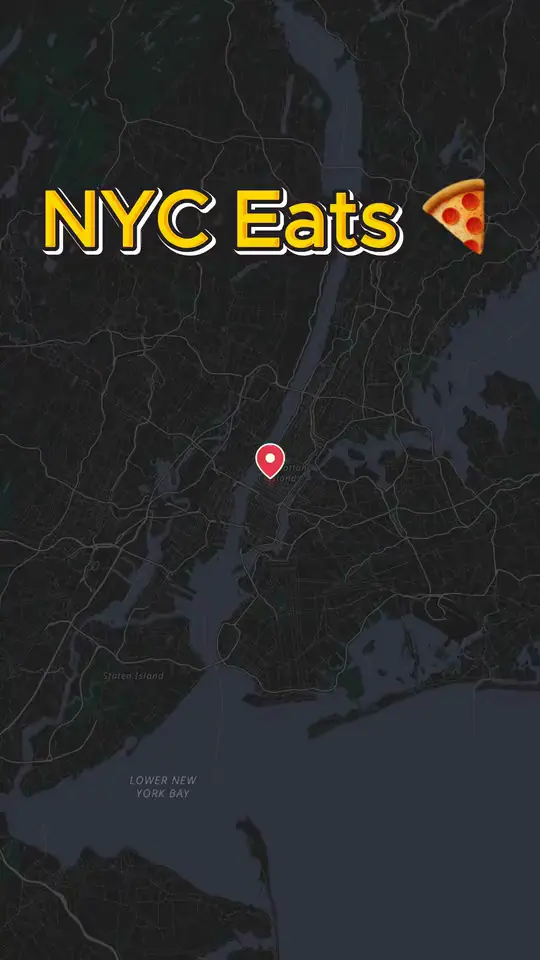
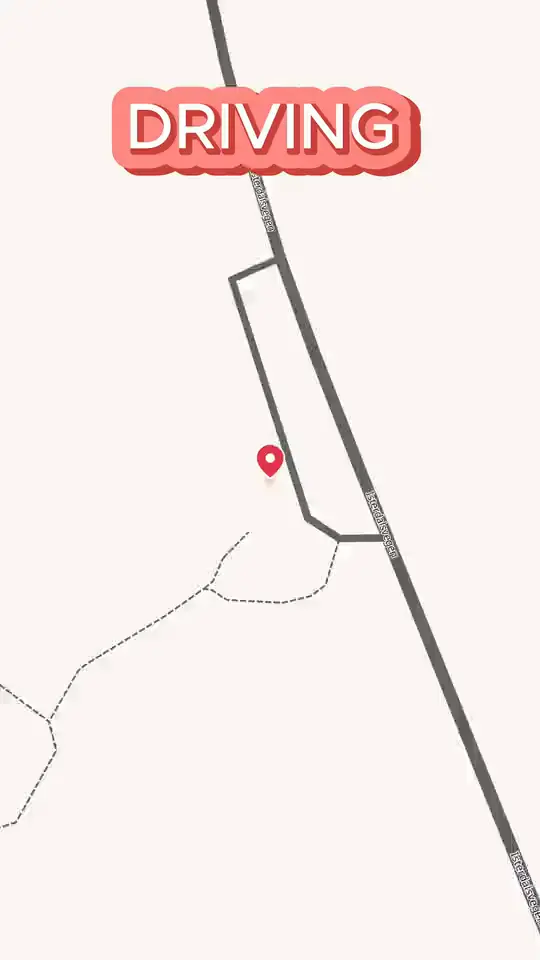
Real GPS routes, on real roads, on every map.
Mappi follows actual highways, bike lanes, running paths, and hiking trails. Not straight lines between two points.
- Real roadsDriving routes follow actual highways, streets, and turns
- 4K MP4Watermark-free exports for YouTube, TikTok, Reels, and Strava
- Any routeTrucking, road trips, running, cycling, hiking, and exploring
One tool for everyone who follows a route.
If your story has a start, an end, and a path between them, Mappi will animate it.
Truck drivers & fleet operators
Animate long-haul routes, daily runs, and delivery loops. Show real highways, rest stops, and fuel stations on the map.
Road trip creators
Cross-country drives, scenic byways, weekend escapes. Animate every mile across real streets and highways.
Runners & marathoners
Turn your GPS run into a map video. Show every kilometer of the marathon, trail run, or morning loop.
Cyclists & bikepackers
Animate gravel rides, road races, century routes, and bikepacking trips on real bike-friendly roads.
Triathletes & endurance athletes
Show the swim, bike, and run in one animation. Map Ironman routes, ultras, and adventure races.
Hikers & trail explorers
Map thru-hikes, day hikes, and trail runs across real terrain. Pin the peaks, lakes, and campsites.
Delivery & rideshare drivers
Show daily routes, longest trips, and city loops as animated map videos for content or training.
Explorers & van lifers
Animate the full journey, from where you started to wherever the road ended. Pin every stop.
Everything you need to animate a route.
Built for routes first. Real road and trail data, frame-perfect motion, and simple controls.
Real road & trail GPS
Driving routes follow actual roads. Hiking and trail routes follow real paths. No straight lines.
Driving, cycling, running, walking
Pick the transport mode and Mappi routes correctly for cars, bikes, runners, or hikers.
Multi-stop waypoints
Add as many stops as the route had. Mappi sequences them in order with smooth camera flights.
Map themes that fit the route
Outdoor, satellite, dark, and minimal styles for trails, highways, city streets, and night runs.
Custom pins for every stop
Mark trailheads, fuel stops, summits, finish lines, or favorite views with icons that match the trip.
Vertical, square, and widescreen
Export 9:16 for TikTok and Reels recaps, 1:1 for Strava and Instagram posts, 4:5 for portrait feed, and 16:9 for YouTube race breakdowns and training channels.
4K MP4, watermark-free
Every route renders in up to 4K with frame-accurate motion — built to upload straight to Strava, a YouTube training channel, a TikTok recap, or a sponsor-facing race writeup.
100% browser-based
Sketch the route on your phone after a ride, then polish the camera angles and timing on your laptop later. No installs, no plugins, no render farm.
Animate a route in three simple steps.
From a list of waypoints to a finished route map video in minutes.
- Step 1
Add your start, end, and stops
Search by city, address, trailhead, or landmark. Add as many waypoints as the route had.
- Step 2
Pick the transport and the look
Choose driving, cycling, running, or walking. Pick a map theme, route color, and aspect ratio.
- Step 3
Export in 4K and share where athletes watch
Render in 4K and drop the route into a YouTube training breakdown, a TikTok or Reels recap, a Strava activity post, or a sponsor-facing race writeup.
The fastest way to turn a GPS route into a video people watch.
Routes are stories. The marathon you finished, the cross-country drive you survived, the gravel route you scouted, the long-haul run you delivered. A static map cannot tell that story. An animated route map can.
Strava screenshots and static GPX images flatten the run. A motion designer per route is not realistic for everyday training or weekly delivery content. Mappi sits in the middle: drop your start, end, and waypoints, and the route animates itself across real roads or trails in a clean 4K MP4.
Endless route video ideas, one tool.
The most popular route map videos Mappi creators ship every week.
Marathon & race recap videos
Animate the full course, kilometer by kilometer, with split markers and a finish line pin.
Cycling & gravel route videos
Show century rides, gravel grinders, and bikepacking trips on real bike-friendly roads.
Truck & long-haul route videos
Animate cross-state runs, delivery loops, and lifetime mileage maps for content or recruiting.
Road trip recap videos
PCH, Route 66, scenic byways. Show every mile of the drive on a single animated map.
Hiking & thru-hike maps
Animate Appalachian, PCT, and weekend trail routes with elevation pins and overnight stops.
Triathlon & endurance race maps
Show swim, bike, and run on one map. Pair with race footage for a full recap.
Animated route map FAQs
Quick answers before you animate your first route.
How do I turn a GPS route into a video?
Open Mappi, add your start, end, and waypoints, pick a transport mode, choose a map theme and aspect ratio, then export in 4K.
Do the routes follow real roads and trails?
Yes. Mappi uses real-world GPS and routing data. Driving routes follow real highways. Hiking and trail routes follow real paths.
Can I make a vertical route map for TikTok or Reels?
Yes. Animate the route once, then export 9:16 for TikTok and Reels, 1:1 for Strava and Instagram posts, 4:5 for portrait feed, and 16:9 for YouTube race recaps and training channels — no rebuilding between formats.
Can I animate cycling, running, and hiking routes?
Yes. Pick the transport mode that matches your route. Mappi adjusts the path for cars, bikes, runners, or hikers.
Are the exported route videos watermarked?
No. Paid renders export as watermark-free 4K MP4 files. Post the same video to your Strava activity, a YouTube training channel, a TikTok race recap, or a sponsored writeup without any restrictions.
Do I need editing or design skills?
None. There are no keyframes, no timelines, and no motion plugins to wrestle with. If you can drop a pin in Google Maps, you can turn a route into a Mappi video — the workflow is built for athletes and drivers, not designers.
Make your animated route map video today
From long-haul truckers and marathoners to gravel cyclists, thru-hikers, and van lifers, route storytellers use Mappi to turn every trip into a video worth watching.
Start creating
map animations today
Bring your routes, places, and stories to life with frame-perfect map animations. No editing skills required.



Mappi is the simplest way to create stunning animated maps. Perfect for YouTubers, journalists, and storytellers.
 Stripe Climate member
© 2026 Mappi. All rights reserved.