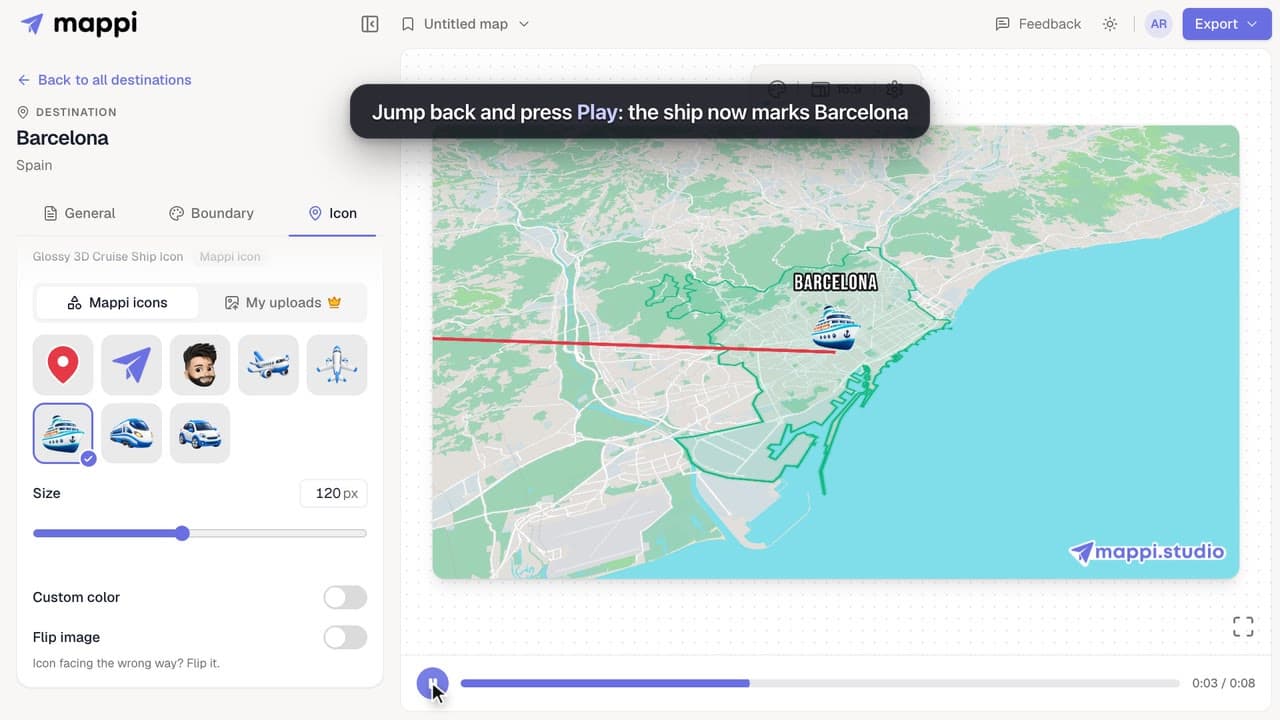
 0:33
How to change a destination’s pin or icon
Replace a destination’s classic map pin with an icon, resize it, recolor it, flip it, or hide the marker. Works for every stop on your map animation.



Every destination has a marker and a label, and every route can carry a moving icon. These guides cover swapping pins for icons (including your own uploads), renaming labels, and styling fonts and route lines.
6 video guides · 0 articles · Updated
0:33Replace a destination’s classic map pin with an icon, resize it, recolor it, flip it, or hide the marker. Works for every stop on your map animation.
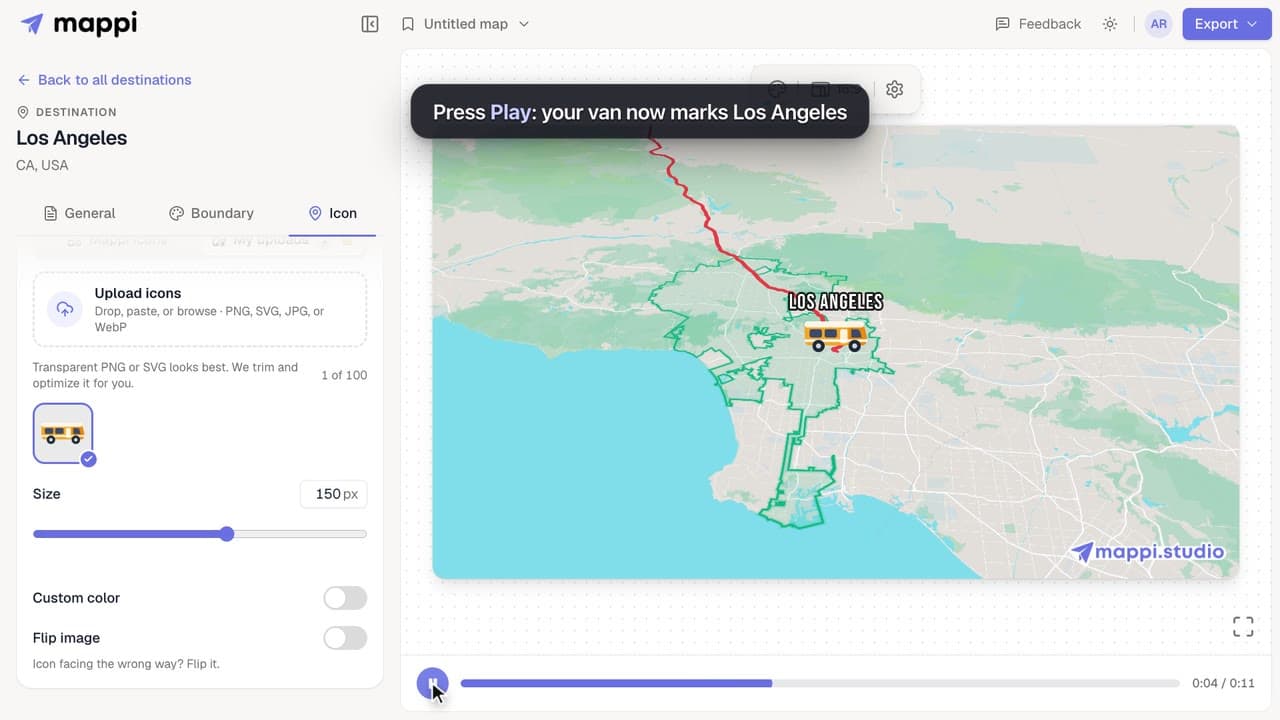 0:40Pro
Upload a logo, vehicle or mascot and use it as a destination pin or a moving route icon. Supported files, size limits and how to delete uploads.
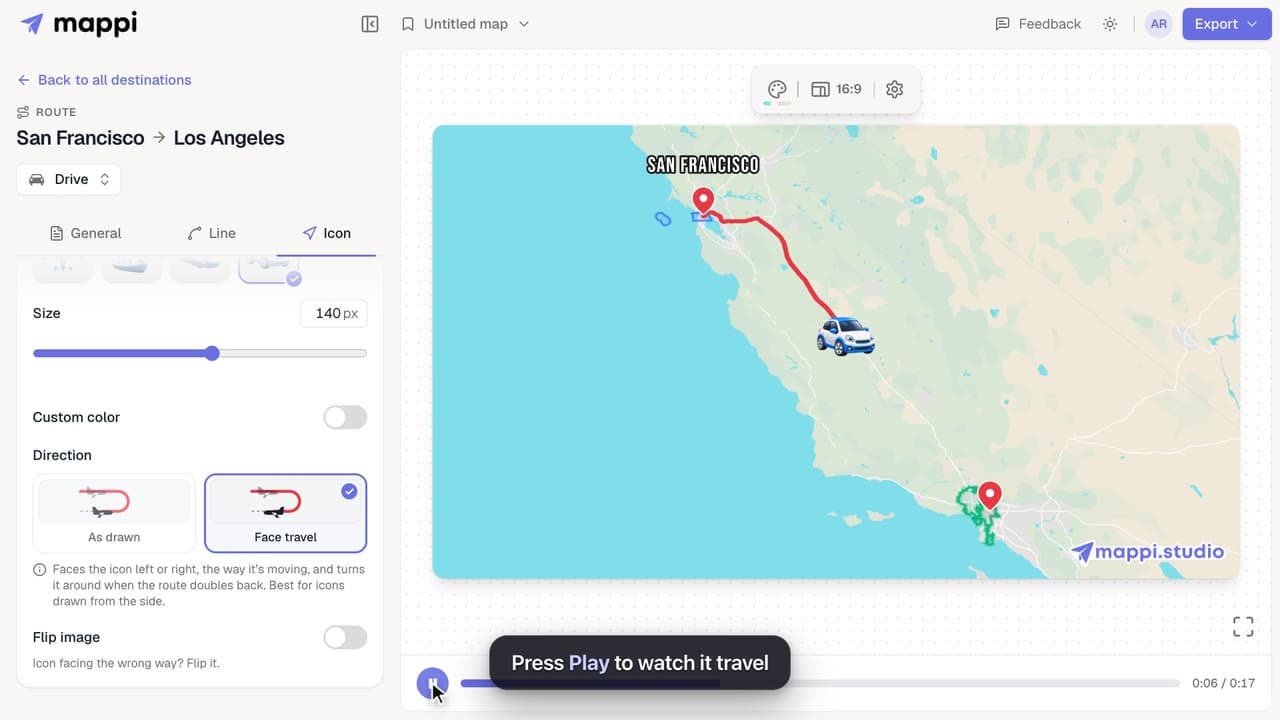 0:33
Send a car, plane, ship or your own icon along a route line in your map animation, and choose whether it turns with the path or faces the way it moves.
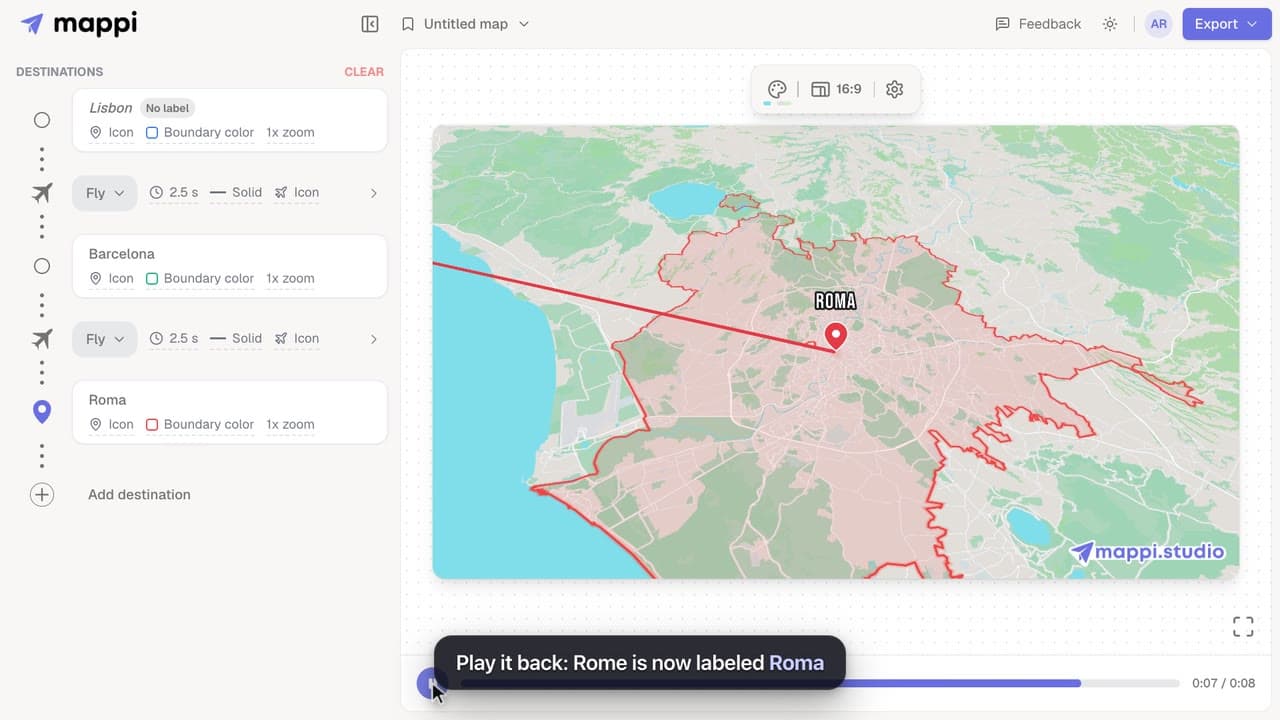 0:41
Change the text a destination shows on your animated map, shorten long place names, or hide a label completely without removing the stop.
 0:42
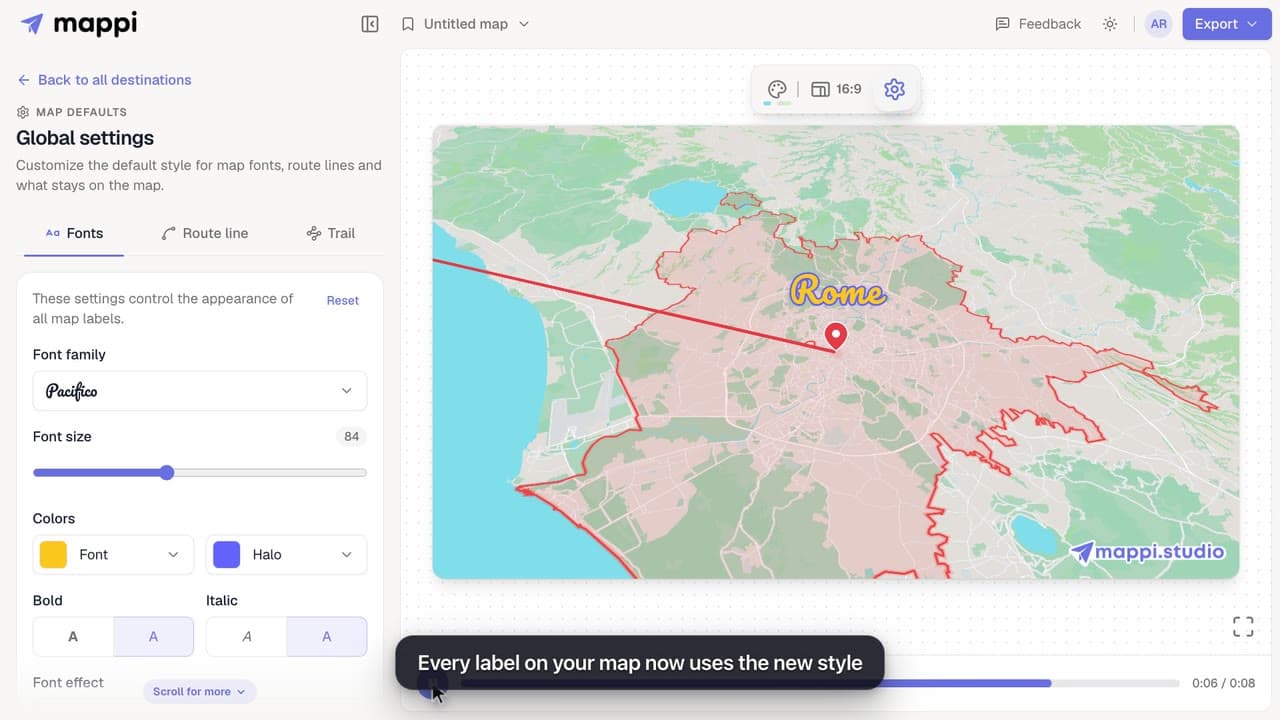
Style every destination label on your map animation: choose from 25 fonts, set the font size, text and halo colors, bold, italic and font effects.
 0:33
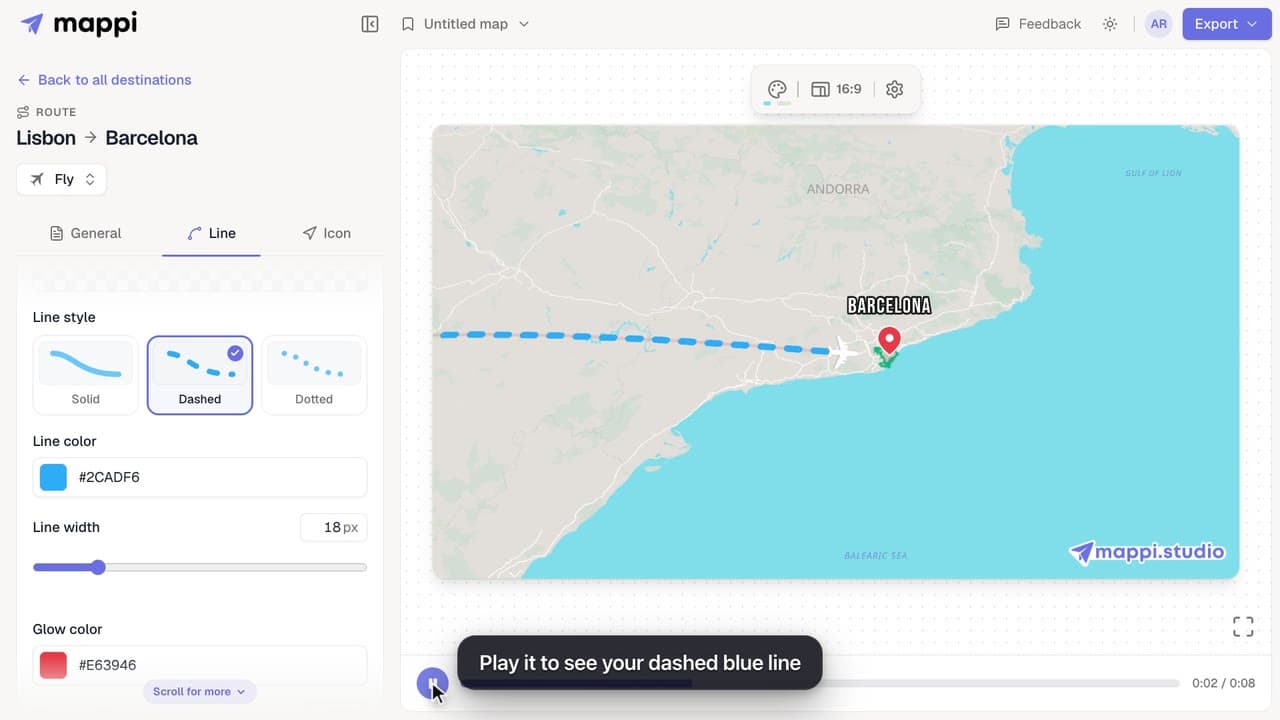
Make a route line solid, dashed or dotted, change its color and width, and add a glow. Style one route, or set the default for every route at once.
Bring your routes, places, and stories to life with frame-perfect map animations. No editing skills required.
Mappi is the simplest way to create stunning animated maps. Perfect for YouTubers, journalists, and storytellers.
 Stripe Climate member
© 2026 Mappi. All rights reserved.