 0:46
How to make your first map animation
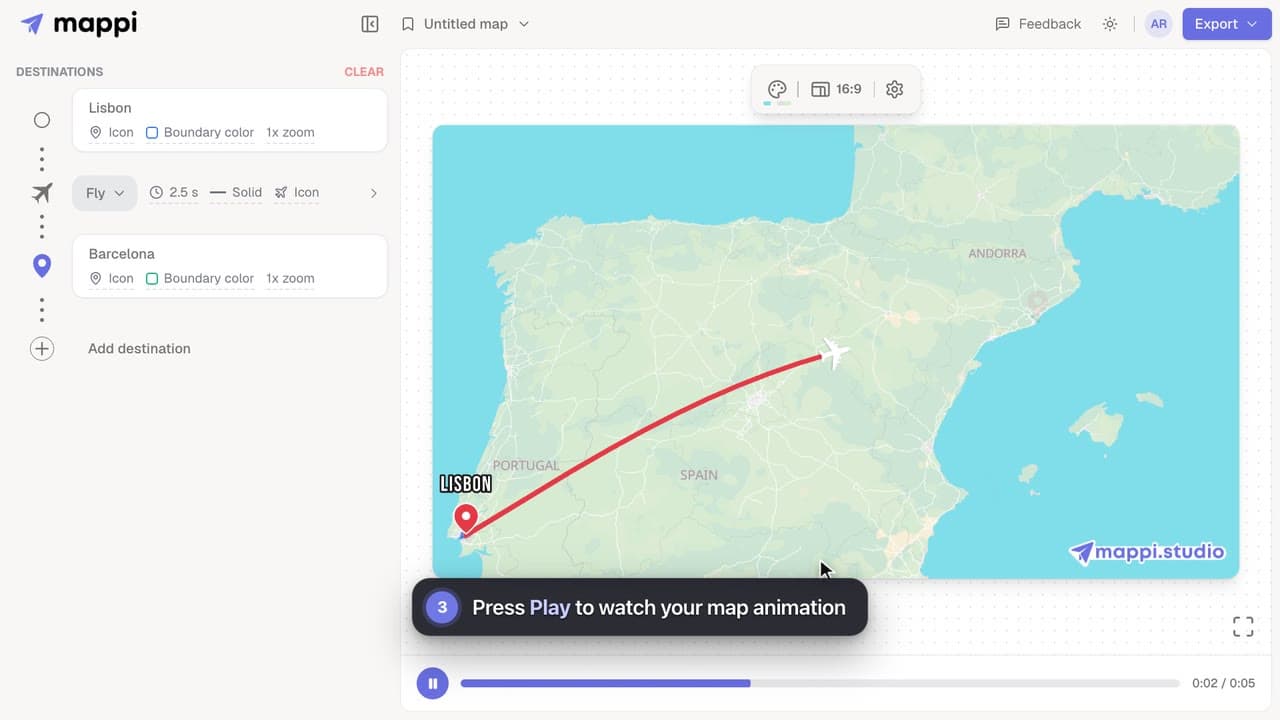
Make your first map animation in about a minute: search for two destinations, preview the animated route, and export it as an MP4 video. Video guide.



Mappi is a free map animation maker that turns a list of places into an animated map video, right in your browser. These guides walk through the basics: adding destinations, previewing the animation, and saving a map so you can come back to it.
Each video guide opens with a short screen recording, followed by the same steps in writing. Start with your first map animation if you have never used the editor.
4 video guides · 2 articles · Updated
0:46Make your first map animation in about a minute: search for two destinations, preview the animated route, and export it as an MP4 video. Video guide.
 0:41
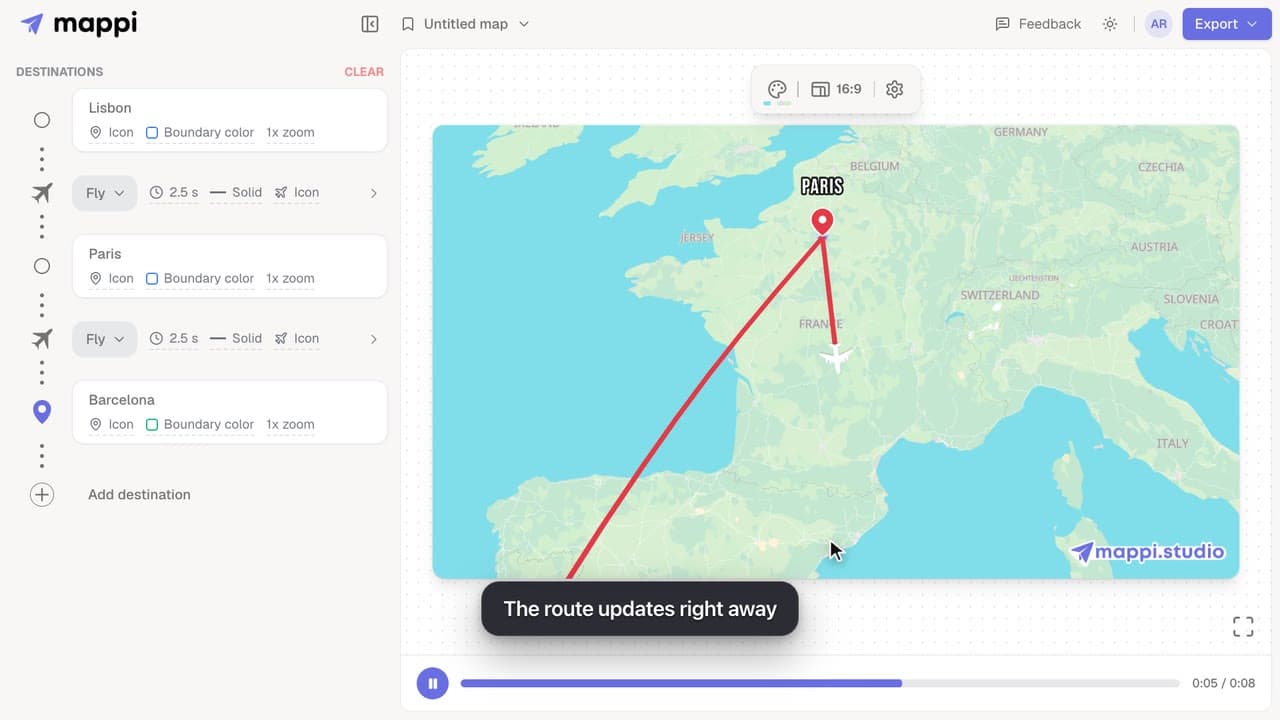
Add destinations to your map animation, drag stops into a new order, and delete the ones you don’t need. The routes between them update automatically.
 0:36
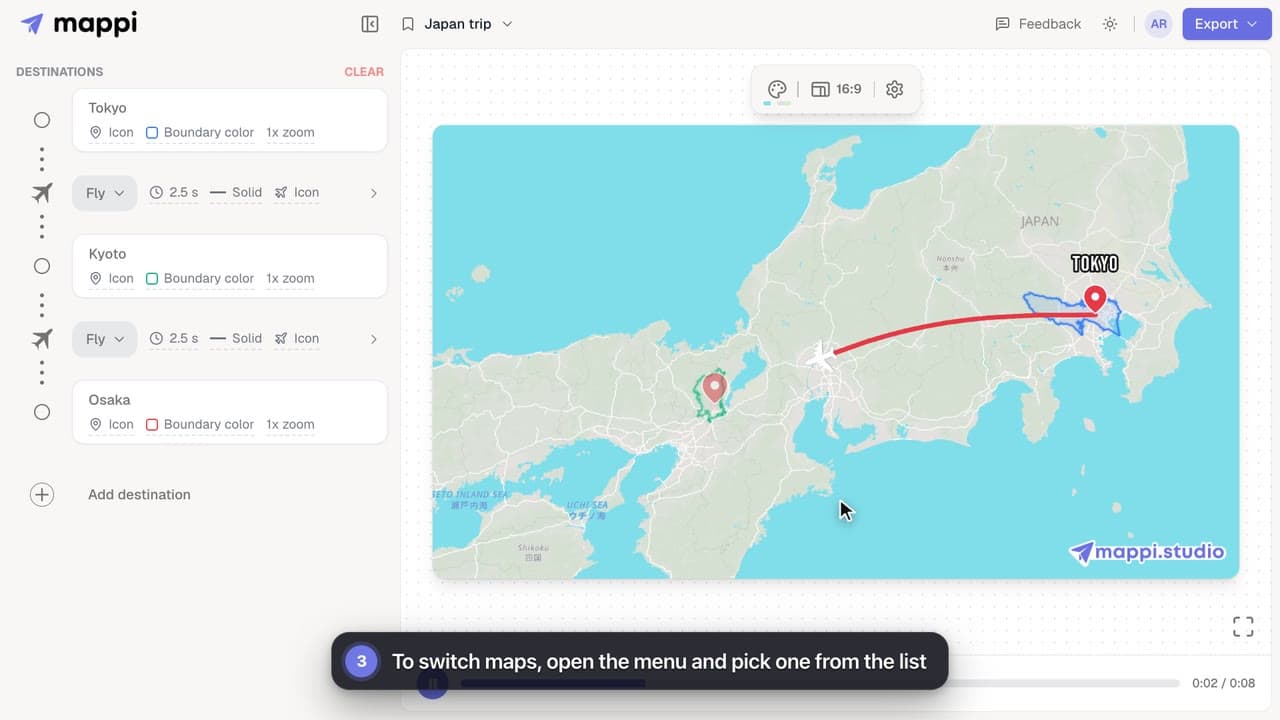
Save your map animation from the menu at the top of the editor, then reopen it anytime. Learn where saved maps are stored and how to update them.
 0:39
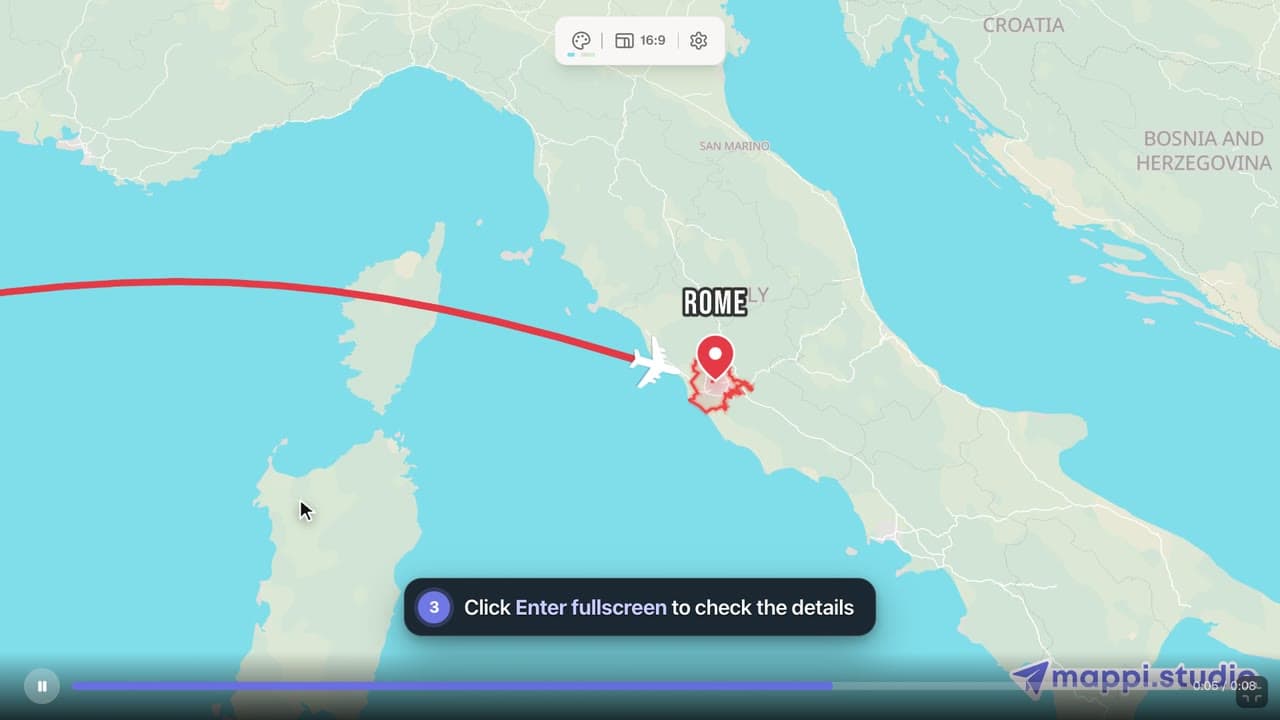
Play, pause and scrub your map animation in the editor preview, use keyboard shortcuts, and check the details in fullscreen before you export it.
Mappi saves maps in your browser, not your account. Learn why a saved map can be missing on another device or after clearing browser data, and how to keep it.
Keyboard shortcuts in the Mappi editor: play and scrub the preview, shuffle theme colors, move a dropped pin, and frame the camera without the mouse.
Saved maps are stored in the browser where you saved them, not in your account. Open the same browser on the same device to find them, and avoid clearing site data for mappi.studio.
Where saved maps are storedBring your routes, places, and stories to life with frame-perfect map animations. No editing skills required.
Mappi is the simplest way to create stunning animated maps. Perfect for YouTubers, journalists, and storytellers.
 Stripe Climate member
© 2026 Mappi. All rights reserved.