 0:34
How to export your map animation as a video
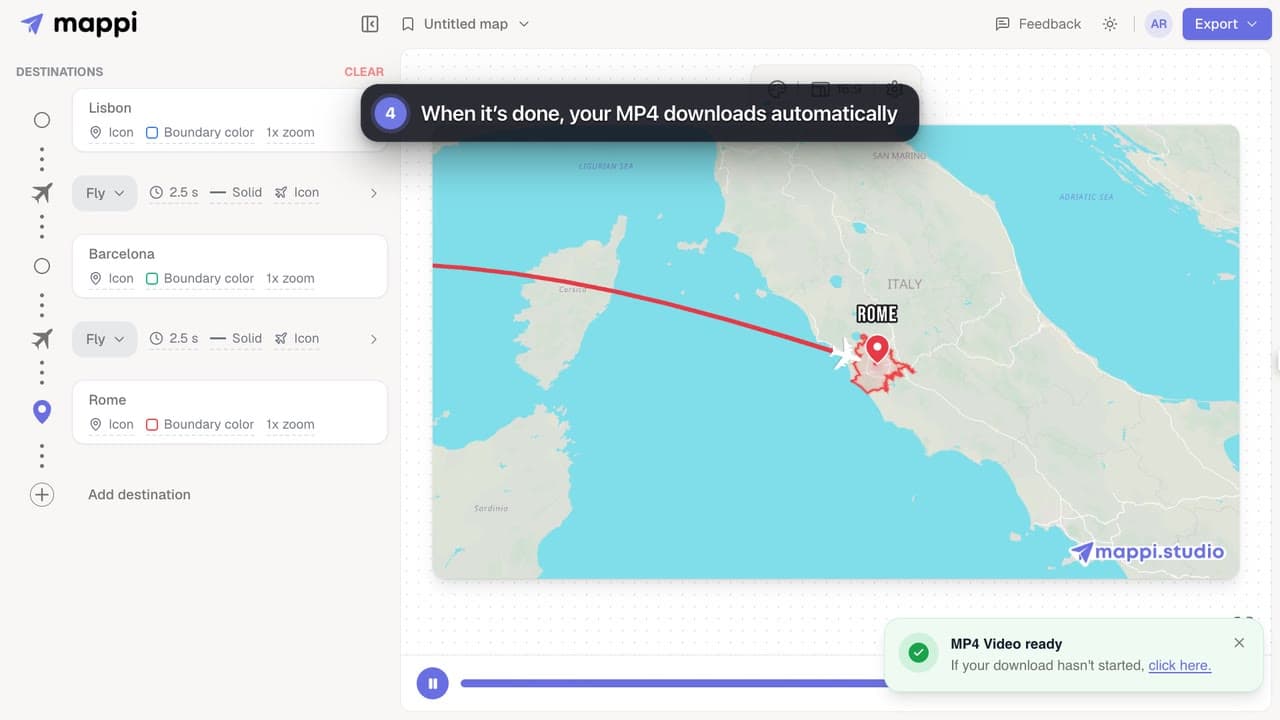
Export your Mappi map animation as an MP4 video: open Export, choose the quality and frame rate, and click Download. It renders right in your browser.



When your animation looks right in the preview, export it as a video file you can post anywhere. These guides explain each export option, which sizes suit TikTok, Reels and YouTube, and what Pro adds.
4 video guides · 1 article · Updated
0:34Export your Mappi map animation as an MP4 video: open Export, choose the quality and frame rate, and click Download. It renders right in your browser.
 0:35
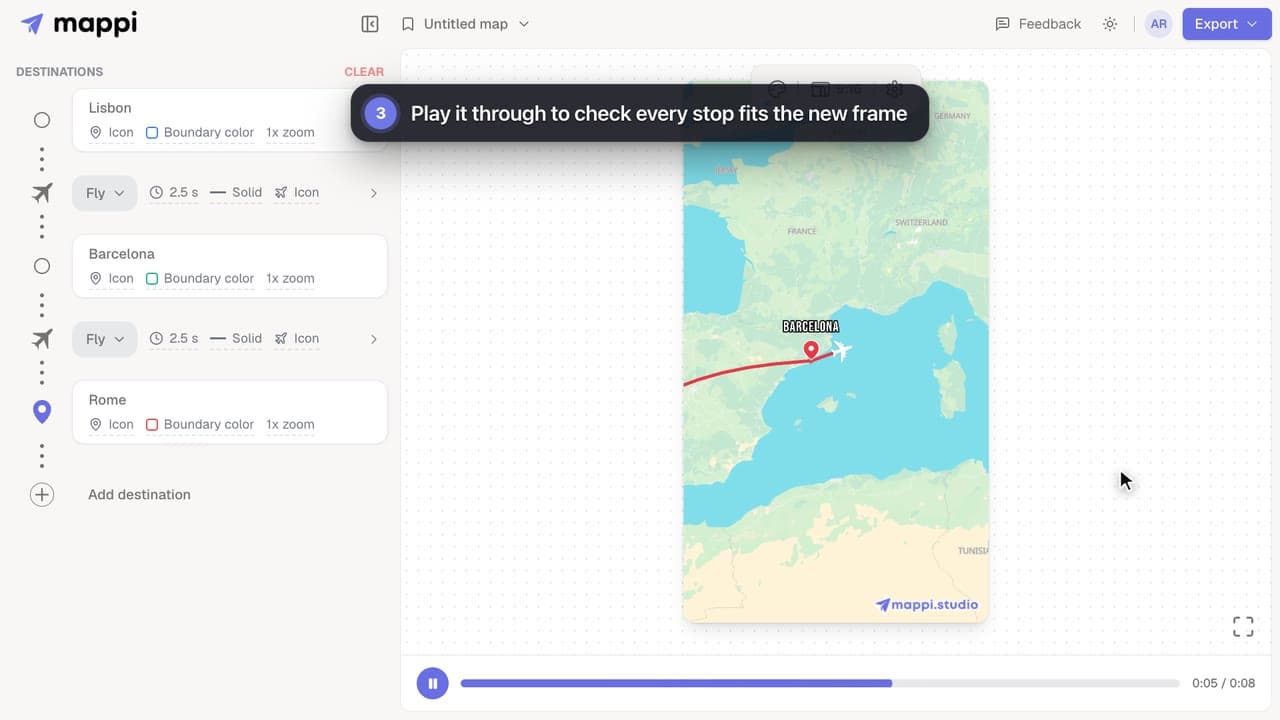
Size your map animation for TikTok, Instagram Reels, YouTube Shorts or YouTube: switch between vertical 9:16, portrait 4:5, landscape 16:9 and square 1:1.
 0:33Pro
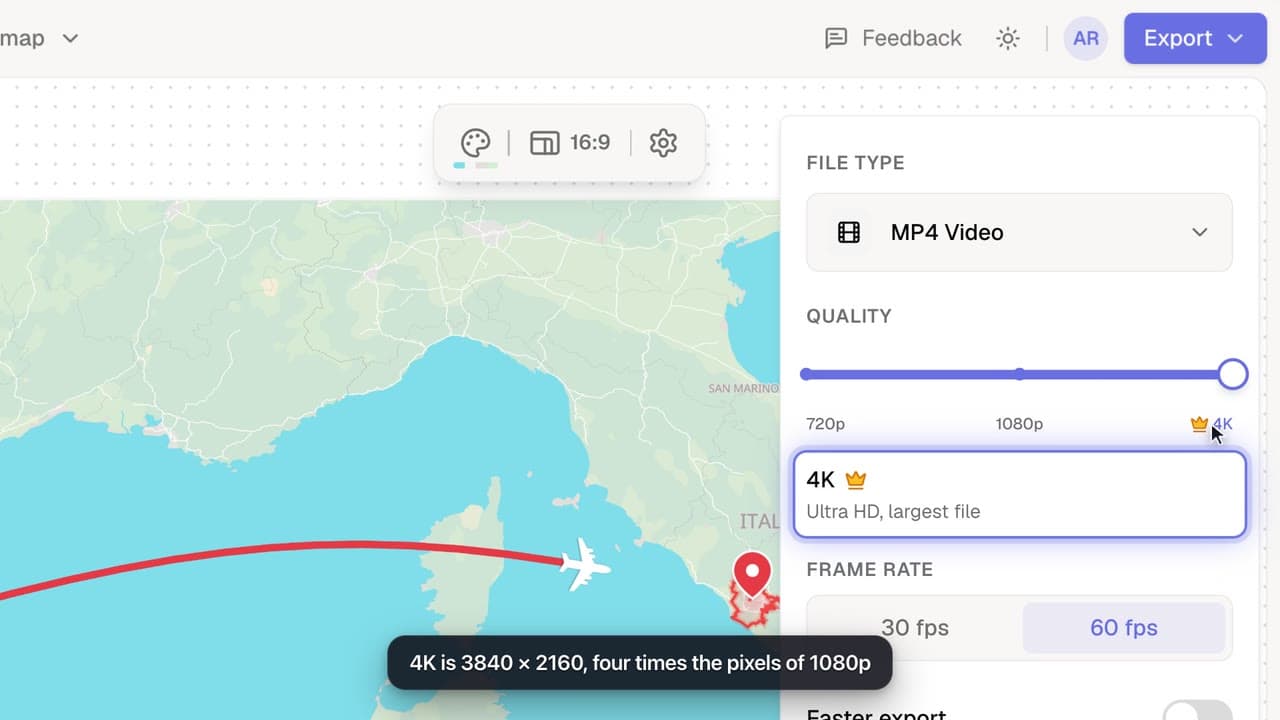
Export your map animation in 4K (3840 × 2160 for landscape) with Mappi Pro: set Quality to 4K in the Export options and download an ultra-sharp MP4.
 0:32Pro
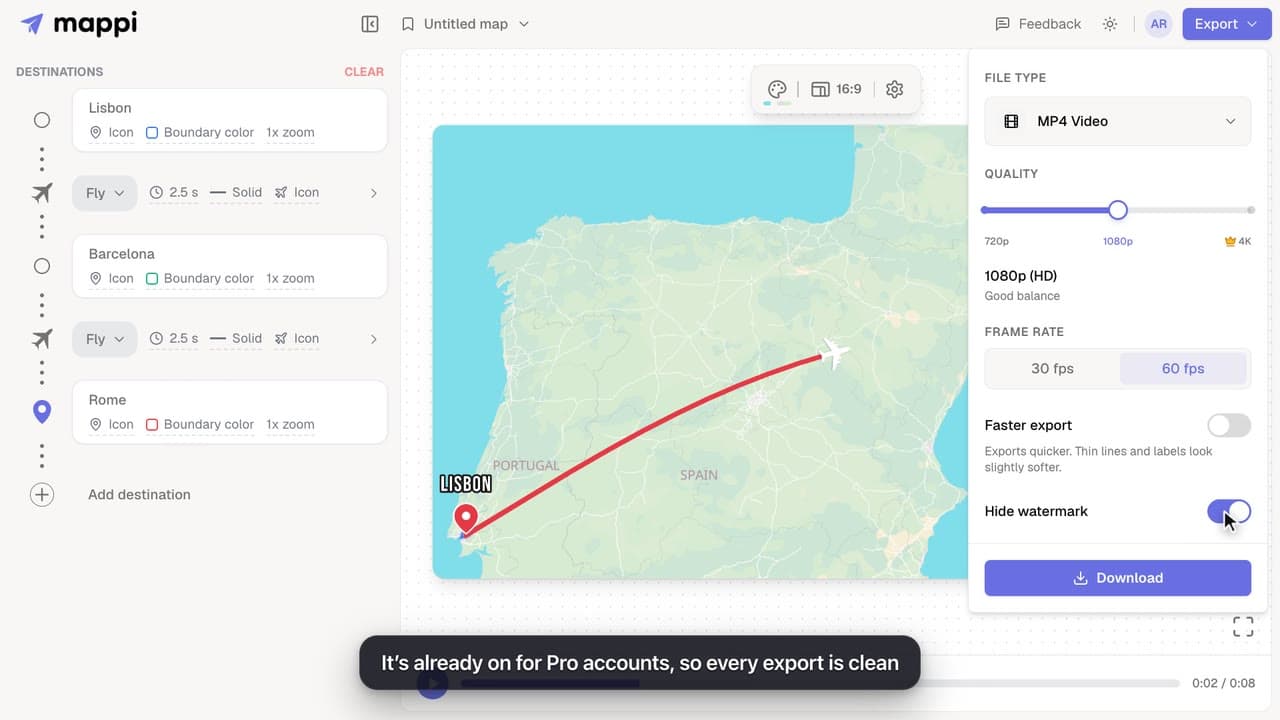
Export map animations without the mappi.studio watermark: with Mappi Pro, turn on Hide watermark in the Export options before you download.
What every Mappi export option does: 720p, 1080p and 4K video sizes for each aspect ratio, 30 vs 60 fps, Faster export, the watermark and the MP4 format.
Click Export in the top-right corner of the editor, pick a quality and frame rate, and click Download. The video renders in your browser and downloads as an MP4 file.
Export your map animationYes, with Mappi Pro. Set Quality to 4K in the Export options; a landscape video renders at 3840 × 2160. Free and guest exports go up to 1080p.
Export in 4KYes. Videos you export can be used on monetized YouTube channels, social media, client work and ads. The map data in them keeps its own license, so credit “© OpenStreetMap contributors” in your video or its description, as our Terms explain. Pro removes the Mappi watermark, which most commercial projects prefer.
Remove the watermarkBring your routes, places, and stories to life with frame-perfect map animations. No editing skills required.
Mappi is the simplest way to create stunning animated maps. Perfect for YouTubers, journalists, and storytellers.
 Stripe Climate member
© 2026 Mappi. All rights reserved.