


How to change label fonts, size and colors
Click the Settings gear in the map toolbar to open Global settings on the Fonts tab. Pick a Font family, adjust Font size, and set the Font and Halo colors. The changes apply to every label.
Step by step
Open Global settings
Hover the toolbar above the preview and click the Settings gear. The side panel opens Global settings on the Fonts tab.
Pick a font
Open Font family and choose one of 25 fonts, from Bebas Neue (the default) to Pacifico or Playfair Display. Each one previews in its own style.
Set size and colors
Drag Font size (8 to 200), then click Font and Halo under Colors to pick the text color and the outline around it.
More font options
- Turn on Bold or Italic for extra emphasis. They only change labels set in one of the 25 fonts, not in Default (map glyphs).
- Pick a Font effect such as neon, fire, emboss or 3d. Effects need a font family other than Default (map glyphs), and the Font and Halo colors don’t apply while an effect is on. Set Font effect back to None to use them again.
- Click Reset at the top of the tab to return to the default style.
Video transcript
Show the transcriptHide the transcript
- 0:04Click the Settings gear in the map toolbar
- 0:08Pick a Font family. Each one previews in its own style
- 0:17Change Font size, then set the Font and Halo colors
- 0:33Every label on your map now uses the new style
Was this guide helpful?
Try it in the editor
Mappi is a map animation maker that runs in your browser. No download, and no account needed to start.
Open MappiRelated guides
 0:41
Pins, labels & icons
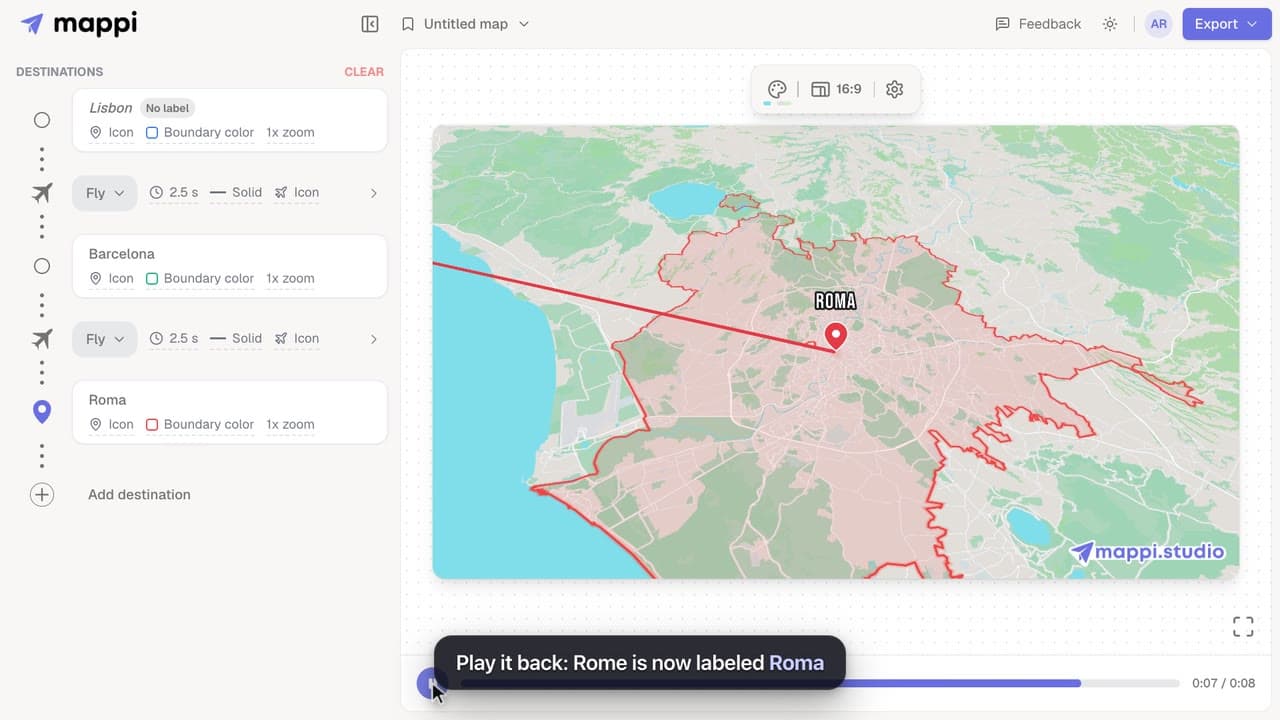
How to rename or hide a destination label
Change the text a destination shows on your animated map, shorten long place names, or hide a label completely without removing the stop.
 0:33
Pins, labels & icons
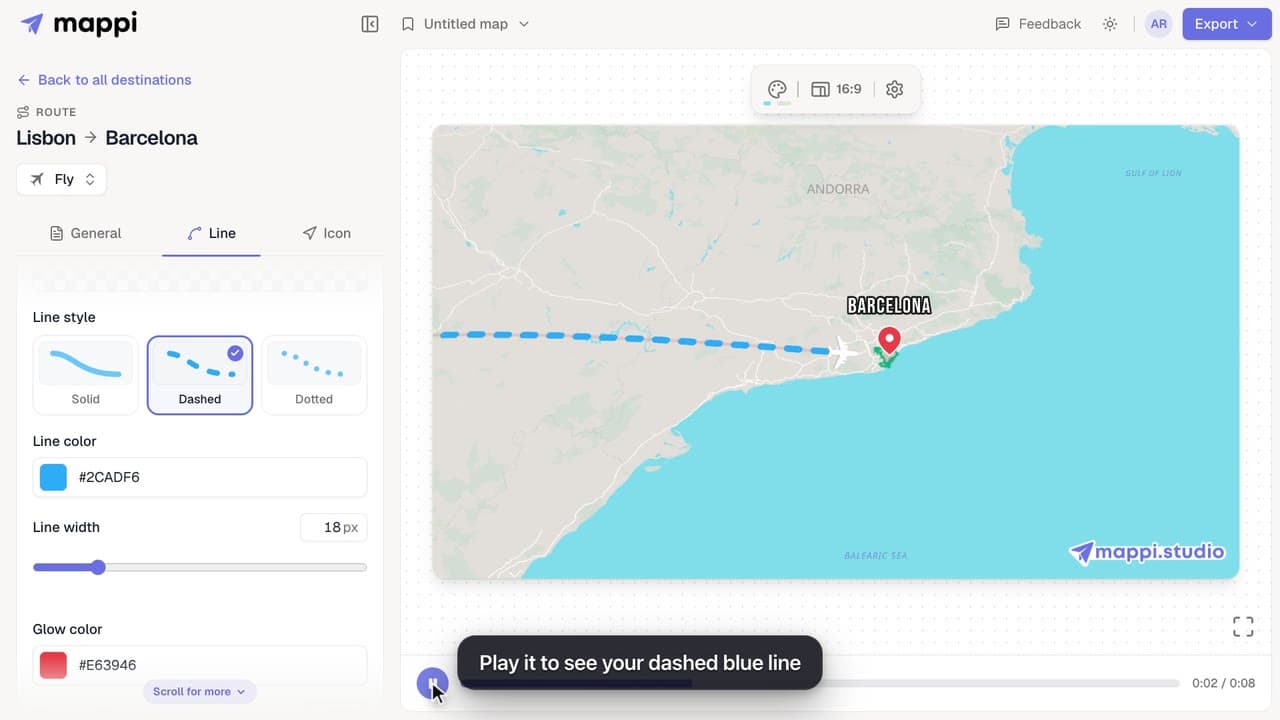
How to style a route line
Make a route line solid, dashed or dotted, change its color and width, and add a glow. Style one route, or set the default for every route at once.
 0:34
Map styles & themes
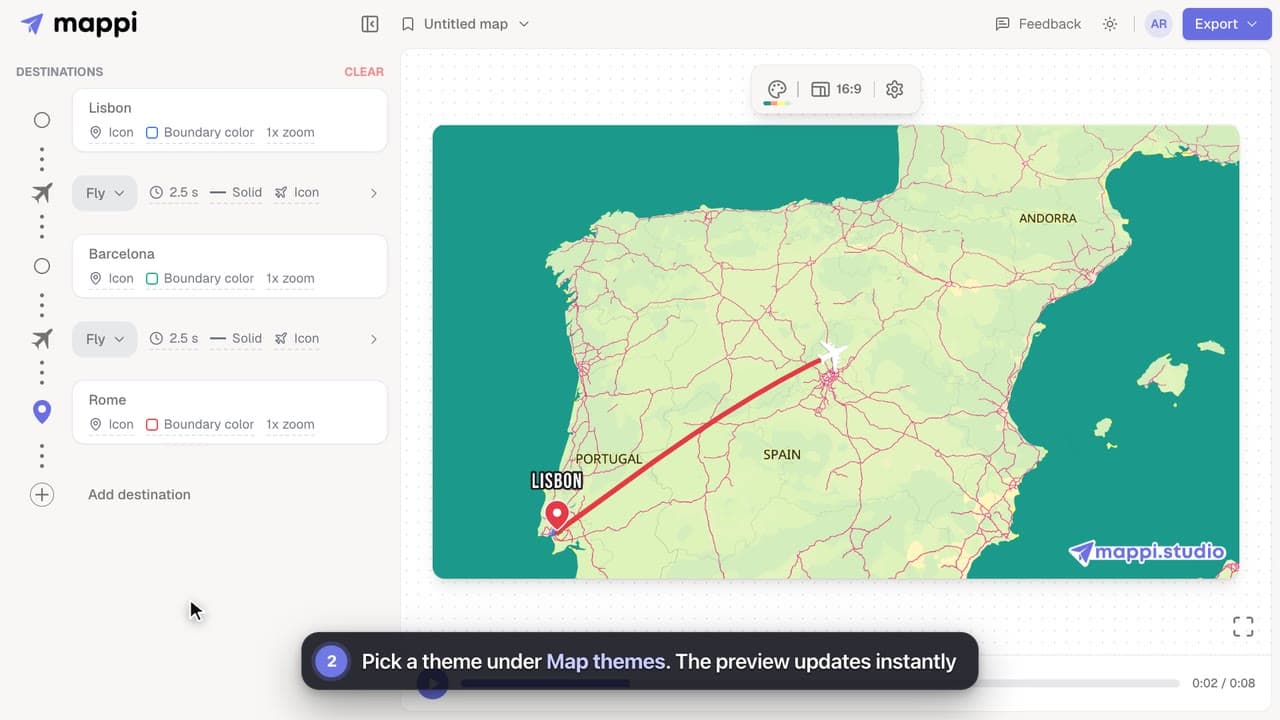
How to change the map theme
Restyle your whole map animation in one click: switch between Light, Dark, Retro, Ocean Sunset, Pastel Dream and the other built-in Mappi map themes.
