


How to add, reorder and remove destinations
Click Add destination to search for a new stop, drag a stop by the handle on its left to reorder it, and open More actions on a stop and choose Delete to remove it. Mappi redraws the routes after every change.
Step by step
Add a destination
Click Add destination at the bottom of the list and search for a place. New stops are added at the end of the journey, connected to the previous stop by a route.
Drag to reorder
Hover a stop and drag it by the grip handle in the timeline column on its left. Drop it where it should go in the journey. Driving, walking, sailing and transit routes are recalculated for the new order.
Remove a stop
Hover the stop, click More actions (the menu icon on the right of the row) and choose Delete. The routes on either side are joined up again.
Good to know
- Free and guest maps hold up to 5 destinations, and Pro maps as many as you need. Only stops count, not the routes between them. See how many destinations a map can have.
- If a Drive, Walk, Sail or Transit route can’t be found after you reorder or delete a stop, that route switches back to Fly and a notice explains why. See route couldn’t be found.
- To swap a stop for a different place without losing its style, use Change destination instead of deleting it.
Video transcript
Show the transcriptHide the transcript
- 0:04Click Add destination and pick a place from the results
- 0:13Drag a stop by the handle on its left to change the order
- 0:21Open More actions and choose Delete
- 0:28The route updates right away
Was this guide helpful?
Try it in the editor
Mappi is a map animation maker that runs in your browser. No download, and no account needed to start.
Open MappiRelated guides
 0:38
Destinations & routes
How to swap a destination for another place
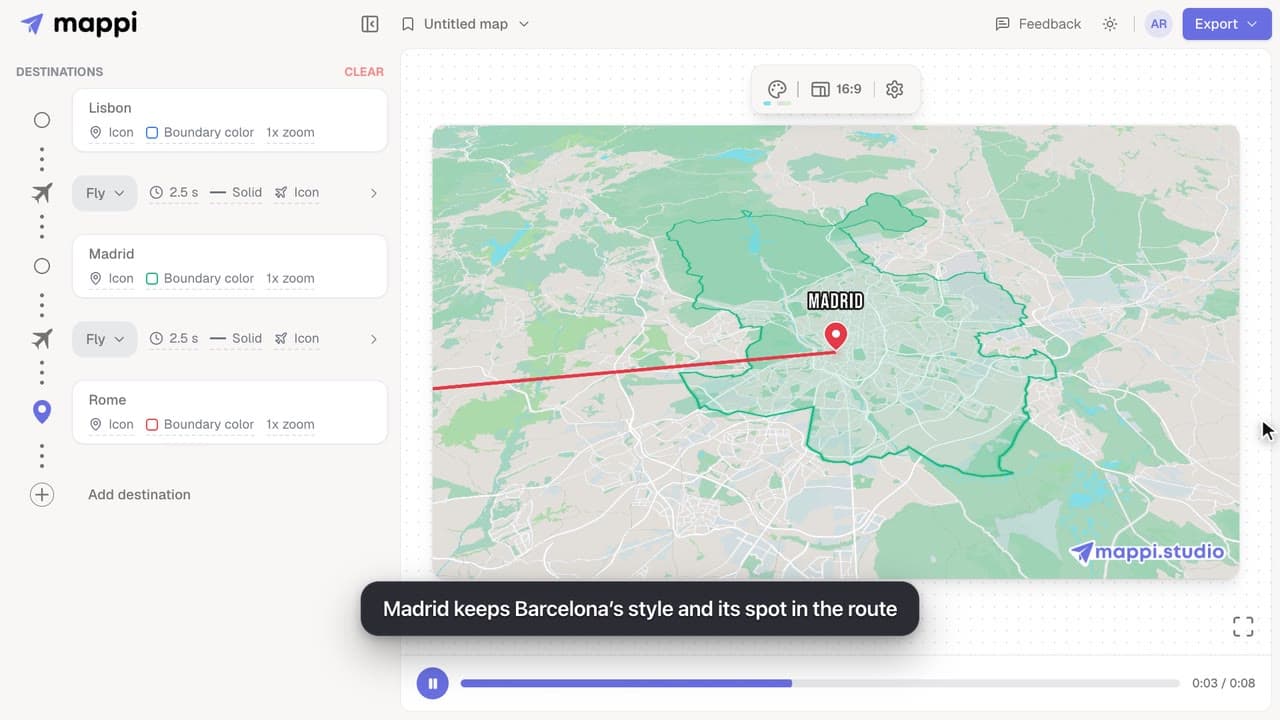
Replace a stop with a different place without deleting it: the new destination keeps its colors, icon and position in the route. Undo is one click away.
How many destinations can a map have?
Free and guest maps hold up to 5 destinations; Mappi Pro maps hold as many as you need. Learn what counts toward the limit and what to do when you reach it.
Destinations & routes
 0:41
Destinations & routes
How to drop a custom pin on your map
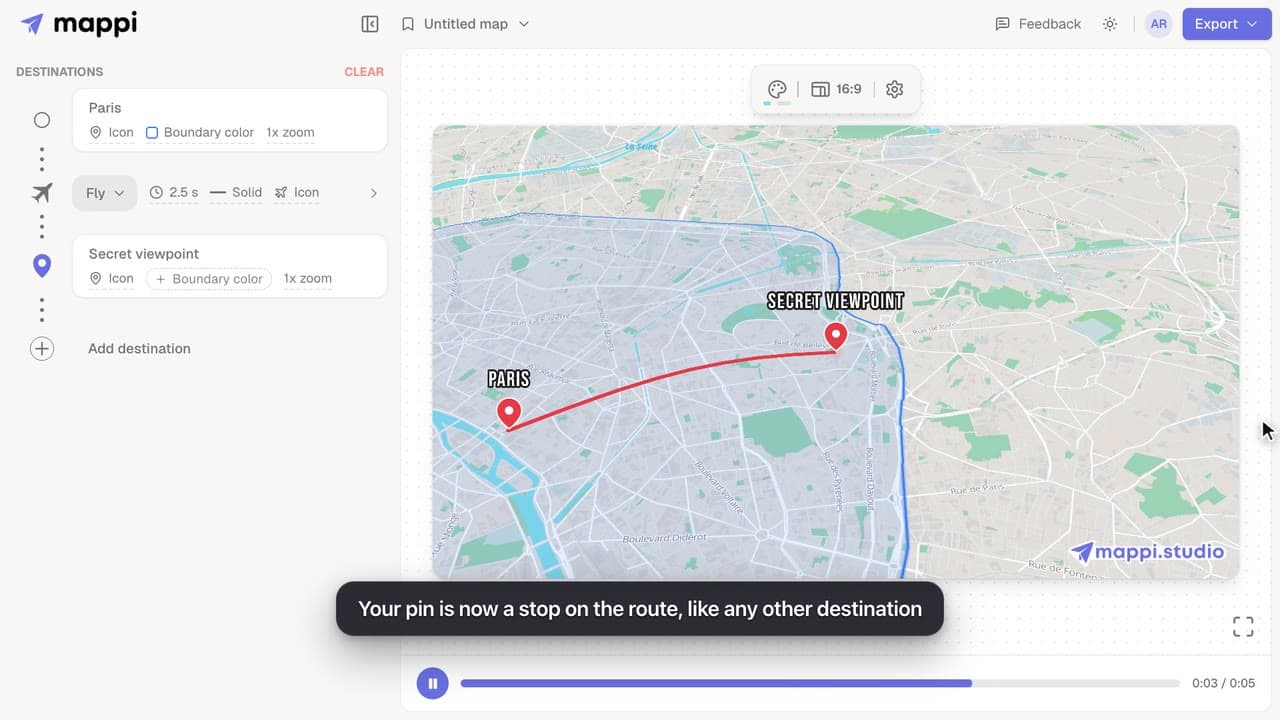
Add a destination search can’t find: drop a custom pin anywhere on the map, set the exact spot and zoom, name it, and add it to your animated route.
 0:36
Getting started
How to save a map and open it later
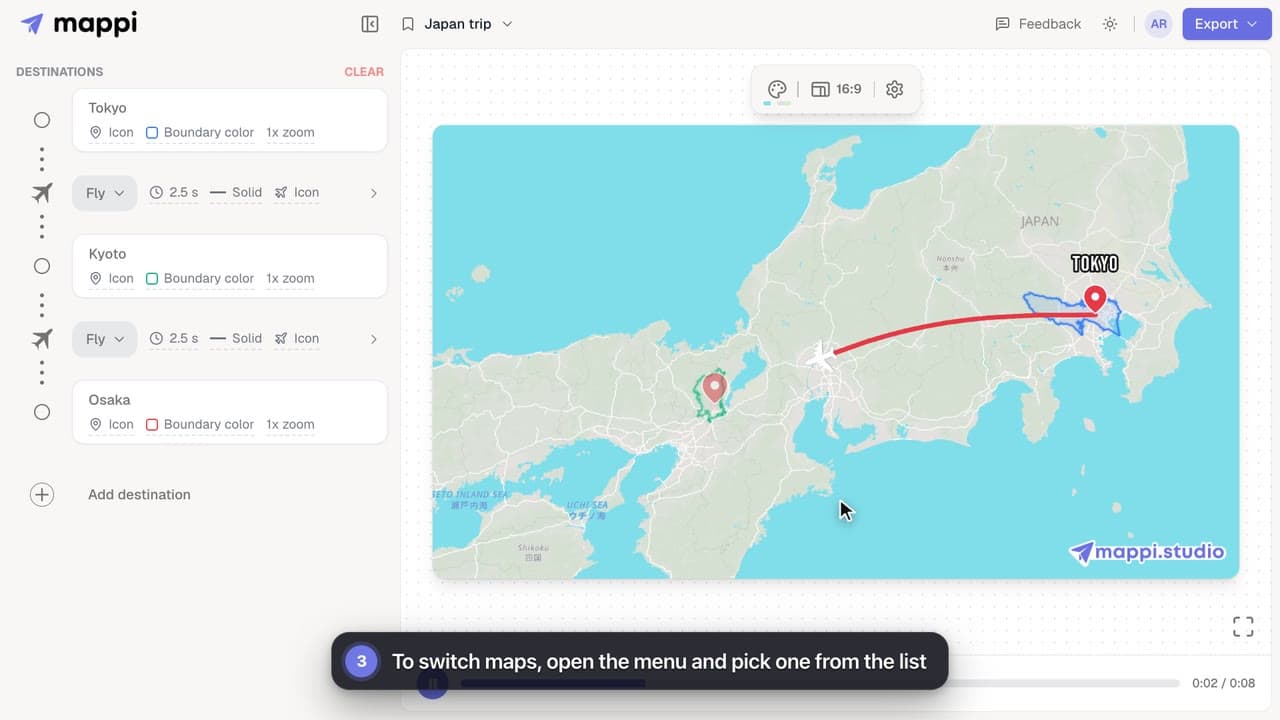
Save your map animation from the menu at the top of the editor, then reopen it anytime. Learn where saved maps are stored and how to update them.
