


How to make your first map animation
Search for a destination in the left panel, add a second one with Add destination, watch the animated route play on a loop in the preview, then click Export and Download to save it as an MP4 video.
Step by step
Search for a destination
Open the Mappi editor and click the search field that reads Search for a city or region. Type a city, landmark or address and pick the right result. The first stop appears in the list and on the map.
Add a second stop
Click Add destination under your first stop and search again. Mappi connects the two stops with an animated route for you. Routes fly by default; you can change how each route travels later.
Preview the animation
The preview plays on its own and loops, so you can watch the camera fly from one stop to the next. To check any moment, click Pause under the preview or press Space, then scrub the timeline. Click Play or press Space again to carry on.
Export your video
When it looks right, click Export in the top-right corner, keep the default quality, and click Download. The video renders in your browser and downloads as an MP4 file. See how to export your map animation for every option.
What to try next
- Change the map theme to set the mood of the whole video.
- Speed up or slow down a route so each leg gets the screen time it deserves.
- Save your map so you can come back to it later.
Video transcript
Show the transcriptHide the transcript
- 0:04Click the search field and type your first destination
- 0:12Click Add destination and search for your next stop
- 0:21Mappi draws the route between your stops for you
- 0:24Press Play to watch your map animation
- 0:32When it looks right, click Export, then Download
- 0:38It renders right in your browser, then downloads as an MP4
Was this guide helpful?
Try it in the editor
Mappi is a map animation maker that runs in your browser. No download, and no account needed to start.
Open MappiRelated guides
 0:41
Getting started
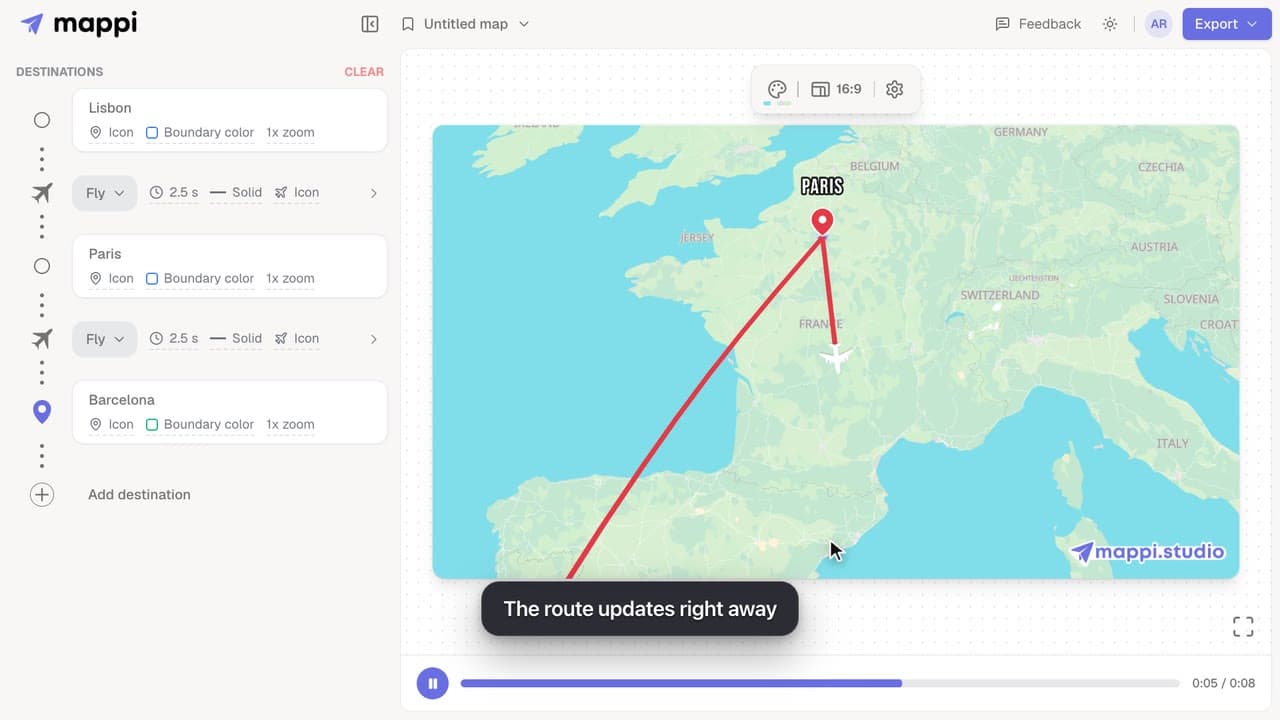
How to add, reorder and remove destinations
Add destinations to your map animation, drag stops into a new order, and delete the ones you don’t need. The routes between them update automatically.
 0:37
Destinations & routes
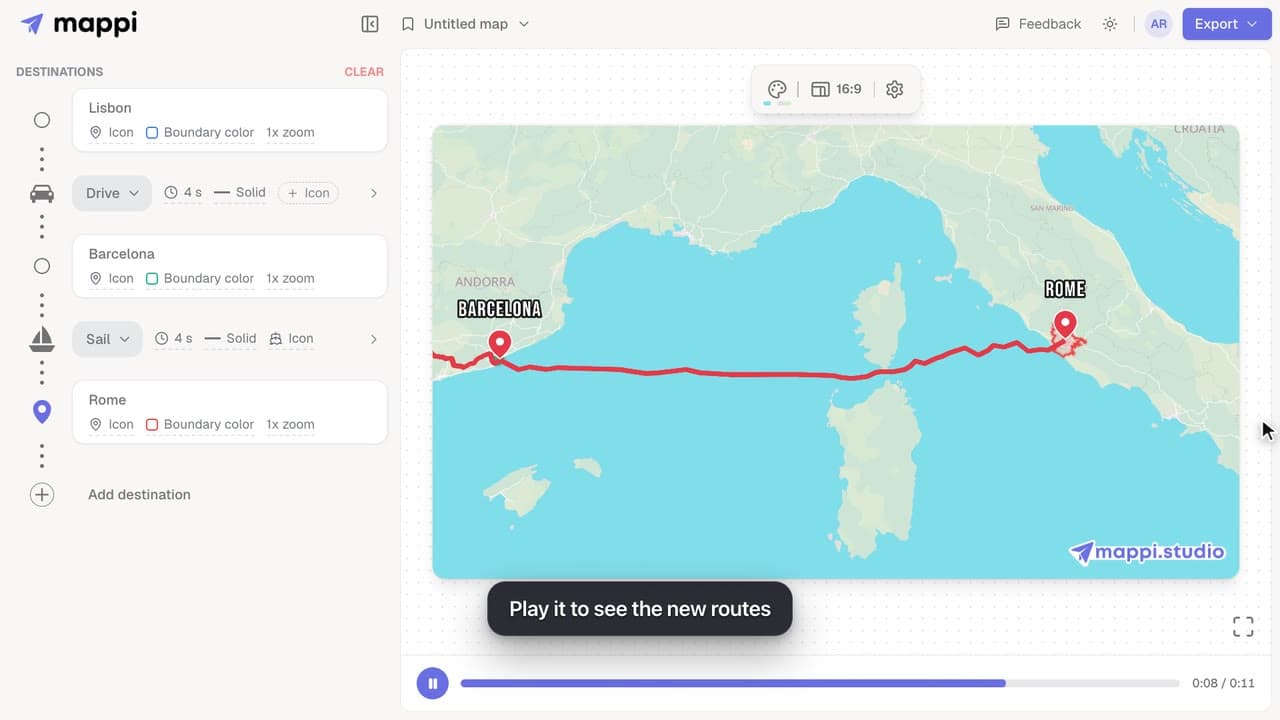
How to choose how each route travels: fly, drive, walk, sail or transit
Make a route follow real roads, walking paths, shipping lanes or public transit instead of a flight arc. Mix travel modes in one map animation.
 0:34
Export & formats
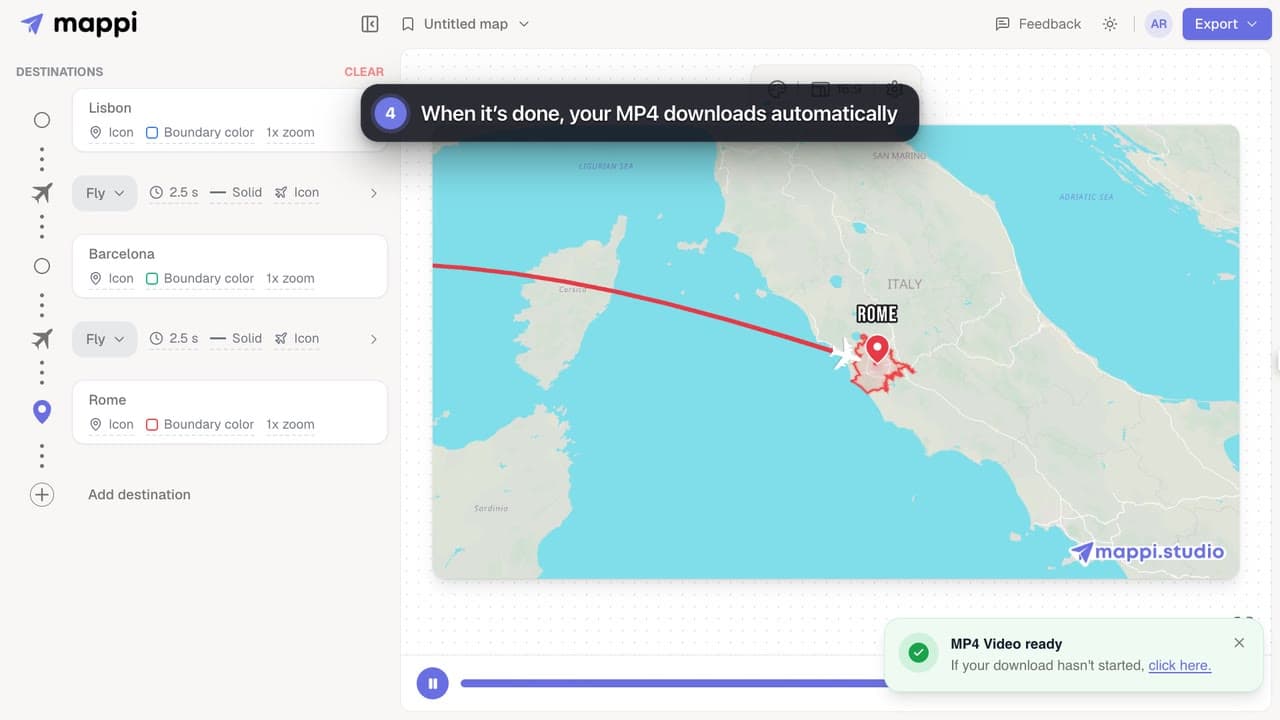
How to export your map animation as a video
Export your Mappi map animation as an MP4 video: open Export, choose the quality and frame rate, and click Download. It renders right in your browser.
 0:39
Getting started
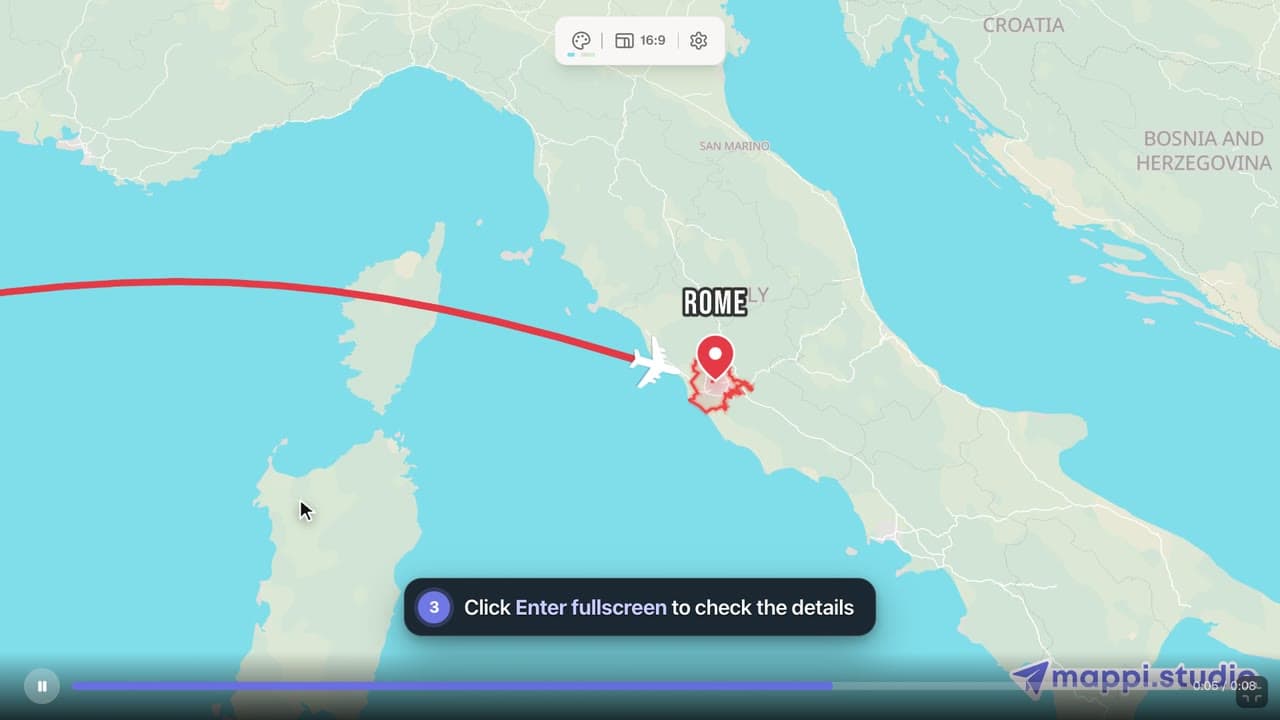
How to preview your map animation
Play, pause and scrub your map animation in the editor preview, use keyboard shortcuts, and check the details in fullscreen before you export it.
