


Keyboard shortcuts in the Mappi editor
Press Space to play or pause the preview and the arrow keys to step through it. The theme editor, the pin picker and the camera framing tool each have their own shortcuts, listed below. Shortcuts pause while you type in a field.
Step by step
Click away from text fields
Shortcuts are ignored while you type in a field, and Space presses a button that has focus. Click an empty part of the editor first.
Use the shortcut for the tool you’re in
The preview shortcuts work anywhere in the editor, except inside an open menu, popover or dialog, during an export, and while the pin picker or camera framing tool is open. The theme editor, pin picker and camera framing shortcuts work while that tool is open.
Preview
| Shortcut | What it does |
|---|---|
| Space | Play or pause the preview |
| ← / → | Step back or forward 0.2 seconds (hold to scrub) |
| Page Up / Page Down | Jump 5 seconds (with the timeline selected) |
| Home / End | Jump to the start or end (with the timeline selected) |
| Esc | Leave fullscreen |
Theme editor
| Shortcut | What it does |
|---|---|
| S | Shuffle every color you haven’t locked |
| ⌘ Z / Ctrl Z | Undo |
| ⇧ ⌘ Z / Ctrl Y | Redo |
| Esc | Cancel and go back |
Drop a pin and Adjust view
| Shortcut | What it does |
|---|---|
| / | Search places or coordinates (pin picker) |
| Arrow keys | Pan the map or move the pin (hold Shift to move further) |
| + / - | Zoom in or out |
| Enter | Add the pin, or save the camera view |
| Esc | Cancel |
Learn more in drop a custom pin and zoom the camera on a stop.
Was this guide helpful?
Try it in the editor
Mappi is a map animation maker that runs in your browser. No download, and no account needed to start.
Open MappiRelated guides
 0:39
Getting started
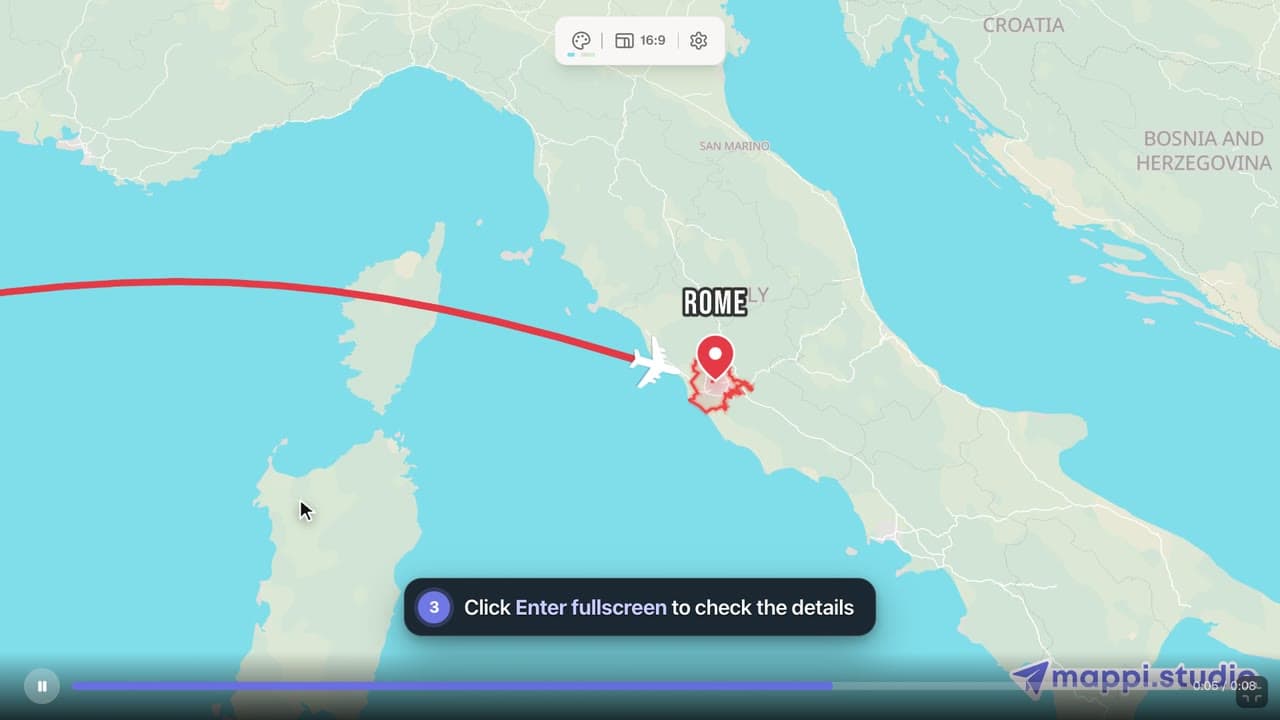
How to preview your map animation
Play, pause and scrub your map animation in the editor preview, use keyboard shortcuts, and check the details in fullscreen before you export it.
 0:51
Map styles & themes
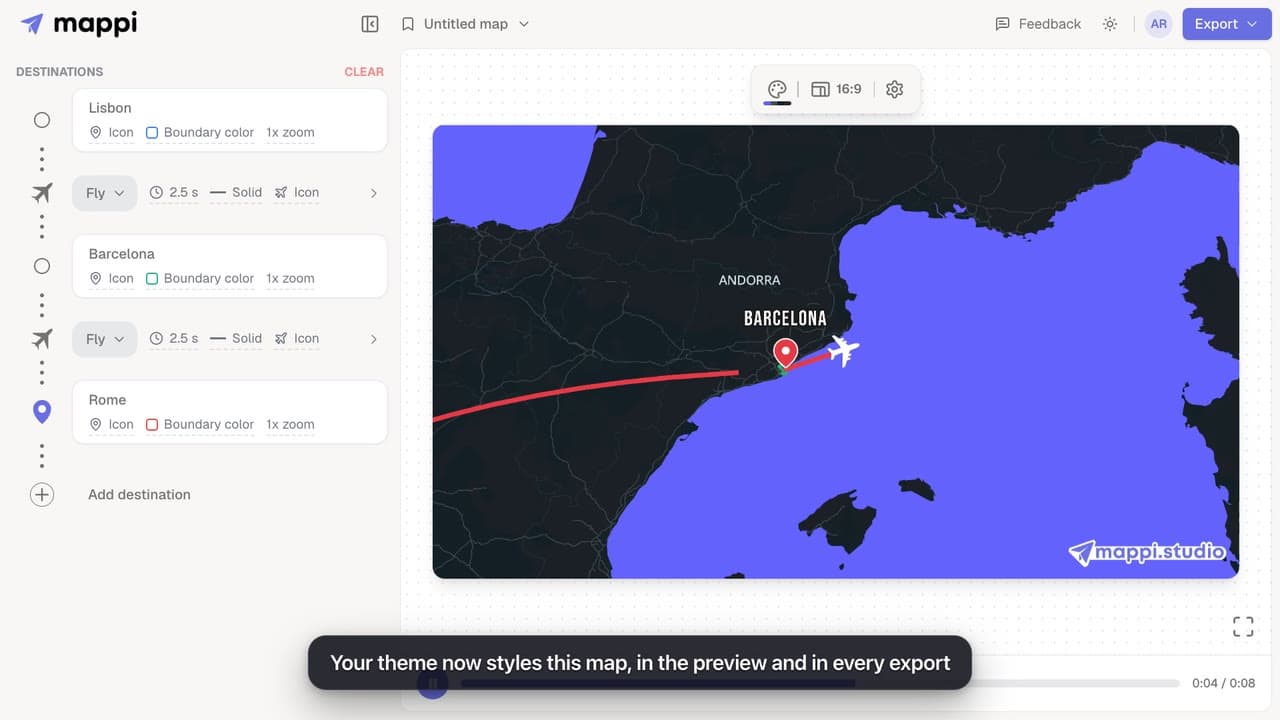
How to create a custom map theme
Design your own map theme: pick colors for land, water, parks, roads, borders and labels, shuffle new palettes, set the detail level, and save it.
Pro
 0:41
Destinations & routes
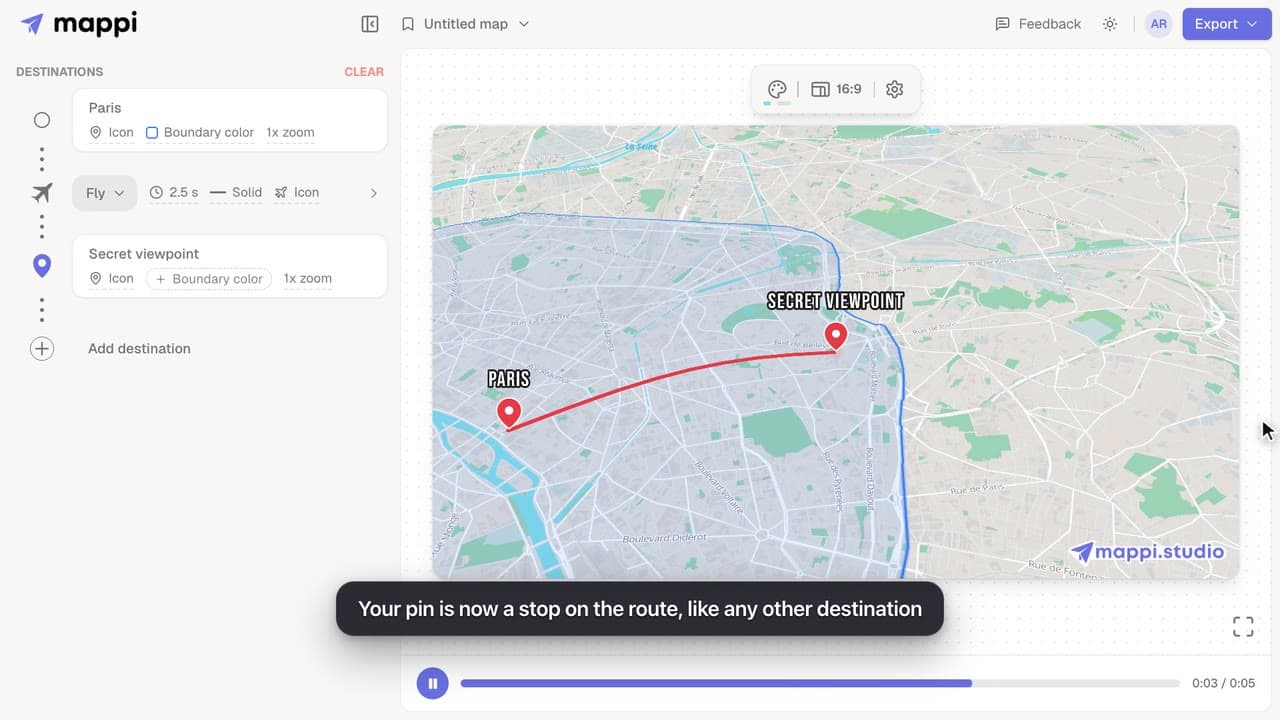
How to drop a custom pin on your map
Add a destination search can’t find: drop a custom pin anywhere on the map, set the exact spot and zoom, name it, and add it to your animated route.
