


How to save a map and open it later
Click the map name at the top of the editor (it reads Untitled map until you save), choose Save current map, name it and click Save. To open it again, pick it from the same menu. Saved maps are stored in your browser.
Step by step
Open saved maps
Click the map name in the header above the preview. A new map shows Untitled map. Phones and browser windows narrower than 768 pixels don’t show this menu, so widen the window or use a computer to save and open maps.
Save your map
Click Save current map, type a name (Mappi suggests one from your first and last stops) and click Save. A notice confirms it was saved.
Open a saved map
Open the same menu and click any map in the list to load it. If you had unsaved changes, the notice that appears lets you Undo the switch.
Update or copy a saved map
- After you change a saved map, the header shows Unsaved and a Save button. Click it to save your changes.
- To keep both versions, open the menu and choose Save as new.
- Hover a map in the list to Overwrite with current or Delete it. Both can be undone from the notice that follows.
Where are saved maps stored?
Saved maps live in the browser you saved them in. They don’t sync to other browsers or devices, and clearing your browser’s site data removes them. Read where your saved maps are stored for the details.
Video transcript
Show the transcriptHide the transcript
- 0:04Click the map name at the top, here Untitled map
- 0:07Click Save current map, name it, then click Save
- 0:17To switch maps, open the menu and pick one from the list
- 0:28Saved maps are stored in this browser
Was this guide helpful?
Try it in the editor
Mappi is a map animation maker that runs in your browser. No download, and no account needed to start.
Open MappiRelated guides
Where are my saved maps stored?
Mappi saves maps in your browser, not your account. Learn why a saved map can be missing on another device or after clearing browser data, and how to keep it.
Getting started
 0:46
Getting started
How to make your first map animation
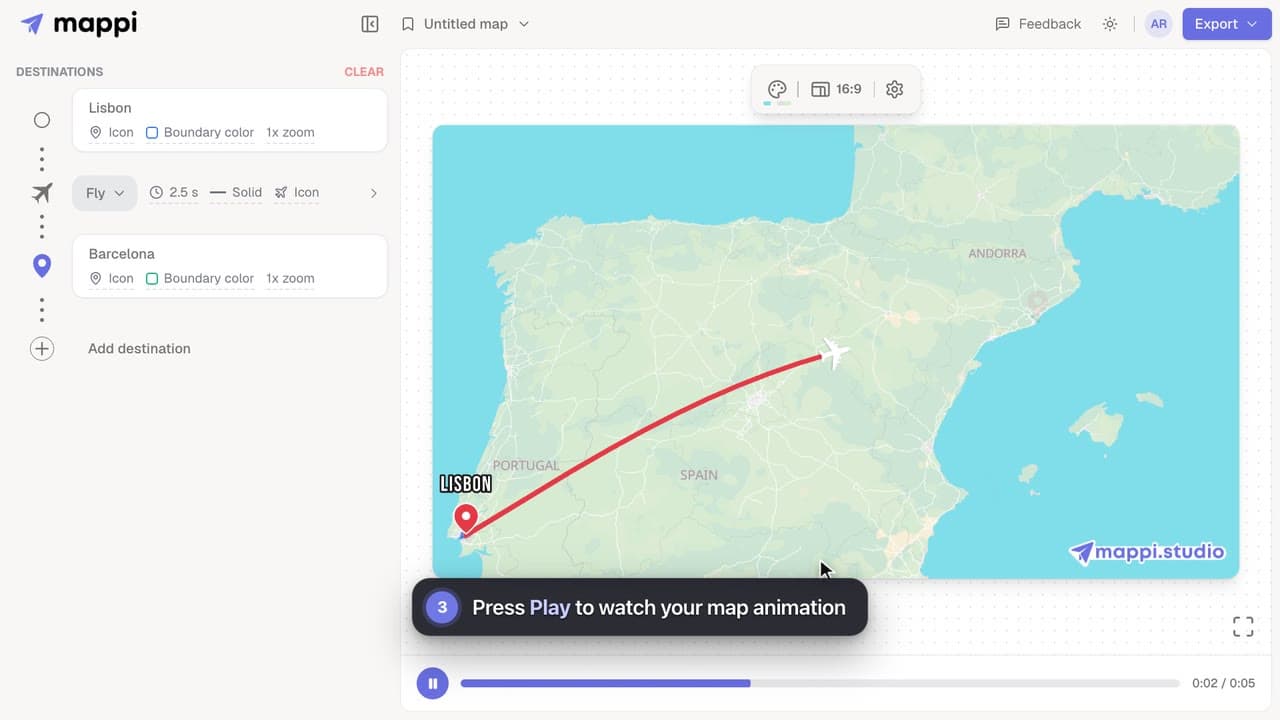
Make your first map animation in about a minute: search for two destinations, preview the animated route, and export it as an MP4 video. Video guide.
 0:39
Getting started
How to preview your map animation
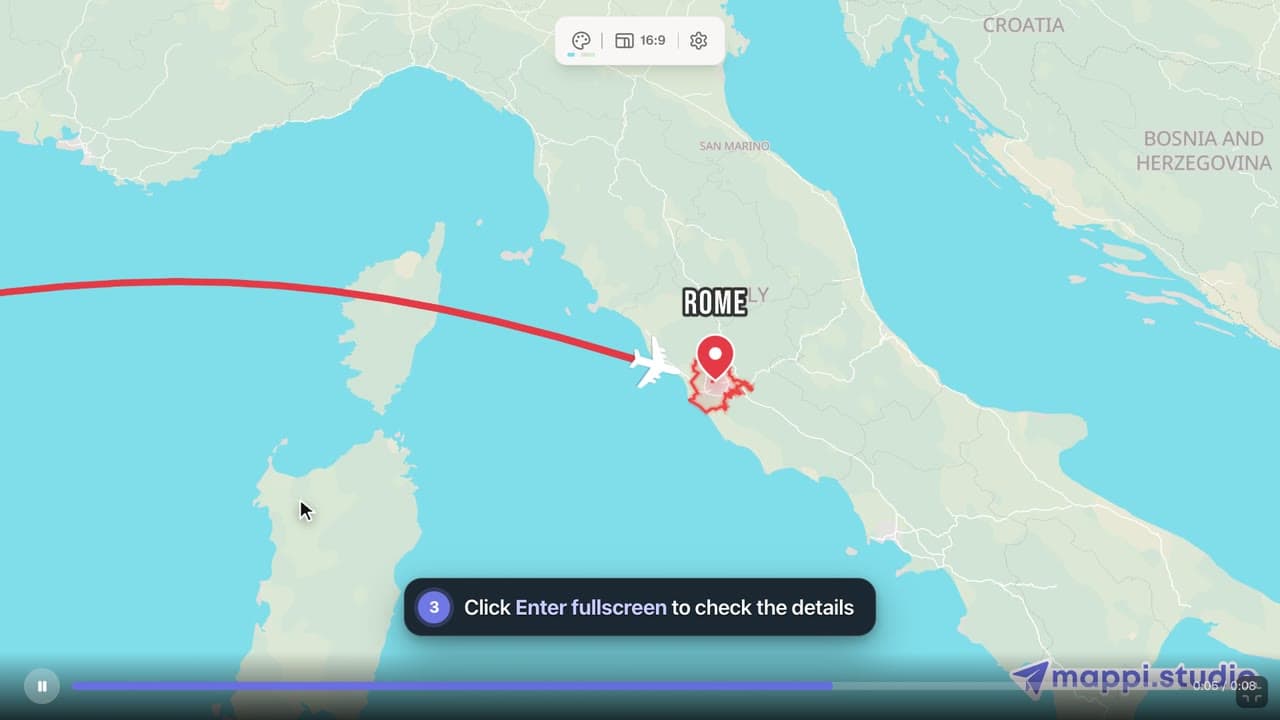
Play, pause and scrub your map animation in the editor preview, use keyboard shortcuts, and check the details in fullscreen before you export it.
