


Where are my saved maps stored?
Saved maps are stored in the browser where you saved them, on that device. They are not tied to your Mappi account, so they don’t appear in another browser or on another device, and clearing your browser’s site data deletes them.
Step by step
Open the browser you saved in
Saved maps only appear in the same browser, on the same device, where you saved them. If you switched from Chrome to Safari, or from your laptop to your phone, open the original one.
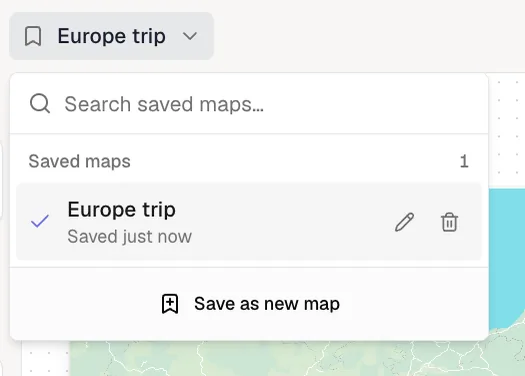
Check the saved maps menu
Click the map name at the top of the editor. The list shows every map saved in this browser. Type in Search saved maps… to filter a long list. The menu is hidden when the browser window is narrower than 768 pixels, as on a phone held upright, so widen the window or open the editor on the computer where you saved your maps.
Save before you leave the editor
The editor doesn’t keep your current map when you close the tab or reload the page. Save it first with Save current map, or use the Save button that appears next to Unsaved after you edit a saved map.
What removes saved maps?
- Clearing cookies and site data (or browsing history with site data) for mappi.studio.
- Private or incognito windows: their storage is deleted when the window closes.
- Browser cleanup tools or storage limits on a nearly full device. Safari also deletes saved maps by itself after 7 days of browsing in Safari without using Mappi, so use Mappi in Safari every few days to keep them.
Signing out doesn’t remove saved maps. They stay in the browser for anyone using it.
Was this guide helpful?
Try it in the editor
Mappi is a map animation maker that runs in your browser. No download, and no account needed to start.
Open MappiRelated guides
 0:36
Getting started
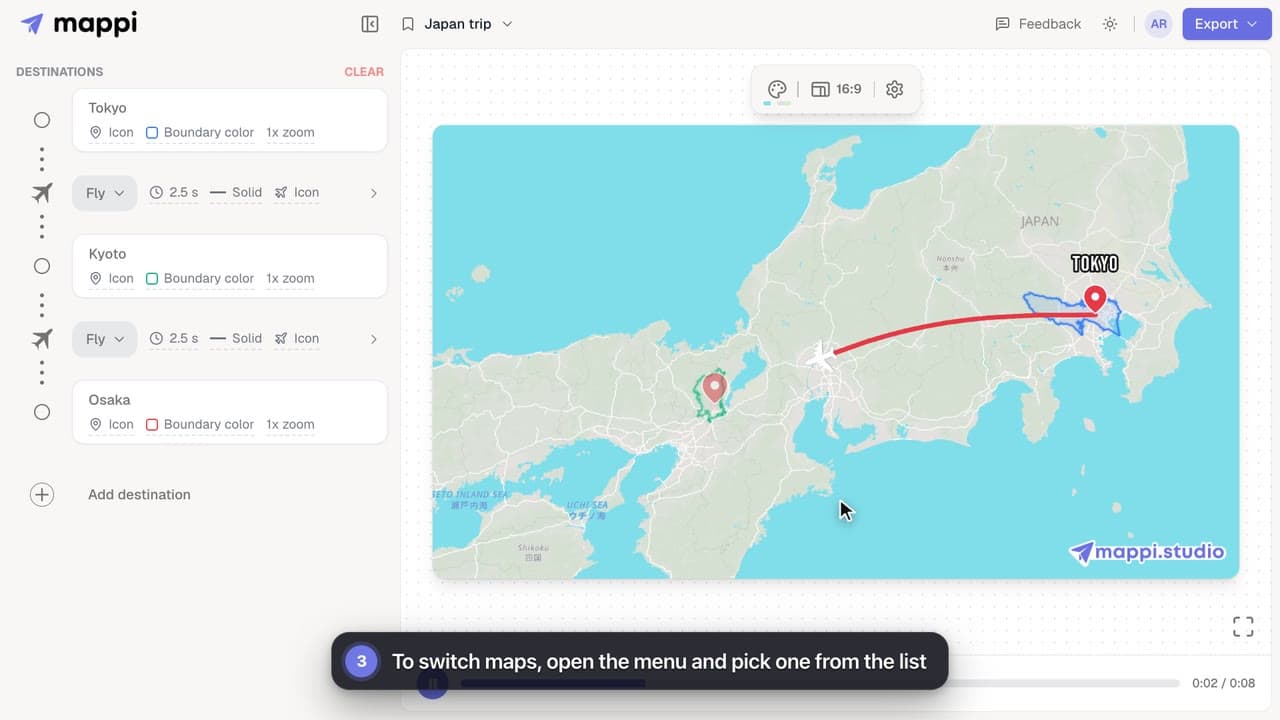
How to save a map and open it later
Save your map animation from the menu at the top of the editor, then reopen it anytime. Learn where saved maps are stored and how to update them.
How to create a Mappi account and sign in
Create a free Mappi account or sign in with Google, Apple, Facebook or email, right from the editor. Your current map stays put while you sign in.
Account & billing
 0:46
Getting started
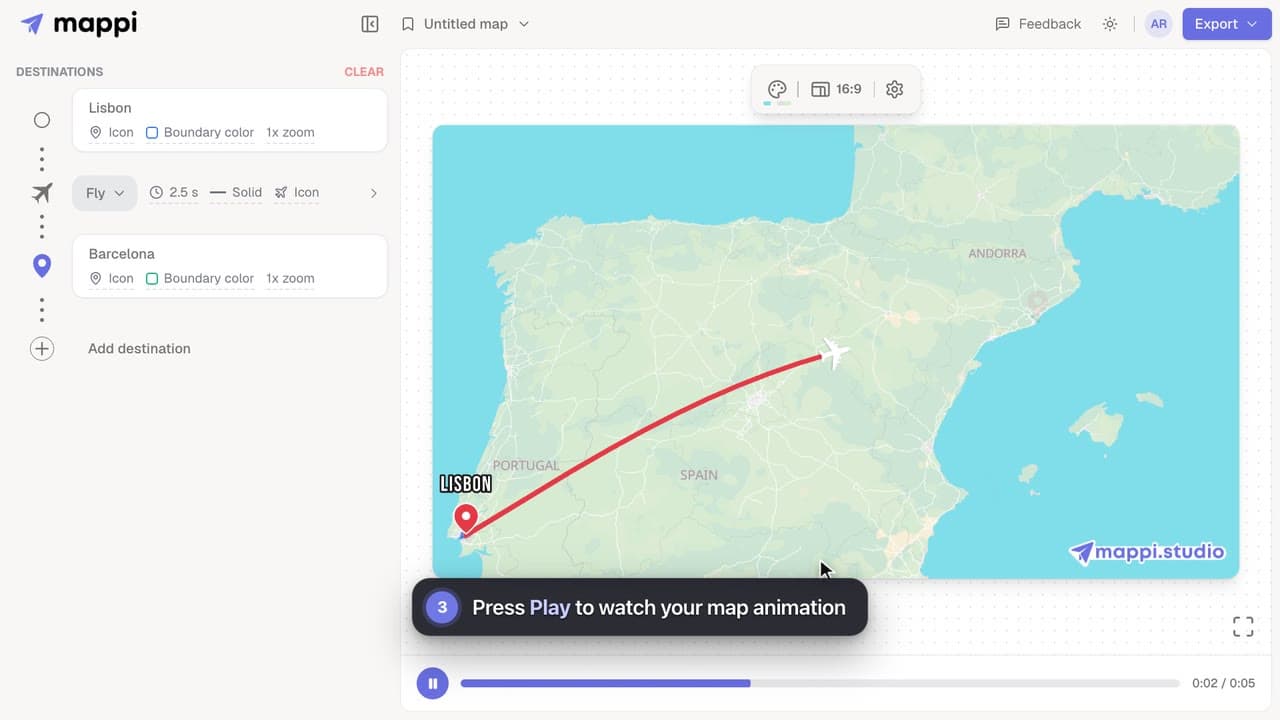
How to make your first map animation
Make your first map animation in about a minute: search for two destinations, preview the animated route, and export it as an MP4 video. Video guide.
