


Why does my map video look blurry or choppy?
For the sharpest result export at 1080p or 4K (Pro) with Faster export off, and choose 60 fps for the smoothest motion. A preview that stutters doesn’t affect the export, and videos often look softer after upload because platforms re-compress them.
Step by step
Export at a higher quality
Choose 1080p (HD) or, with Pro, 4K. 720p is meant for quick previews.
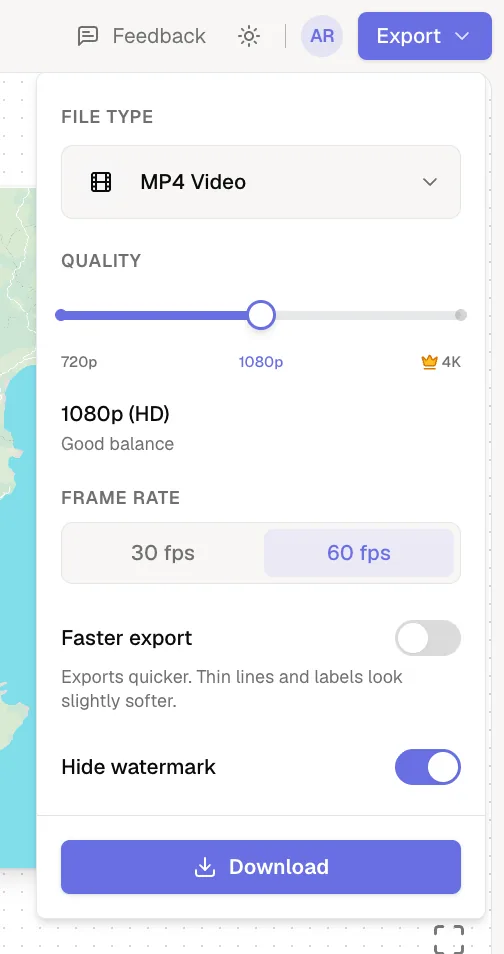
Turn off Faster export for the final cut
Faster export draws the map at a lower internal resolution, which softens thin lines and small labels a little. Phones, tablets and touchscreen computers don’t show the switch because they always draw the map this way, so for the sharpest lines export the final cut from a computer without a touchscreen.
Use 60 fps for smooth motion
Fast camera moves look smoother at 60 fps. If a leg still feels rushed, give it a longer travel duration.
The preview stutters but the export is fine
The preview plays live on your device, so on slower computers it can drop frames. Exports render every frame one by one, so they come out smooth even when the preview isn’t.
It looked sharp until I uploaded it
- Social platforms re-compress every upload. Starting from 4K keeps more detail after compression.
- Upload the original MP4, not a screen recording or a re-export from a messaging app.
- Make small labels bigger so they survive compression. See change label fonts and colors.
Was this guide helpful?
Try it in the editor
Mappi is a map animation maker that runs in your browser. No download, and no account needed to start.
Open MappiRelated guides
Export settings explained: quality, frame rate and file size
What every Mappi export option does: 720p, 1080p and 4K video sizes for each aspect ratio, 30 vs 60 fps, Faster export, the watermark and the MP4 format.
Export & formats
 0:33
Export & formats
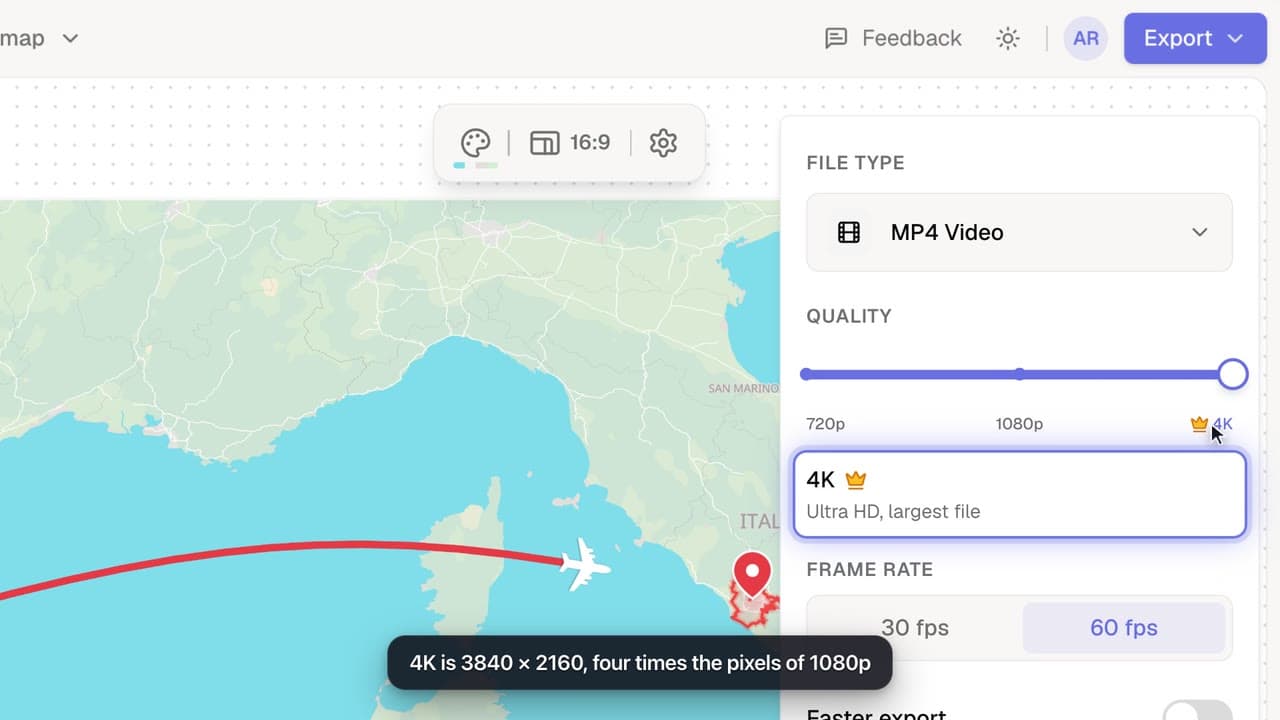
How to export a map animation in 4K
Export your map animation in 4K (3840 × 2160 for landscape) with Mappi Pro: set Quality to 4K in the Export options and download an ultra-sharp MP4.
Pro
 0:32
Rendering & troubleshooting
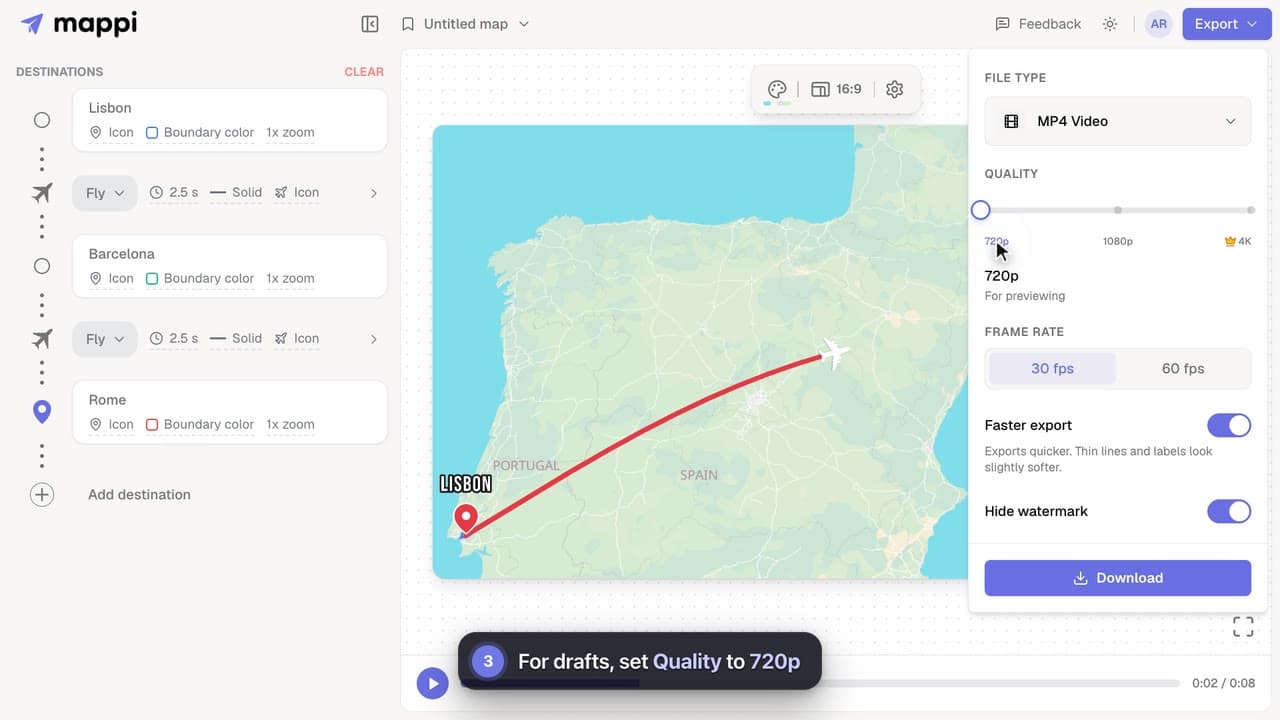
How to make exports faster
Cut map video export time on slower computers: turn on Faster export, render at 30 fps, use 720p for drafts, and keep the editor tab in front.
 0:42
Pins, labels & icons
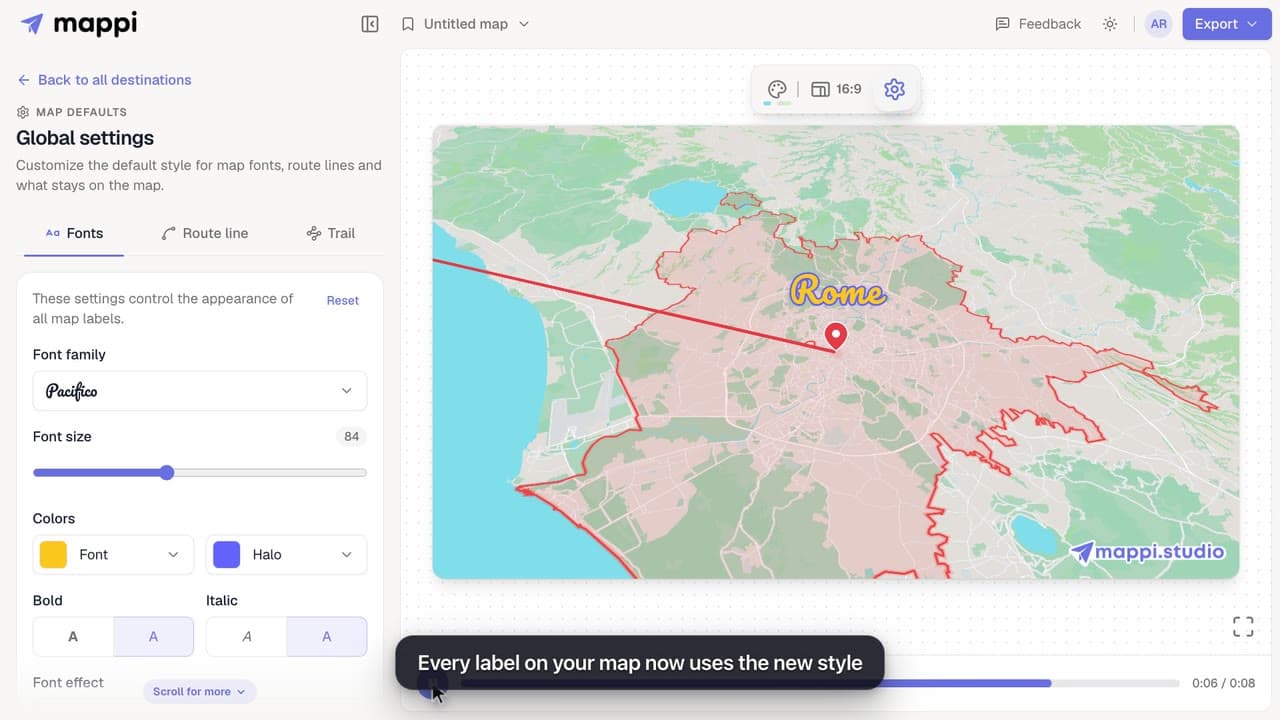
How to change label fonts, size and colors
Style every destination label on your map animation: choose from 25 fonts, set the font size, text and halo colors, bold, italic and font effects.
