


Which browsers and devices work with Mappi?
Mappi runs in the latest versions of Chrome, Edge, Firefox and Safari, on computers, phones and tablets. Firefox for Android can’t export videos yet, so on Android, make and export your map in Chrome. The preview needs WebGL (graphics acceleration) and exporting needs the browser’s built-in video encoder (WebCodecs). Nothing to install.
Step by step
Use an up-to-date browser
Update Chrome, Edge, Firefox or Safari to the latest version. Newer versions encode video faster and more reliably.
Turn on hardware acceleration
The map preview is drawn by your graphics chip through WebGL. If it’s off, you’ll see “WebGL is not supported”. See map won’t load.
What Mappi needs
| Feature | Needs | If it’s missing |
|---|---|---|
| Map preview | WebGL (graphics acceleration) | “WebGL is not supported” on the preview |
| Video export | WebCodecs video encoding (H.264) | The export fails with “Your device couldn’t handle this export” |
| Saved maps | Browser storage (IndexedDB) | Saved maps don’t persist, for example in some private windows |
For the fastest exports, use a computer with a recent graphics chip and more than 4 GB of memory. On slower devices, Mappi turns on Faster export and 30 fps by default.
Was this guide helpful?
Try it in the editor
Mappi is a map animation maker that runs in your browser. No download, and no account needed to start.
Open MappiRelated guides
The map won’t load or says “WebGL is not supported”
Fix a blank map preview or the “WebGL is not supported” message in Mappi: turn on hardware acceleration, update your browser, or try another browser.
Rendering & troubleshooting
Export failed: “Your device couldn’t handle this export”
Fix a failed Mappi export: why you see “Your device couldn’t handle this export”, and how lower quality, Faster export, 30 fps or a desktop browser help.
Rendering & troubleshooting
Making and exporting map animations on a phone or tablet
Use Mappi on your phone or tablet: how the mobile editor works, why phone exports are lighter, and tips to export map videos without errors on mobile.
Rendering & troubleshooting
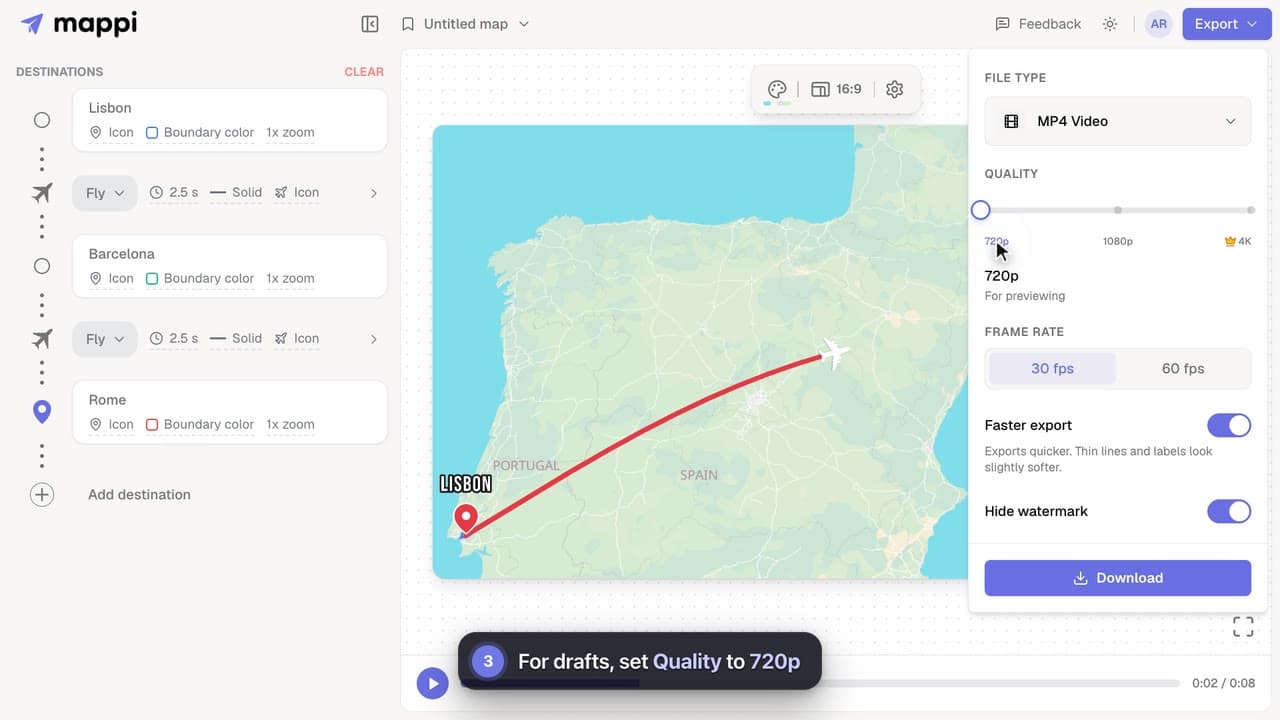 0:32
Rendering & troubleshooting
How to make exports faster
Cut map video export time on slower computers: turn on Faster export, render at 30 fps, use 720p for drafts, and keep the editor tab in front.
