


Making and exporting map animations on a phone or tablet
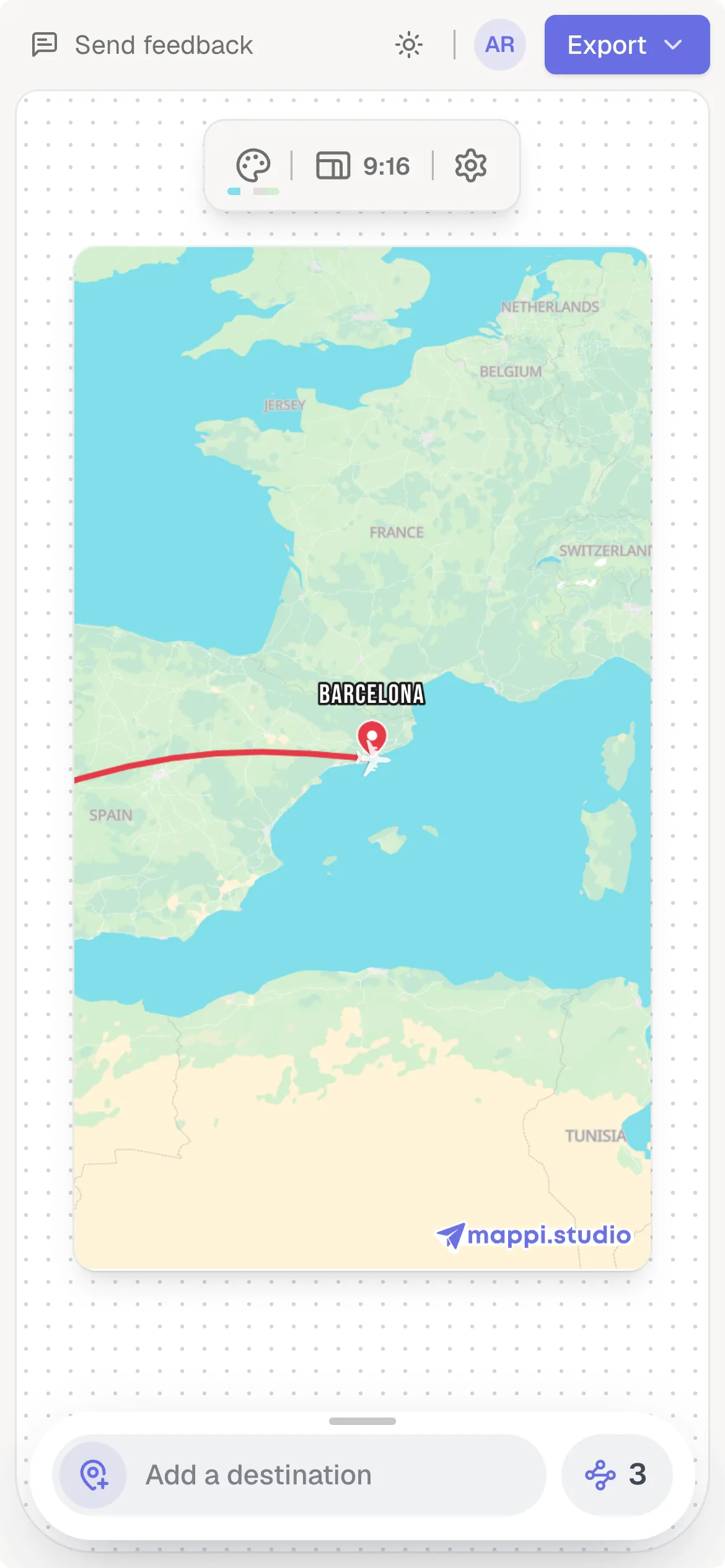
Mappi works in your phone’s browser: your destinations live in a sheet at the bottom of the screen, and the preview sits above it. Phones export a slightly lighter video to stay reliable, so keep the browser open during the export and use a computer for 4K or very long videos.
Step by step
Open the editor in your phone’s browser
Go to mappi.studio and open the editor. Tap the search pill at the bottom (Where to first?) to add your first stop. Drag the sheet up to see your full list and settings.
Keep the browser in front while exporting
Tap Export and Download. Switching to another app can pause the export until you come back.
Use a computer for big exports
If a phone export fails, set Quality to 720p and export again, or make the map again on a computer and export it there. On a phone the editor has no saved maps menu, and saved maps never leave the browser they were saved in, so a map made on your phone can’t be opened on a computer. For 4K or very long videos, make the map on the computer you’ll export from.
How phones differ
- Phone exports draw the map at a lower internal resolution and use a slightly lower bitrate, so they’re lighter and more reliable. Thin lines can look a bit softer than a computer export.
- The Faster export switch isn’t shown on phones because phone exports are already optimized.
- Some phones limit memory for web pages. If you see “Your phone couldn’t handle this export”, see export failed.
Was this guide helpful?
Try it in the editor
Mappi is a map animation maker that runs in your browser. No download, and no account needed to start.
Open MappiRelated guides
Export failed: “Your device couldn’t handle this export”
Fix a failed Mappi export: why you see “Your device couldn’t handle this export”, and how lower quality, Faster export, 30 fps or a desktop browser help.
Rendering & troubleshooting
Which browsers and devices work with Mappi?
Mappi runs in up-to-date Chrome, Edge, Firefox and Safari on computers, phones and tablets. Firefox on Android can’t export videos yet. What your browser needs.
Rendering & troubleshooting
Where are my saved maps stored?
Mappi saves maps in your browser, not your account. Learn why a saved map can be missing on another device or after clearing browser data, and how to keep it.
Getting started
