


My export is stuck or taking too long
Mappi renders videos in your browser, so speed depends on your device. Keep the editor tab in front, wait for slow map tiles to load, and if the percentage hasn’t moved for several minutes, click Stop rendering and export again with Faster export on and 30 fps.
Step by step
Check the progress
Progress shows on the Export button, in the notice at the bottom-right, and over the preview. A short pause is normal while map tiles for a new area load.
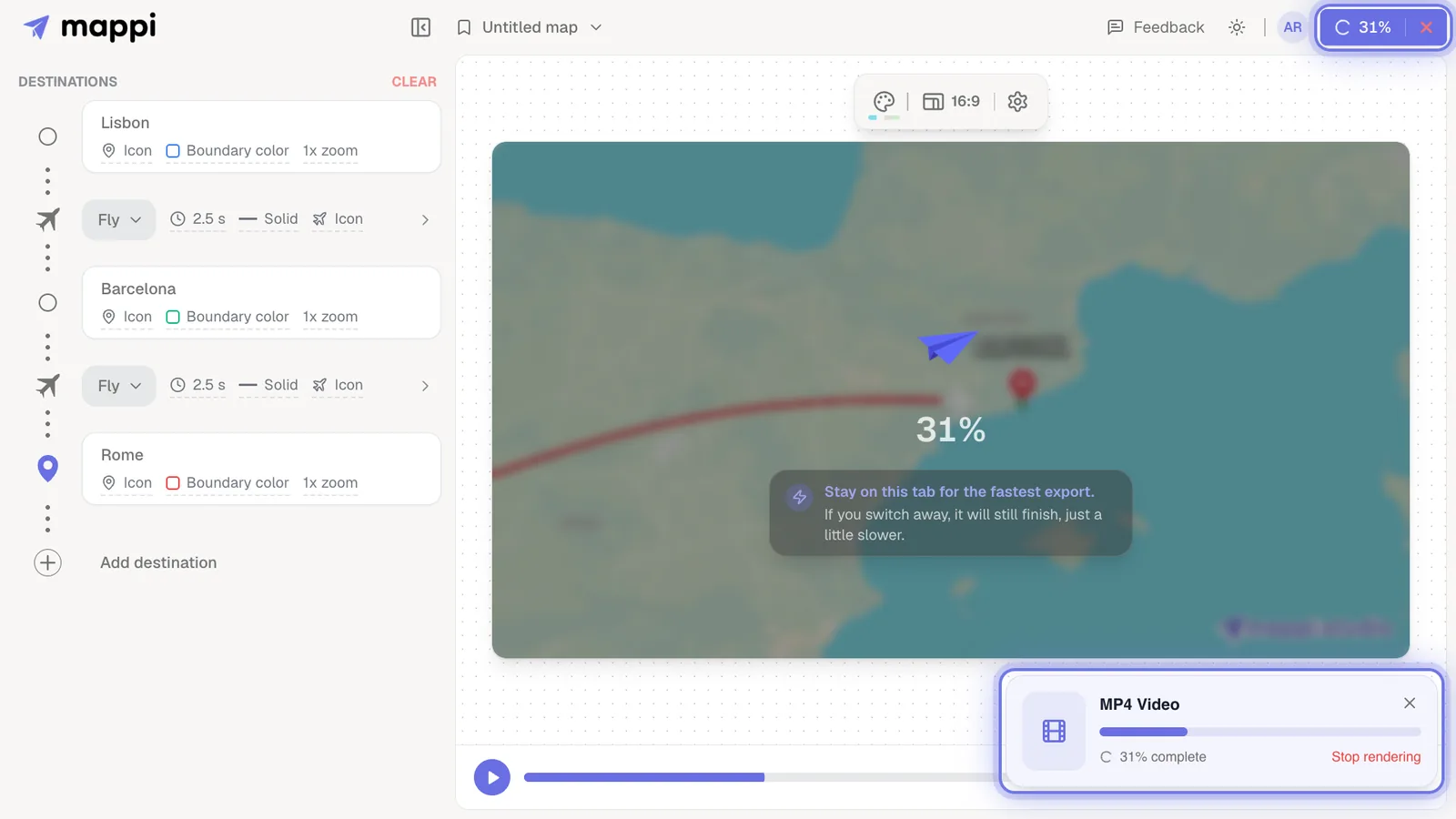
Bring the tab to the front
Exports slow down when the tab is in the background or the window is minimized. Switch back to the editor and leave it open.
Restart with lighter settings
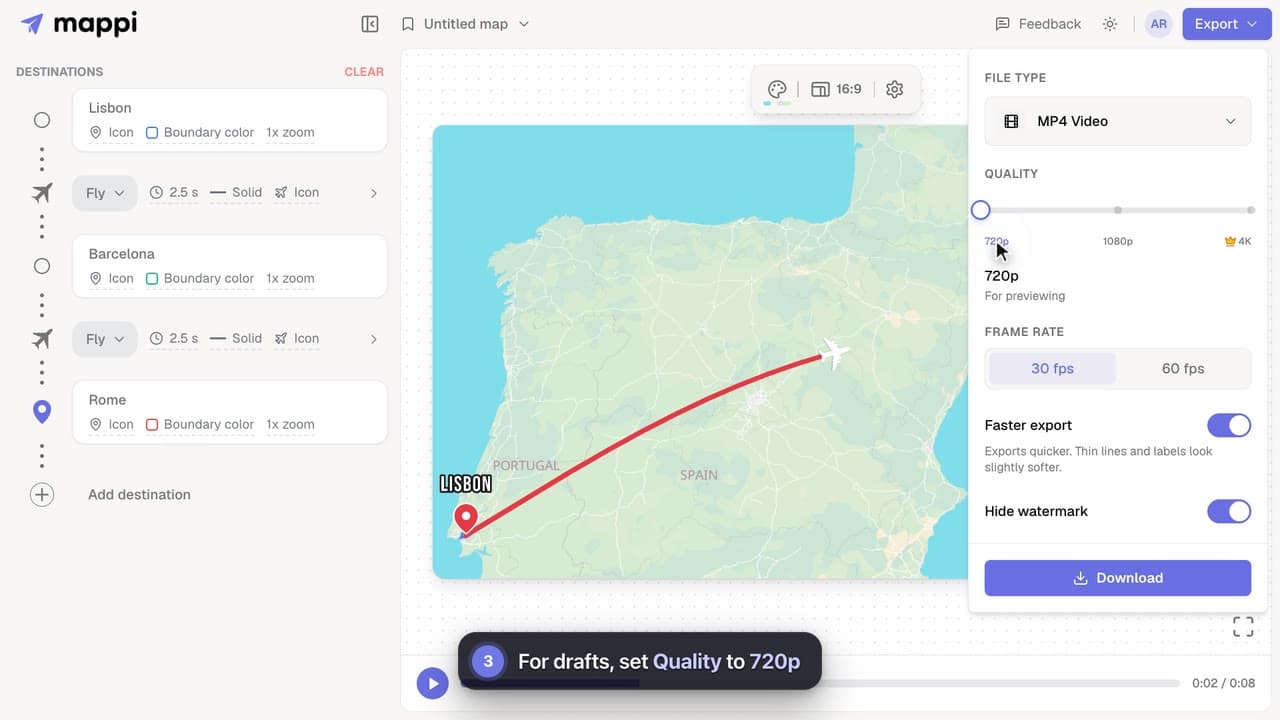
If nothing moves for several minutes, click Stop rendering, then export again with Faster export on, 30 fps and, if needed, 720p. See make exports faster.
How long should an export take?
It depends on the video’s length, resolution and frame rate, and on your computer. Short 1080p videos render quickly on recent computers. 4K at 60 fps renders eight times as many pixels per second of video as 1080p at 30 fps, so it takes noticeably longer, especially on older laptops and Chromebooks.
- Long routes over satellite imagery or with lots of detail load more tiles.
- Leaving the editor page cancels the export. Closing the notice doesn’t.
- If the export ends with an error instead, see export failed.
Was this guide helpful?
Try it in the editor
Mappi is a map animation maker that runs in your browser. No download, and no account needed to start.
Open MappiRelated guides
 0:32
Rendering & troubleshooting
How to make exports faster
Cut map video export time on slower computers: turn on Faster export, render at 30 fps, use 720p for drafts, and keep the editor tab in front.
Export failed: “Your device couldn’t handle this export”
Fix a failed Mappi export: why you see “Your device couldn’t handle this export”, and how lower quality, Faster export, 30 fps or a desktop browser help.
Rendering & troubleshooting
 0:34
Export & formats
How to export your map animation as a video
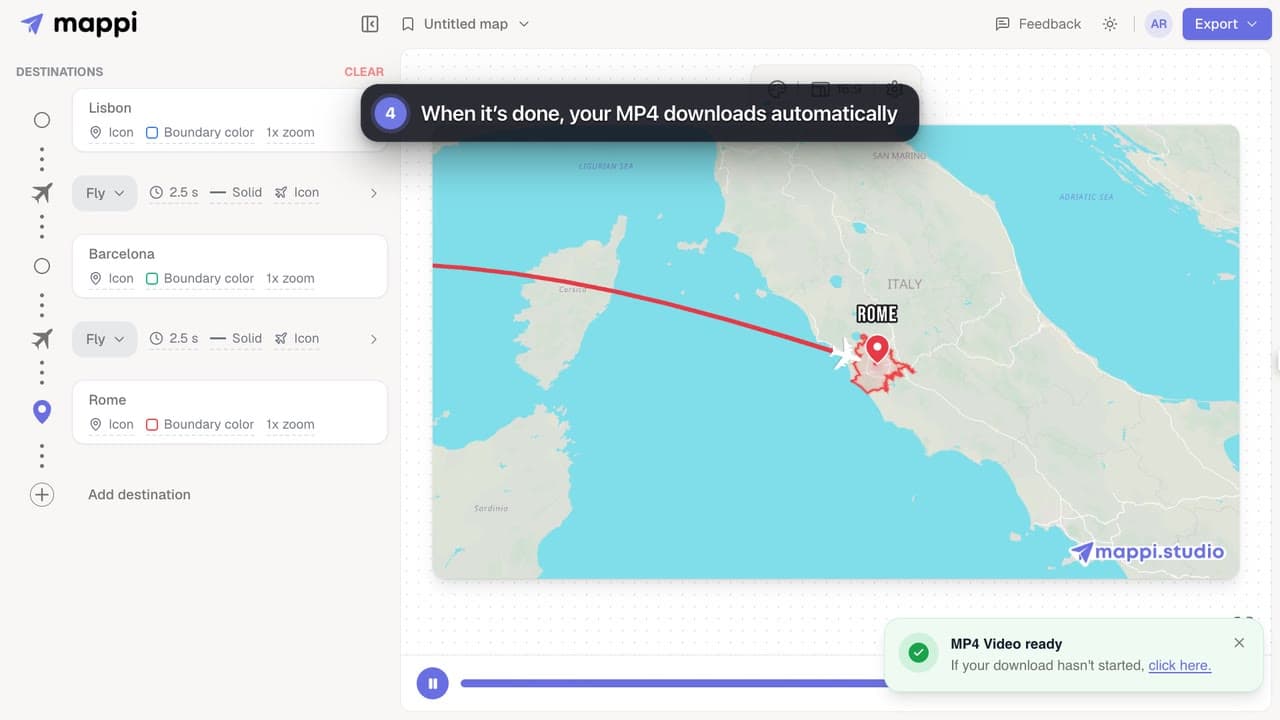
Export your Mappi map animation as an MP4 video: open Export, choose the quality and frame rate, and click Download. It renders right in your browser.
Which browsers and devices work with Mappi?
Mappi runs in up-to-date Chrome, Edge, Firefox and Safari on computers, phones and tablets. Firefox on Android can’t export videos yet. What your browser needs.
Rendering & troubleshooting
