


How to export your map animation as a video
Click Export in the top-right corner of the editor, pick a Quality (1080p is the default) and a Frame rate, and click Download. Mappi renders the video in your browser and downloads it as an MP4 file when it’s done.
Step by step
Open Export
Click Export, the filled button in the top-right corner of the editor. The export options open below it.
Choose quality and frame rate
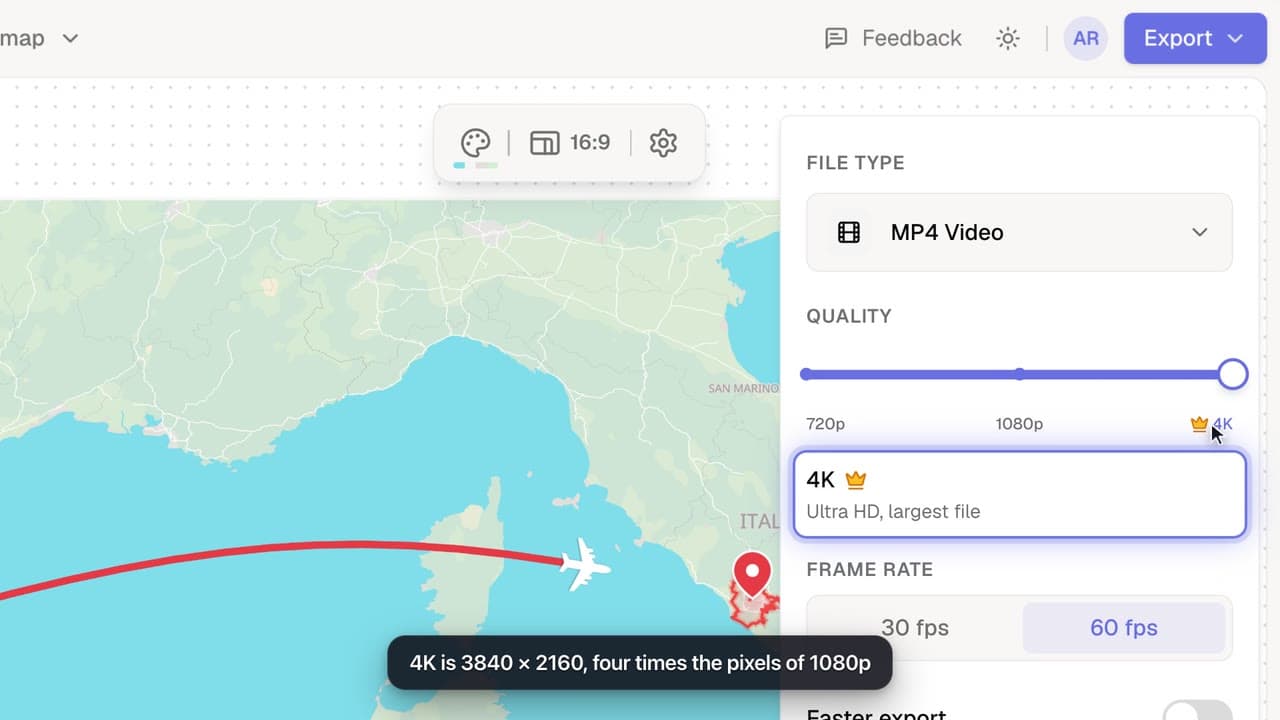
Under Quality, pick 720p, 1080p or 4K (Pro). Under Frame rate, pick 30 fps or 60 fps. 1080p at 60 fps is a great default for most videos.
Download your video
Click Download. Progress shows on the Export button, in a notice at the bottom-right and over the preview. Keep the tab open: the video renders on your device.
Get your MP4
When the notice says MP4 Video ready, the file downloads automatically as mappi-video.mp4. If it doesn’t, click click here in the notice to download it again.
While your video renders
- Stay on the tab for the fastest export. On a computer, if you switch to another tab it still finishes, just a little slower. On a phone, switching to another app can pause it until you come back.
- Closing the notice doesn’t stop the render. To cancel, click Stop rendering in the notice, or the red X next to the Export button.
- Leaving the editor cancels the export.
- The aspect ratio comes from the editor, not the export options. Change the aspect ratio before you export.
See export settings explained for the exact video sizes, and make exports faster if rendering takes long on your computer.
Video transcript
Show the transcriptHide the transcript
- 0:04Click Export in the top-right corner
- 0:09Pick a Quality and Frame rate. 1080p at 60 fps is a great default
- 0:15Click Download to start rendering
- 0:20It renders right in your browser. Keep this tab open
- 0:25When it’s done, your MP4 downloads automatically
Was this guide helpful?
Try it in the editor
Mappi is a map animation maker that runs in your browser. No download, and no account needed to start.
Open MappiRelated guides
Export settings explained: quality, frame rate and file size
What every Mappi export option does: 720p, 1080p and 4K video sizes for each aspect ratio, 30 vs 60 fps, Faster export, the watermark and the MP4 format.
Export & formats
 0:35
Export & formats
How to change the aspect ratio for TikTok, Reels or YouTube
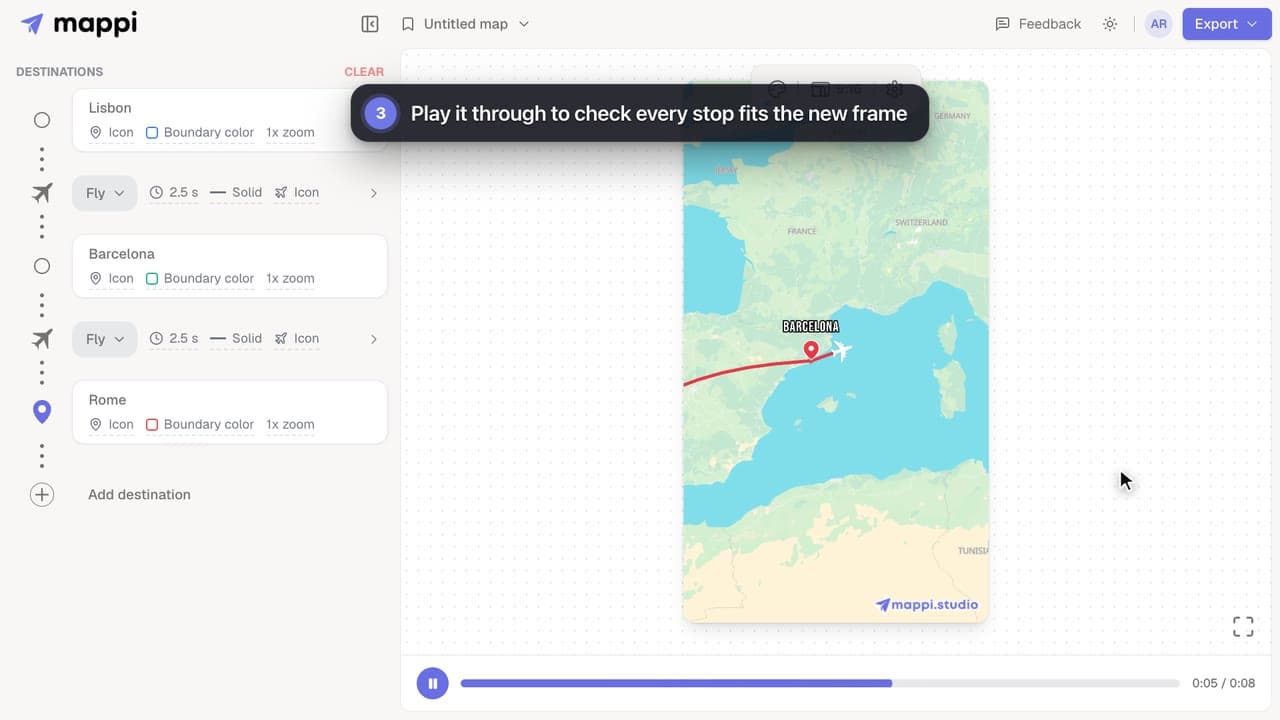
Size your map animation for TikTok, Instagram Reels, YouTube Shorts or YouTube: switch between vertical 9:16, portrait 4:5, landscape 16:9 and square 1:1.
 0:33
Export & formats
How to export a map animation in 4K
Export your map animation in 4K (3840 × 2160 for landscape) with Mappi Pro: set Quality to 4K in the Export options and download an ultra-sharp MP4.
Pro
My export is stuck or taking too long
Map video export stuck at a percentage or taking forever? Why exports slow down, how long they should take, and what to do to get your MP4 faster.
Rendering & troubleshooting
