


How to change the map theme
Hover the palette button in the toolbar above the preview and pick a theme under Map themes. The preview updates instantly, and every export uses the theme you pick.
Step by step
Open the themes panel
Hover the palette icon, the first button in the toolbar at the top of the preview. The themes panel opens.
Pick a theme
Click any tile under Map themes. The panel closes and the preview redraws in the new style. When you open the panel again, the theme you picked has a check mark.
Built-in map themes
Mappi includes 11 themes. The tiles under Map themes have no names: each one shows a small drawing in its theme’s colors, except Satellite, a labeled satellite photo. Reading left to right, three to a row, the tiles are: Light (the default), Satellite, Dark, Retro, Ocean Sunset, Pastel Dream, Fiesta, Purple Sea, Tropical Spice, Flat Pastel and Flat Dark. The Flat themes show less texture for a clean, graphic look.
Video transcript
Show the transcriptHide the transcript
- 0:04Hover the palette button in the map toolbar
- 0:10Pick a theme under Map themes. The preview updates instantly
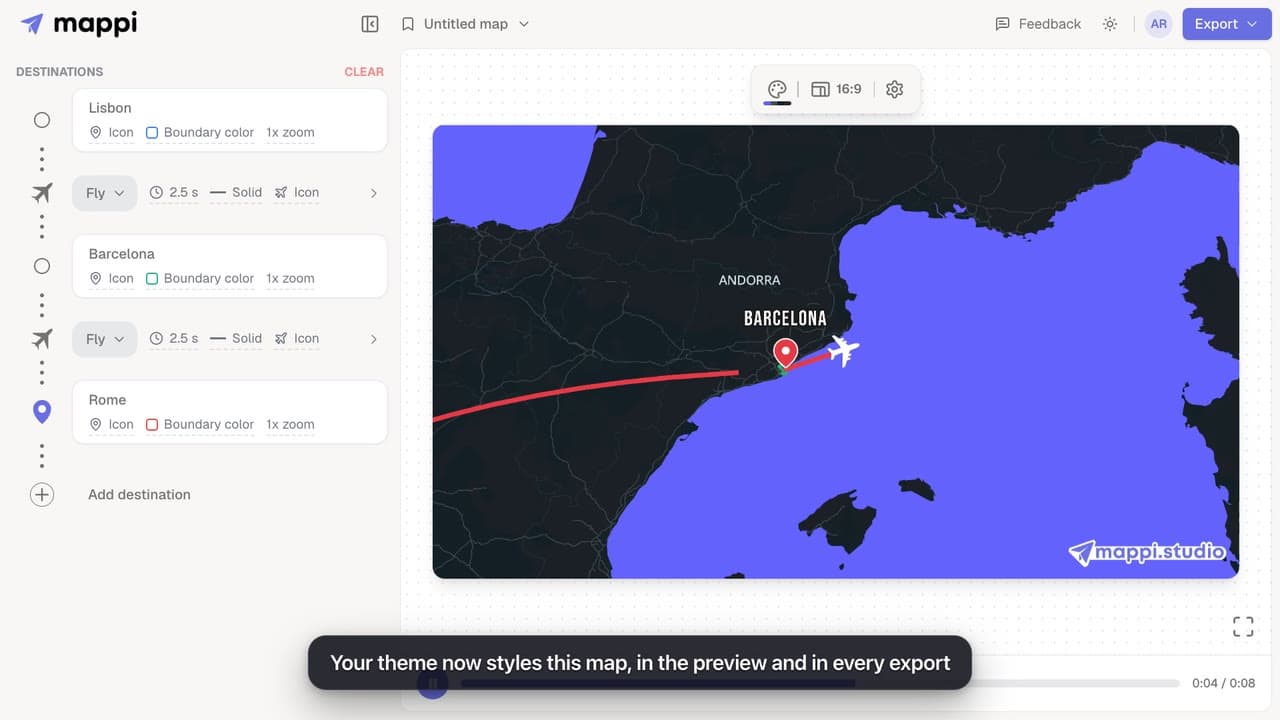
- 0:23Only the base map changes. Your routes, pins and labels stay the same
Was this guide helpful?
Try it in the editor
Mappi is a map animation maker that runs in your browser. No download, and no account needed to start.
Open MappiRelated guides
 0:51
Map styles & themes
How to create a custom map theme
Design your own map theme: pick colors for land, water, parks, roads, borders and labels, shuffle new palettes, set the detail level, and save it.
Pro
 0:32
Map styles & themes
How to use the satellite map theme
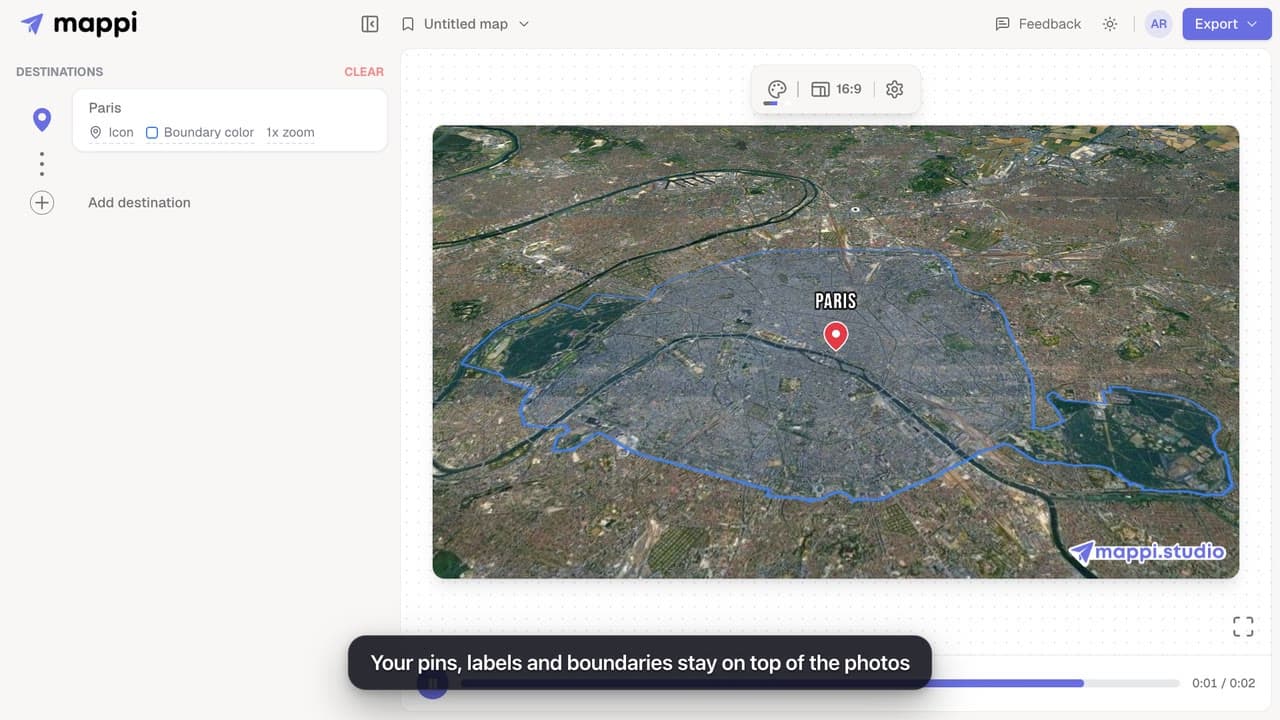
Swap the drawn map for real satellite imagery in your map animation. Routes, pins and labels stay on top. The Satellite theme is a Mappi Pro feature.
Pro
 0:42
Pins, labels & icons
How to change label fonts, size and colors
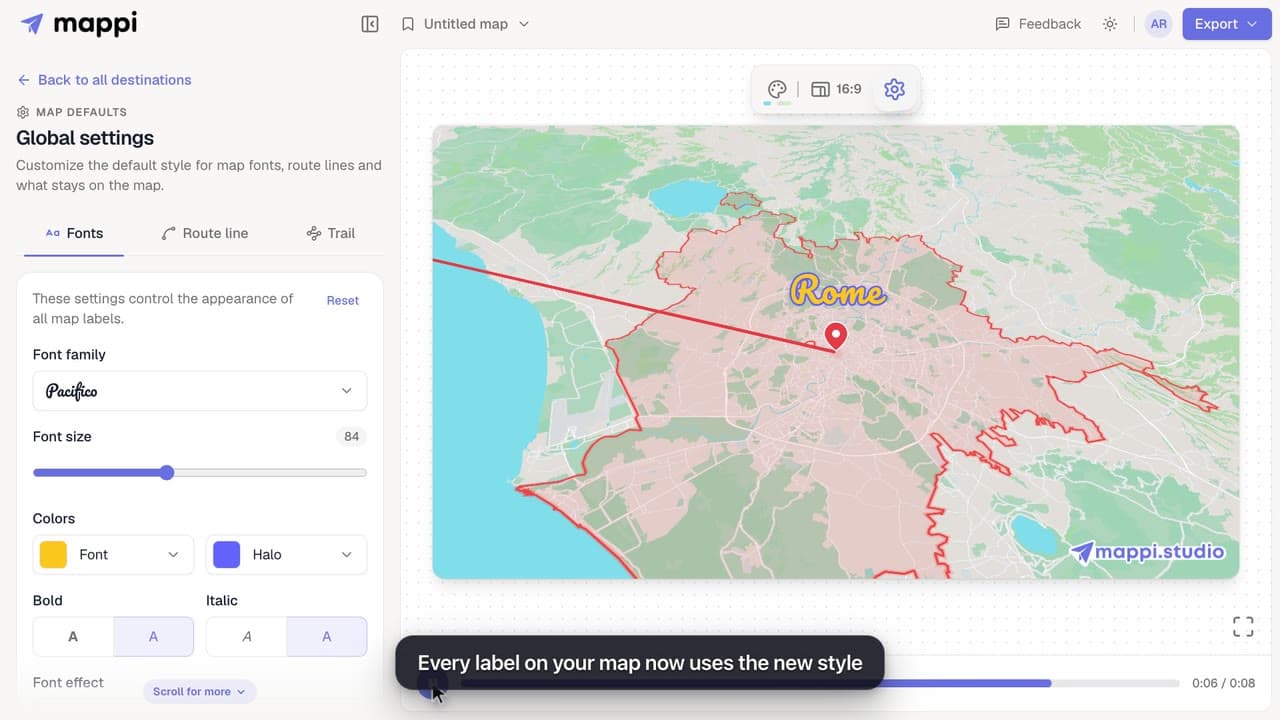
Style every destination label on your map animation: choose from 25 fonts, set the font size, text and halo colors, bold, italic and font effects.
 0:39
Map styles & themes
How to highlight a boundary and change its colors
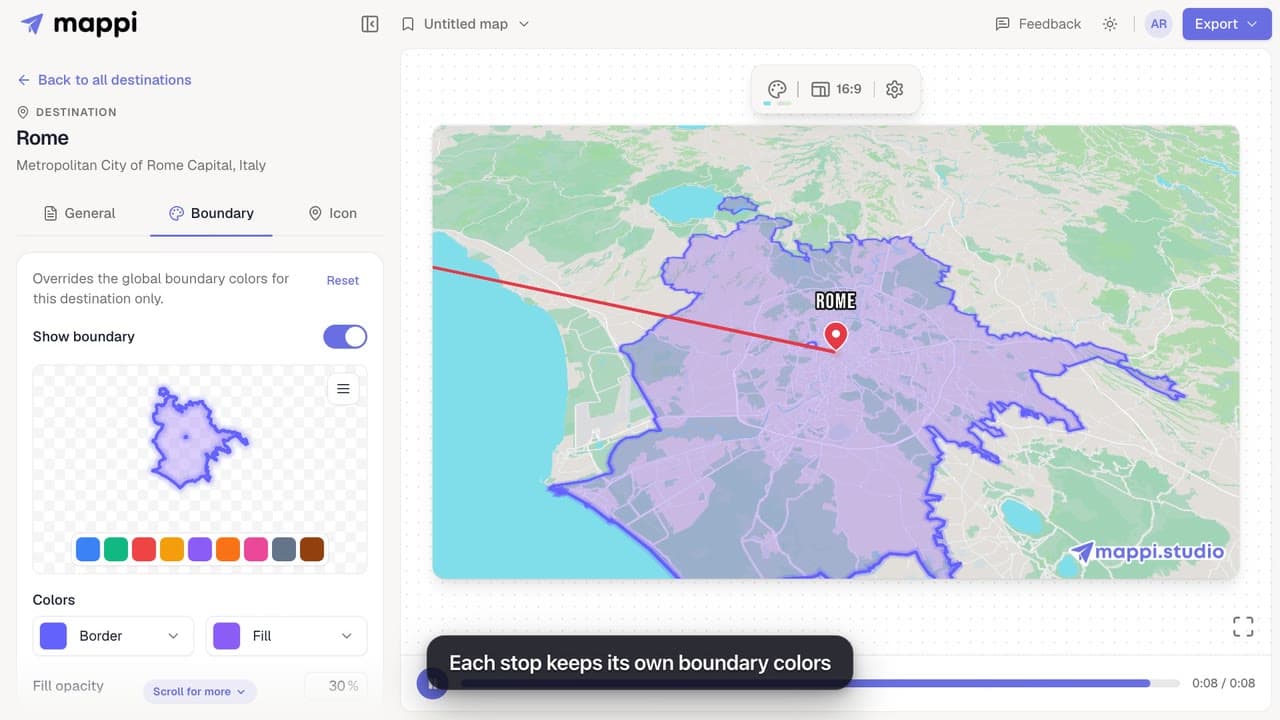
Outline a country, state or city on your map animation and style it: pick a preset color, set border and fill colors, fill opacity and border width.
