


How to change the aspect ratio for TikTok, Reels or YouTube
Hover the ratio button in the toolbar above the preview (it shows the current ratio, like 16:9) and pick Vertical 9:16, Portrait 4:5, Landscape 16:9 or Square 1:1. The preview reframes instantly, and your export uses the same ratio.
Step by step
Open Aspect Ratio
Hover the ratio button in the toolbar above the preview. It shows the current ratio, here 16:9, and opens the Aspect Ratio panel.
Pick a format
Choose Vertical (9:16) for TikTok, Reels and Shorts. The preview reframes right away.
Check the framing
Press Play and watch every stop in the new frame. If a place feels too tight or too wide, adjust the camera for that stop.
Which aspect ratio should I use?
| Format | Ratio | Size at 1080p | Best for |
|---|---|---|---|
| Vertical | 9:16 | 1080 × 1920 | TikTok, Instagram Reels, YouTube Shorts, Stories |
| Portrait | 4:5 | 1080 × 1350 | Instagram and Facebook feed posts |
| Landscape | 16:9 | 1920 × 1080 | YouTube, presentations, video editors |
| Square | 1:1 | 1080 × 1080 | Feeds where the crop is unknown |
For platform safe zones and framing advice, read our tutorial on map animation sizes for TikTok, Reels and YouTube.
Video transcript
Show the transcriptHide the transcript
- 0:04Hover the ratio in the map toolbar, here 16:9
- 0:09Pick Vertical for TikTok, Reels and Shorts
- 0:16Play it through to check every stop fits the new frame
- 0:22Use Landscape 16:9 for YouTube, Square or Portrait for feeds
Was this guide helpful?
Try it in the editor
Mappi is a map animation maker that runs in your browser. No download, and no account needed to start.
Open MappiRelated guides
 0:34
Export & formats
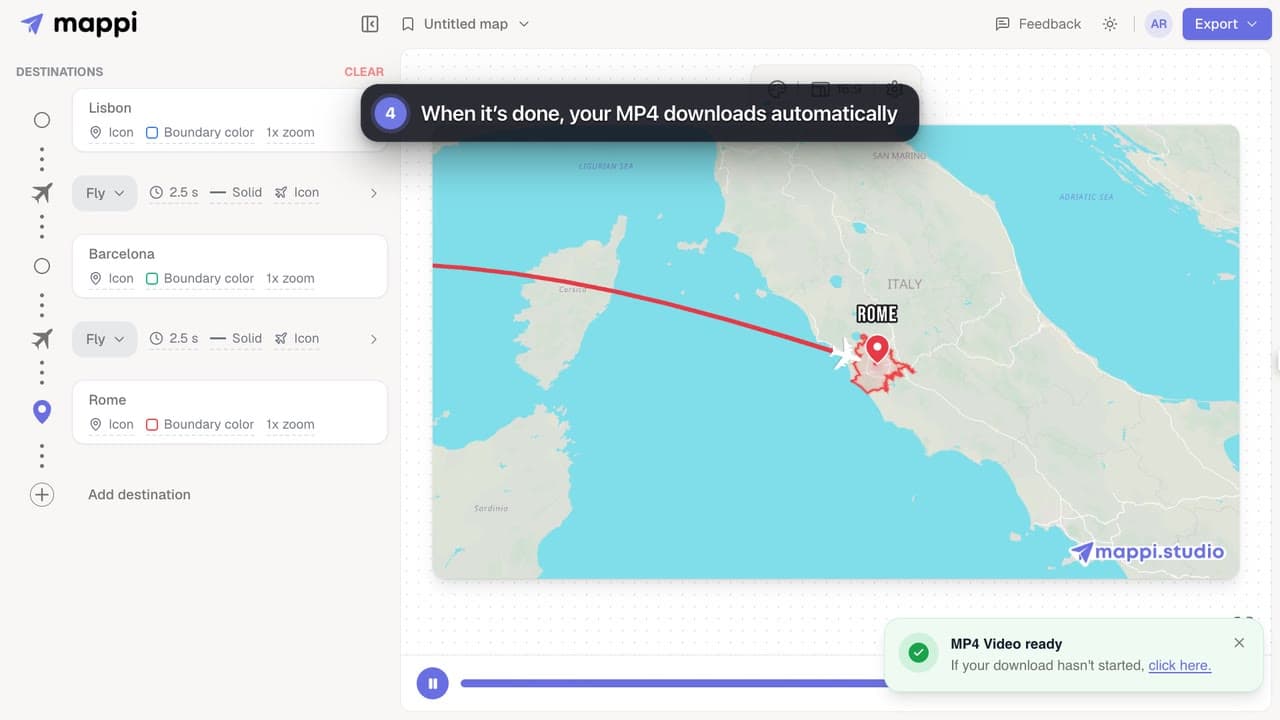
How to export your map animation as a video
Export your Mappi map animation as an MP4 video: open Export, choose the quality and frame rate, and click Download. It renders right in your browser.
 0:34
Animation & camera
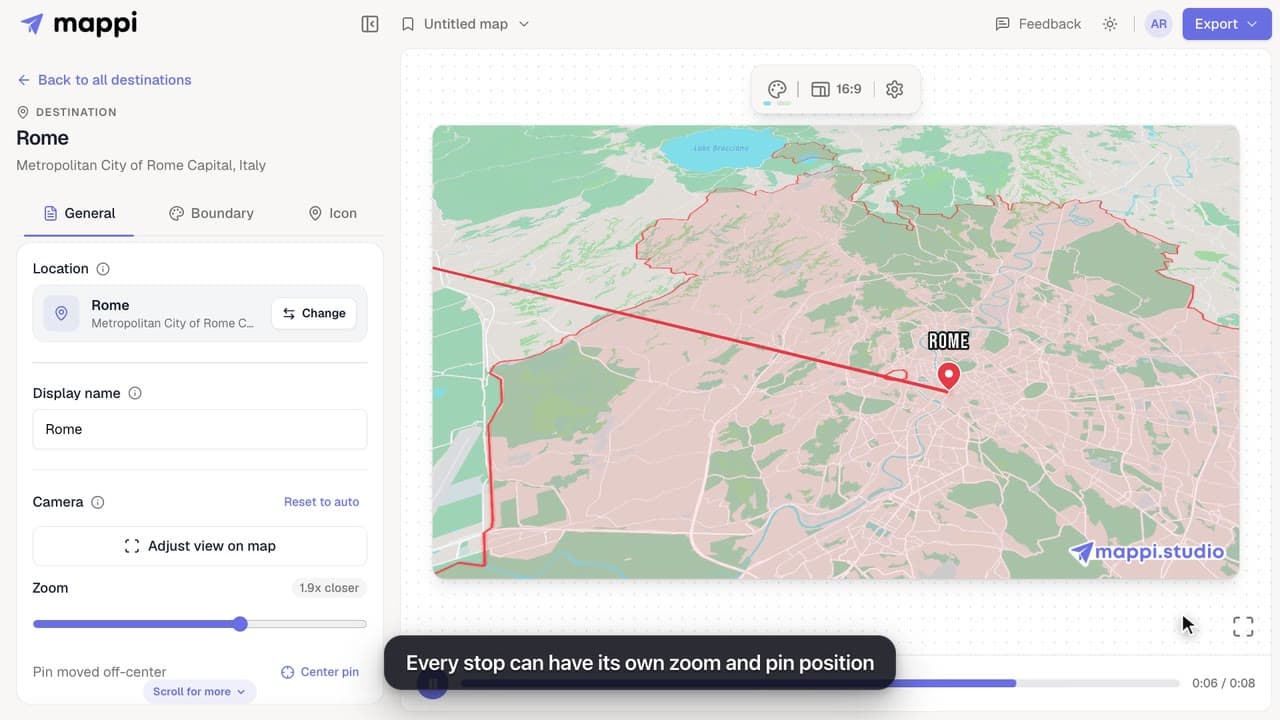
How to zoom the camera in or out on a destination
Frame each stop of your map animation: zoom the camera closer or wider and move the pin off-center with Adjust view, then save the framing for that stop.
Export settings explained: quality, frame rate and file size
What every Mappi export option does: 720p, 1080p and 4K video sizes for each aspect ratio, 30 vs 60 fps, Faster export, the watermark and the MP4 format.
Export & formats
