


How to highlight a boundary and change its colors
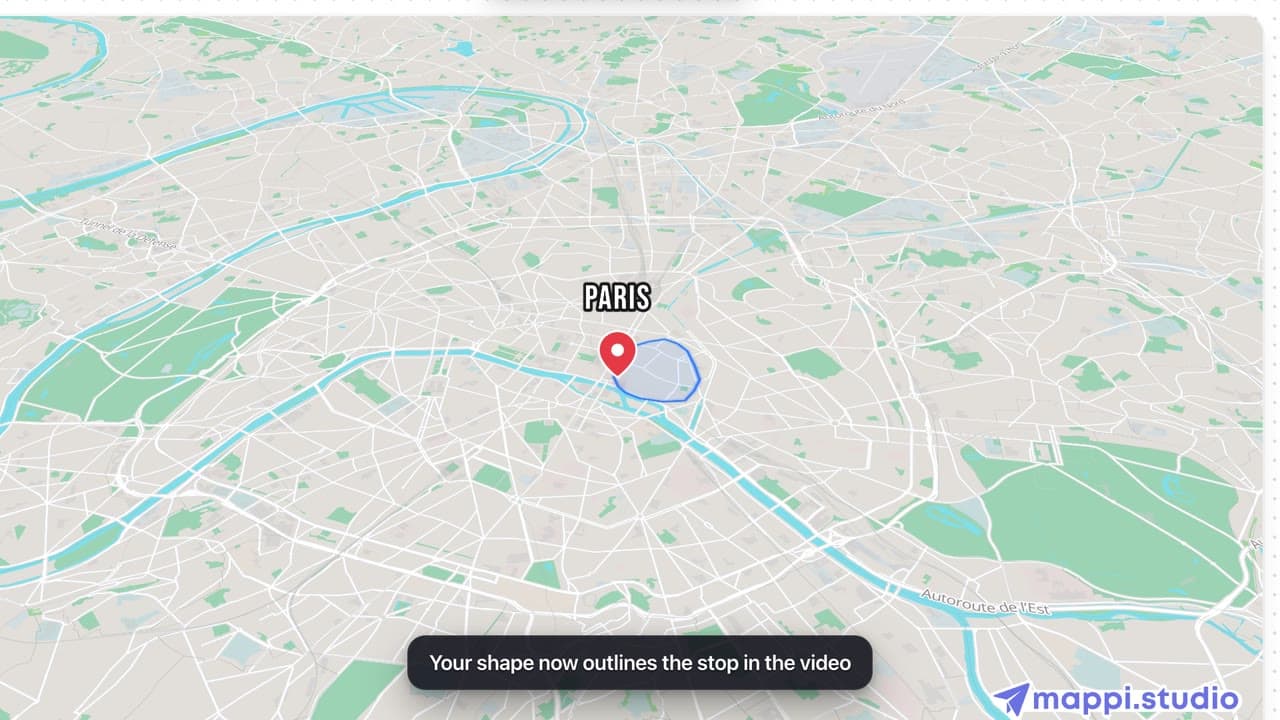
Click the stop’s Boundary color chip to open its Boundary tab. Pick a preset, or set Border and Fill colors yourself, then adjust Fill opacity and Border width. Turn off Show boundary to hide it.
Step by step
Open the Boundary tab
In your destination list, click the stop’s Boundary color chip. The stop’s settings open on the Boundary tab with a preview of the outline.
Pick colors
Click a preset swatch along the bottom of the preview (blue, green, red, yellow, purple, orange, pink, gray or brown), or set Border and Fill under Colors.
Adjust opacity and width
Type a Fill opacity (0 to 100 %) and a Border width (0 to 10 px) and press Enter, or drag the sliders and release. Use Show boundary to turn the outline on or off.
Which places have a boundary?
Countries, states, regions, cities and many neighborhoods come with their outline. Many parks, lakes, islands, airports, stadiums and landmarks do too, though a landmark’s outline often traces just the building. Street addresses, most businesses and dropped pins don’t. When a stop has none, the tab says “No boundary for this place” and offers Upload your own boundary. See upload your own boundary.
Video transcript
Show the transcriptHide the transcript
- 0:04Click the stop’s Boundary color chip
- 0:07Pick a preset, or set Border and Fill yourself
- 0:16Set Fill opacity and Border width, then press Enter
- 0:27Turn off Show boundary to hide it without losing your colors
- 0:31Each stop keeps its own boundary colors
Was this guide helpful?
Try it in the editor
Mappi is a map animation maker that runs in your browser. No download, and no account needed to start.
Open MappiRelated guides
 0:43
Map styles & themes
How to upload your own boundary (GeoJSON polygon)
Draw any shape around a stop on your map animation: upload a GeoJSON polygon of a district, park, delivery zone or region and review it before applying.
Where to find GeoJSON boundary files for your map
Get a GeoJSON polygon for any country, state, city, neighborhood or custom area: draw one free, download open boundary data, or convert KML and Shapefiles.
Map styles & themes
 0:34
Map styles & themes
How to change the map theme
Restyle your whole map animation in one click: switch between Light, Dark, Retro, Ocean Sunset, Pastel Dream and the other built-in Mappi map themes.
