


How to show or hide map labels
Open the theme editor (hover the palette button and click Create your own, or edit a saved theme), switch off Map labels, and click Save theme. Base map names disappear while your destination labels stay.
Step by step
Open the theme editor
Hover the palette button and click Create your own. To change a theme you already saved, hover it under Custom themes and click its pencil.
Switch off Map labels
Under Style, turn off Map labels. Country, ocean and road names vanish from the preview right away. Your destination labels always show.
Save the theme
Click Save theme to apply it to your map and keep it for later.
Which labels does this change?
| Label | How to change it |
|---|---|
| Country, ocean and road names on the base map | Map labels switch in the theme editor (this guide) |
| Your destination labels | Rename or hide a label |
| Font, size and color of destination labels | Change label fonts and colors |
Video transcript
Show the transcriptHide the transcript
- 0:04Hover the palette and click Create your own
- 0:09Turn off Map labels. Your own destination labels stay
- 0:22Click Save theme to keep it
- 0:29Now the map shows only your own destination labels
Was this guide helpful?
Try it in the editor
Mappi is a map animation maker that runs in your browser. No download, and no account needed to start.
Open MappiRelated guides
 0:51
Map styles & themes
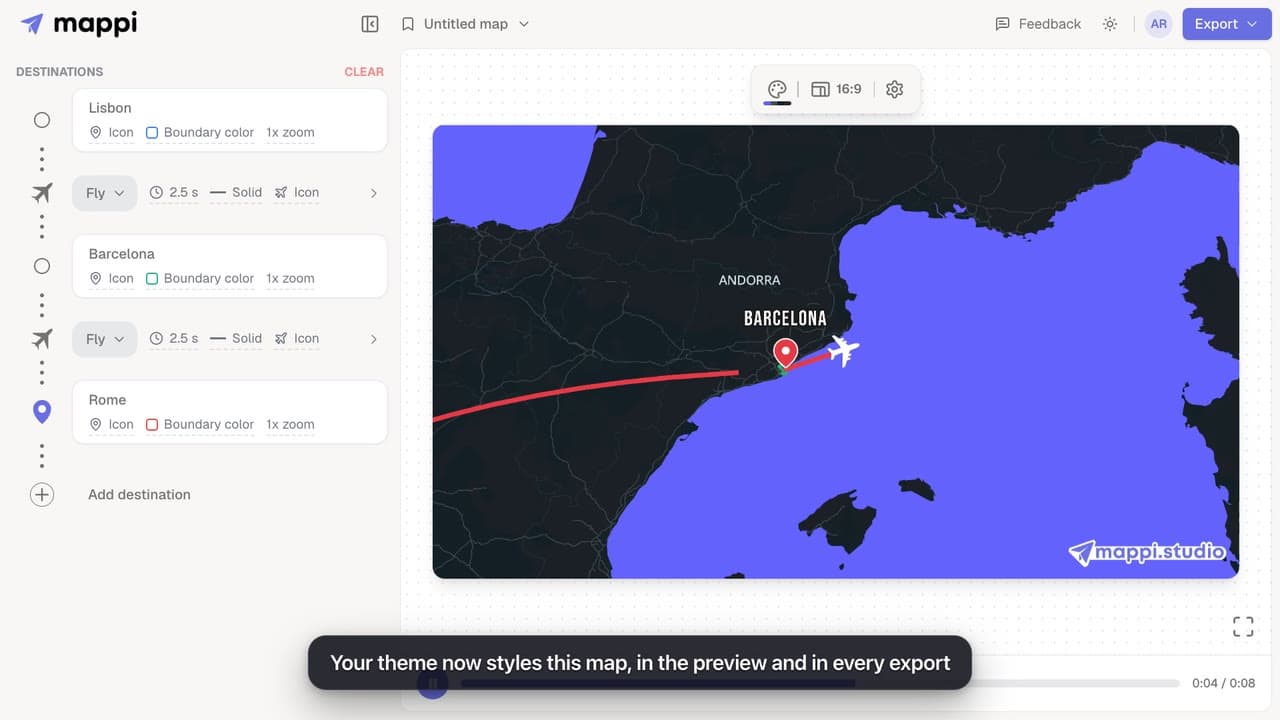
How to create a custom map theme
Design your own map theme: pick colors for land, water, parks, roads, borders and labels, shuffle new palettes, set the detail level, and save it.
Pro
 0:41
Pins, labels & icons
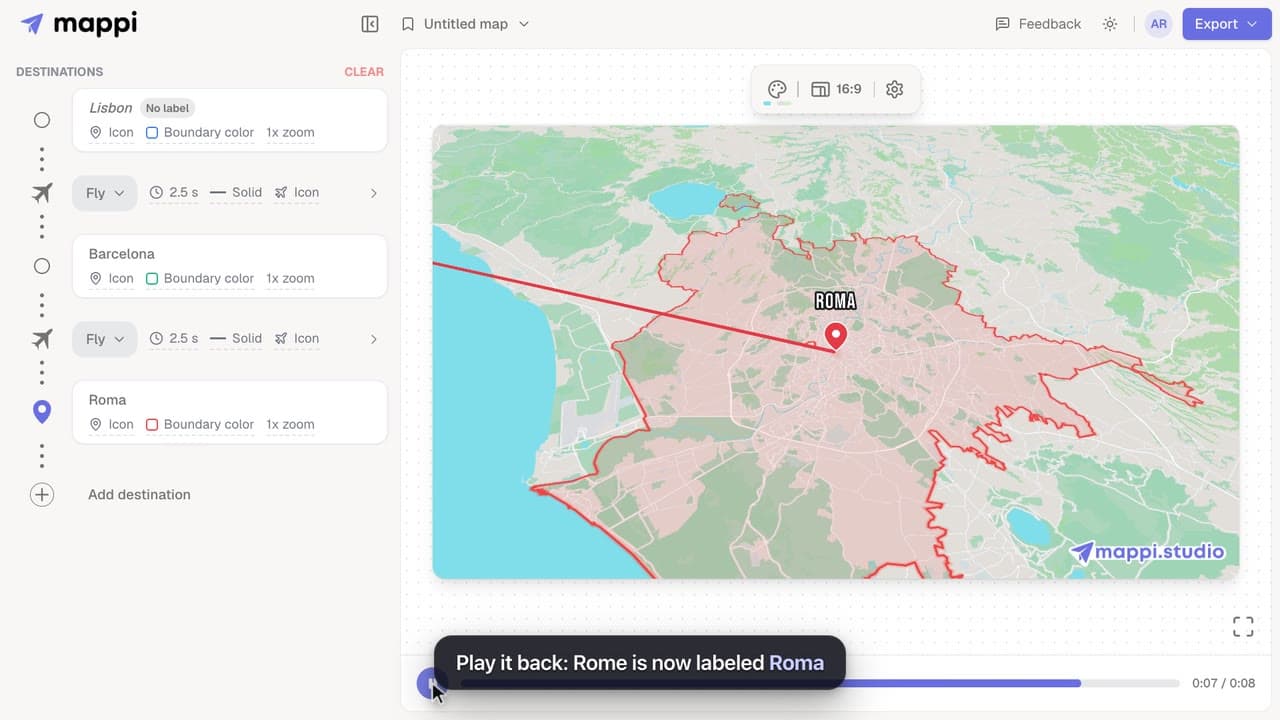
How to rename or hide a destination label
Change the text a destination shows on your animated map, shorten long place names, or hide a label completely without removing the stop.
 0:42
Pins, labels & icons
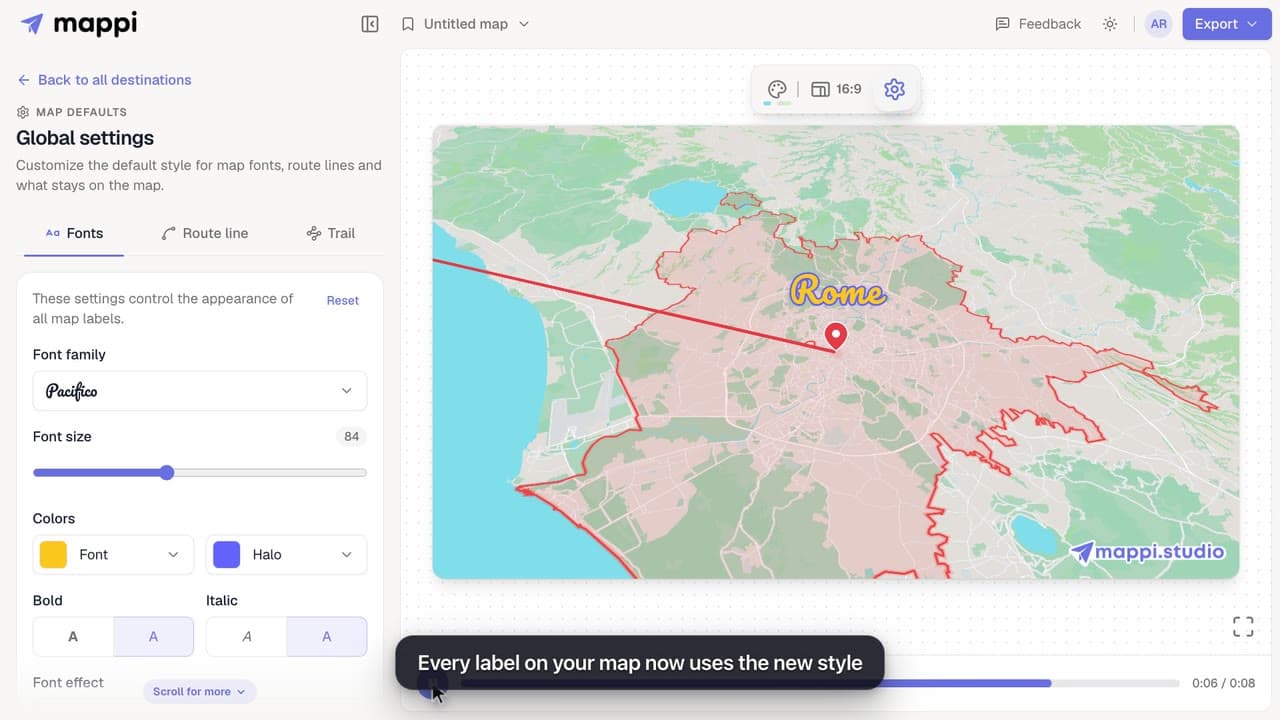
How to change label fonts, size and colors
Style every destination label on your map animation: choose from 25 fonts, set the font size, text and halo colors, bold, italic and font effects.
