


How to upload your own boundary (GeoJSON polygon)
Open the stop’s Boundary tab, open Boundary options and choose Upload your own boundary. Drop a .geojson file, browse for one, or paste GeoJSON, check the shape on the Review step, and click Replace boundary (or Add boundary).
Step by step
Open the Boundary tab
Click the stop’s Boundary color chip in your destination list.
Choose Upload your own boundary
Open the Boundary options menu at the top-right of the boundary preview and choose Upload your own boundary. If the stop has no boundary yet, the button is right on the tab.
Add your GeoJSON file
Drop a .geojson or .json file (up to 25 MB) on the dialog, click browse, or click Paste from clipboard. Mappi checks the file and moves to the Review step.
Review and apply
Check the shape, its point count and any notes, then click Replace boundary (or Add boundary for a stop that had none). The new outline uses the stop’s boundary colors.
What can I upload?
- A GeoJSON FeatureCollection or Feature, like an export from geojson.io, QGIS or mapshaper, or just a Polygon or MultiPolygon geometry.
- Coordinates in [longitude, latitude] order (WGS 84).
- Points and lines are ignored, and several polygons are combined into one boundary.
- Shapes with more than 5,000 points are simplified so the video stays smooth.
Don’t have a file yet? See where to find GeoJSON boundary files. Got an error? See fix boundary upload errors.
Go back to the original boundary
Open Boundary options and choose Restore original boundary. For a stop that had no boundary before, the option is Remove custom boundary.
Video transcript
Show the transcriptHide the transcript
- 0:04Click the stop’s Boundary color chip
- 0:07Open Boundary options and choose Upload your own boundary
- 0:13Drop a .geojson file, browse for it, or paste GeoJSON
- 0:19Drop a .geojson file, browse for it, or paste GeoJSON
- 0:23Check the shape, then click Replace boundary
- 0:29Changed your mind? Restore original brings the old boundary back
- 0:33Your shape now outlines the stop in the video
Was this guide helpful?
Try it in the editor
Mappi is a map animation maker that runs in your browser. No download, and no account needed to start.
Open MappiRelated guides
Where to find GeoJSON boundary files for your map
Get a GeoJSON polygon for any country, state, city, neighborhood or custom area: draw one free, download open boundary data, or convert KML and Shapefiles.
Map styles & themes
How to fix boundary upload errors
Every message Mappi shows when a GeoJSON boundary upload fails, what it means, and how to fix the file: wrong format, coordinates, size or geometry.
Map styles & themes
 0:39
Map styles & themes
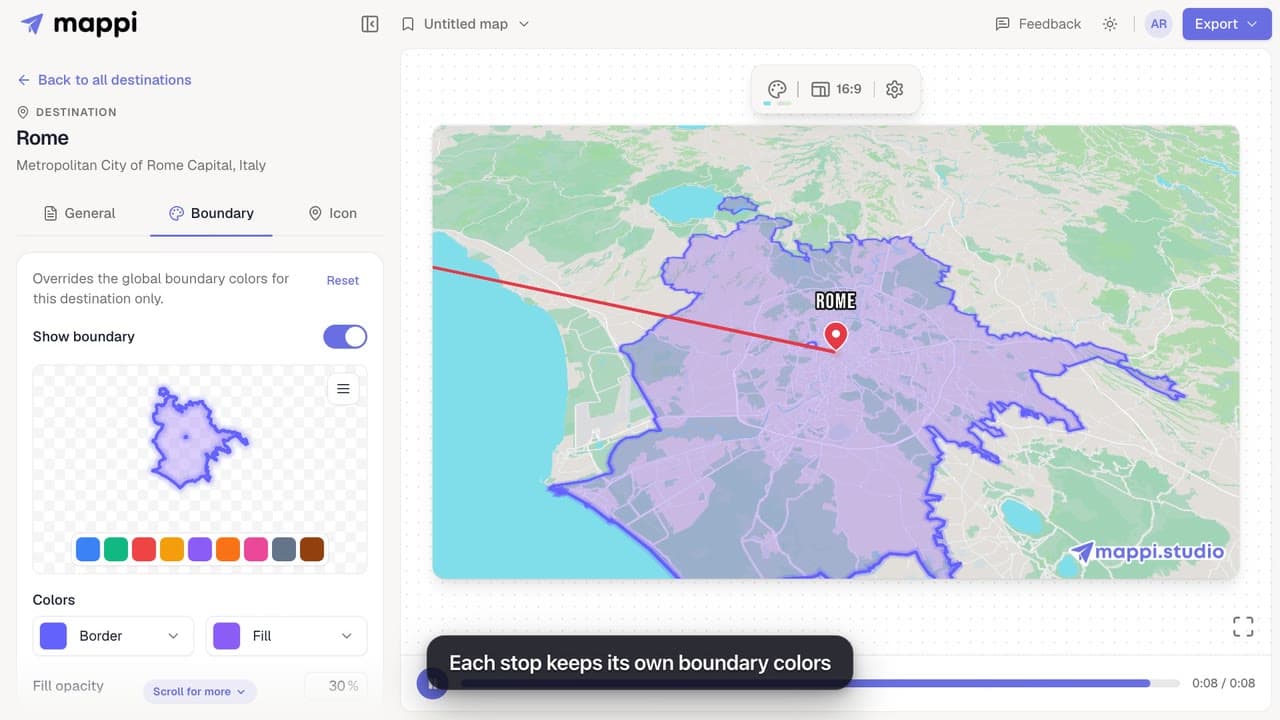
How to highlight a boundary and change its colors
Outline a country, state or city on your map animation and style it: pick a preset color, set border and fill colors, fill opacity and border width.
 0:41
Destinations & routes
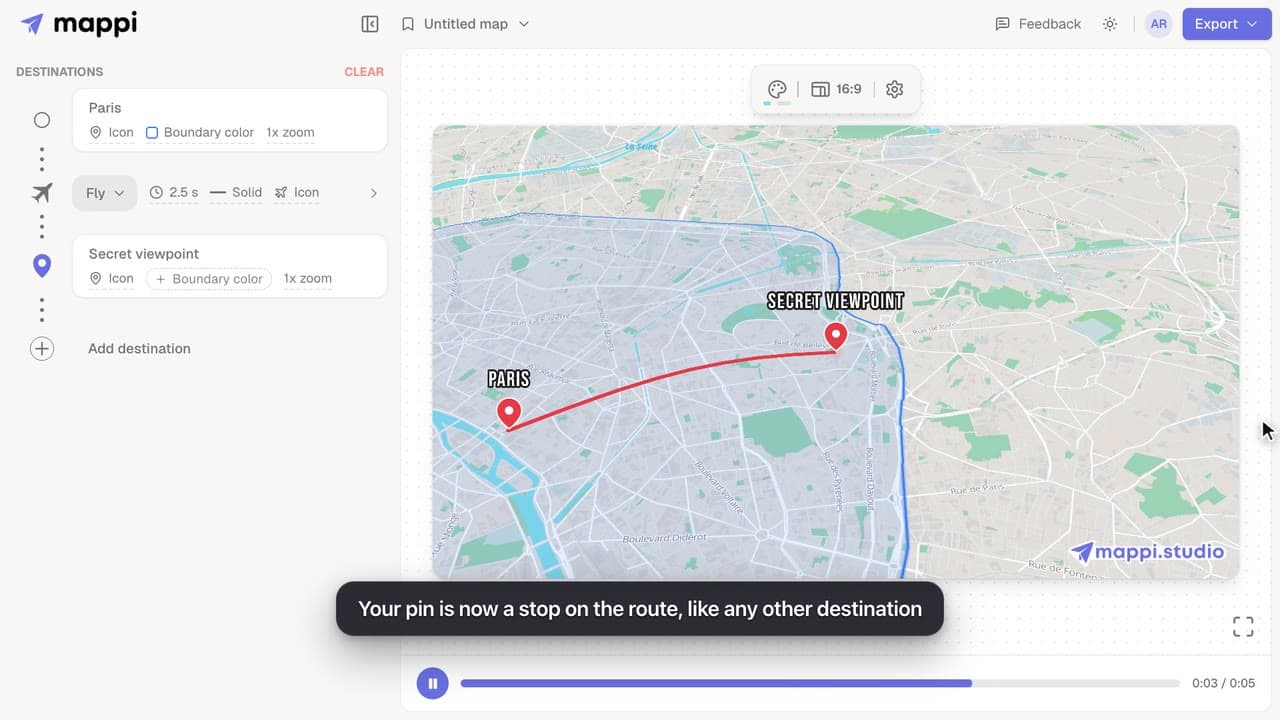
How to drop a custom pin on your map
Add a destination search can’t find: drop a custom pin anywhere on the map, set the exact spot and zoom, name it, and add it to your animated route.
