


How to move or rename a dropped pin
Open the pin’s More actions menu and choose Move pin, drag the map to the new spot and click Save location. To change its text, choose Rename in the same menu and type a new label.
Step by step
Choose Move pin
Hover the dropped pin in your destination list, click More actions (the menu icon on the right) and choose Move pin. You can also open the stop and click Move in its Location field.
Drag to the new spot
The picker opens on the pin’s current position. Drag the map until the pin sits on the new spot, adjust the zoom, then click Save location. A notice confirms the move and offers Undo.
Rename the label
Choose Rename in the same menu, type the new label and press Enter. To remove the label completely, clear the text and press Enter.
Turn a dropped pin into a searched place
If the place exists in search after all, open the stop and choose Swap for a searched place in its Location field. Mappi searches near the pin, and the stop gets the place’s name and boundary while keeping its spot in the route and its styling.
Video transcript
Show the transcriptHide the transcript
- 0:04Open the pin’s More actions menu and choose Move pin
- 0:11Drag the map to the new spot, then click Save location
- 0:20To rename it, choose Rename and type a new label
- 0:31Play it to see the pin in its new spot
Was this guide helpful?
Try it in the editor
Mappi is a map animation maker that runs in your browser. No download, and no account needed to start.
Open MappiRelated guides
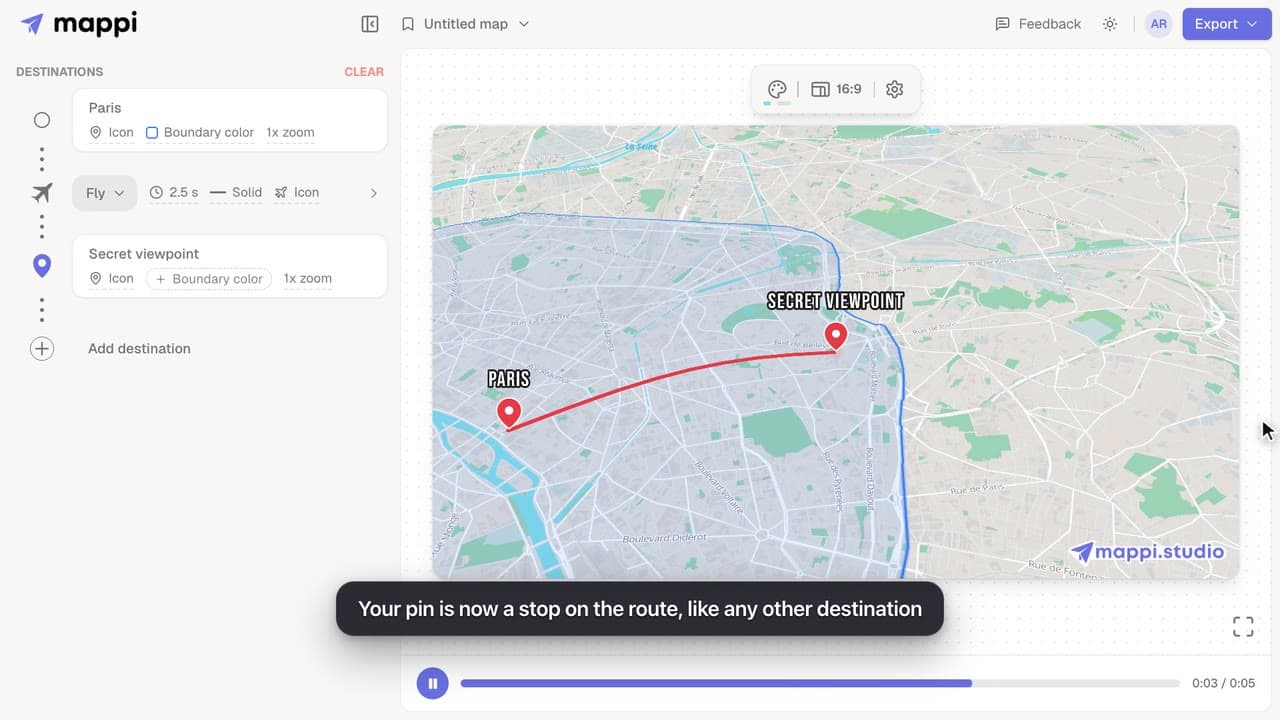 0:41
Destinations & routes
How to drop a custom pin on your map
Add a destination search can’t find: drop a custom pin anywhere on the map, set the exact spot and zoom, name it, and add it to your animated route.
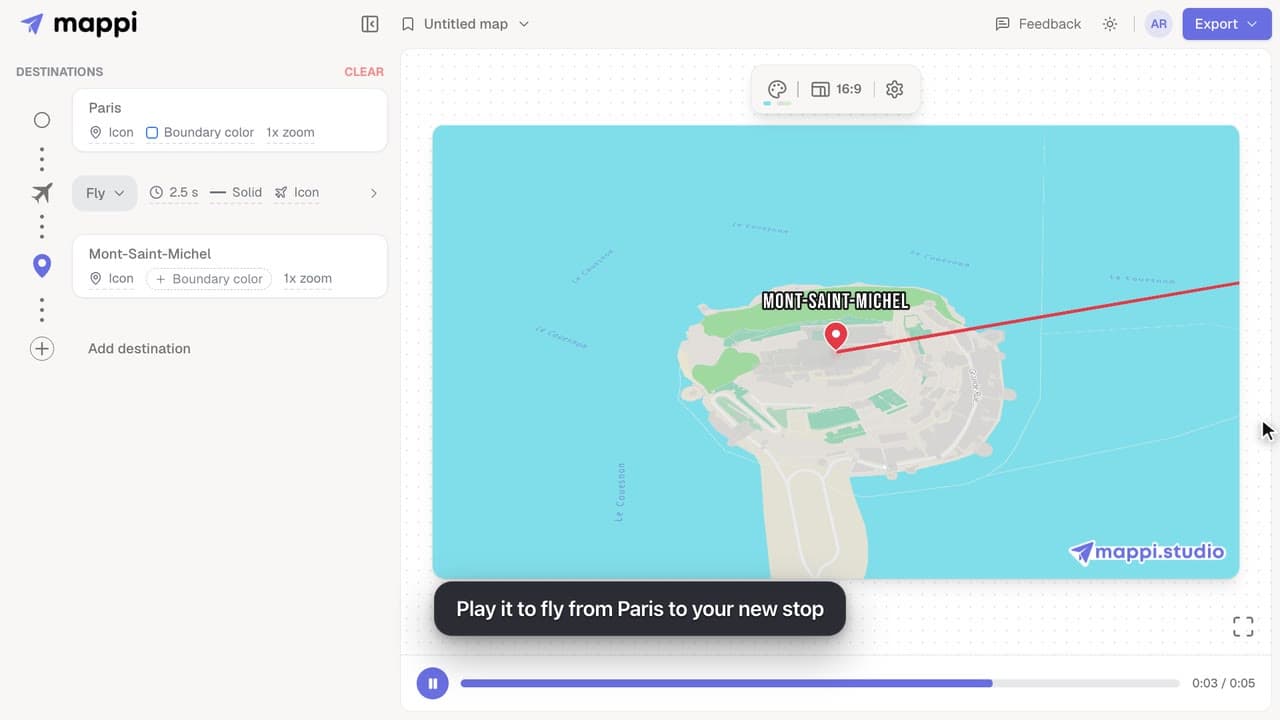 0:40
Destinations & routes
How to add a place by GPS coordinates
Paste latitude and longitude, or a map link, into the Mappi pin picker to add a destination at an exact GPS position. Supported coordinate formats inside.
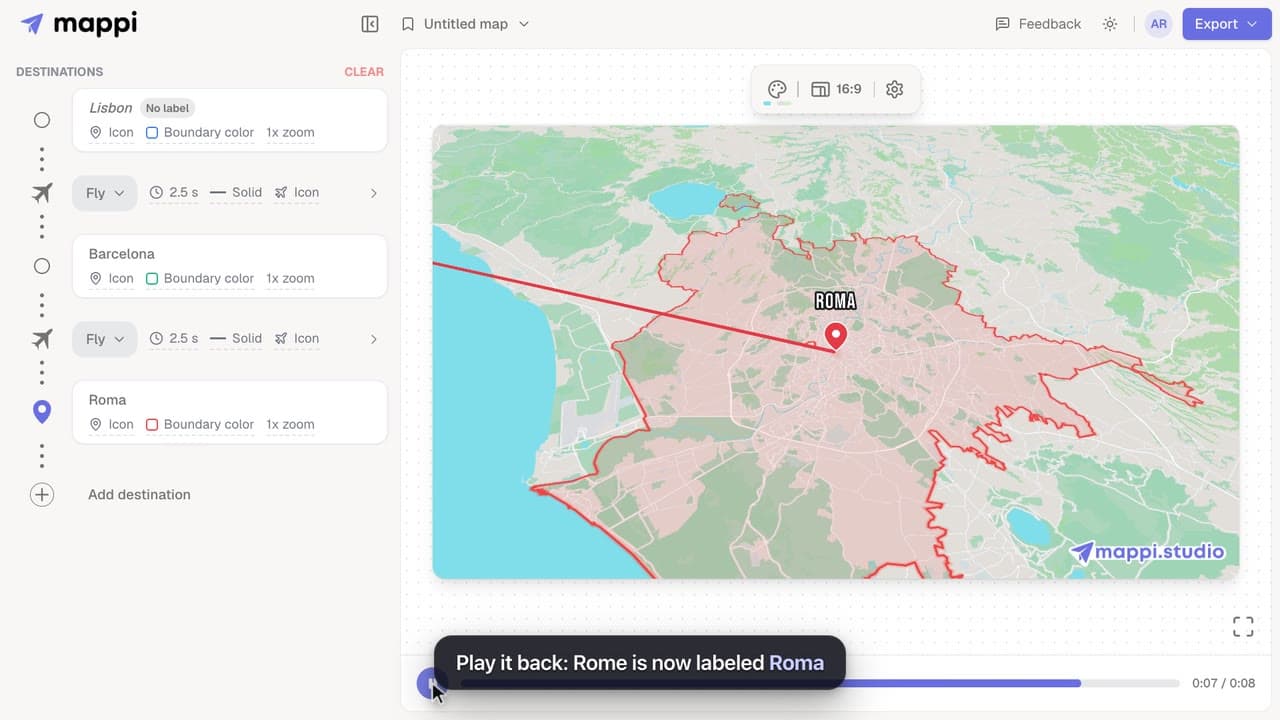 0:41
Pins, labels & icons
How to rename or hide a destination label
Change the text a destination shows on your animated map, shorten long place names, or hide a label completely without removing the stop.
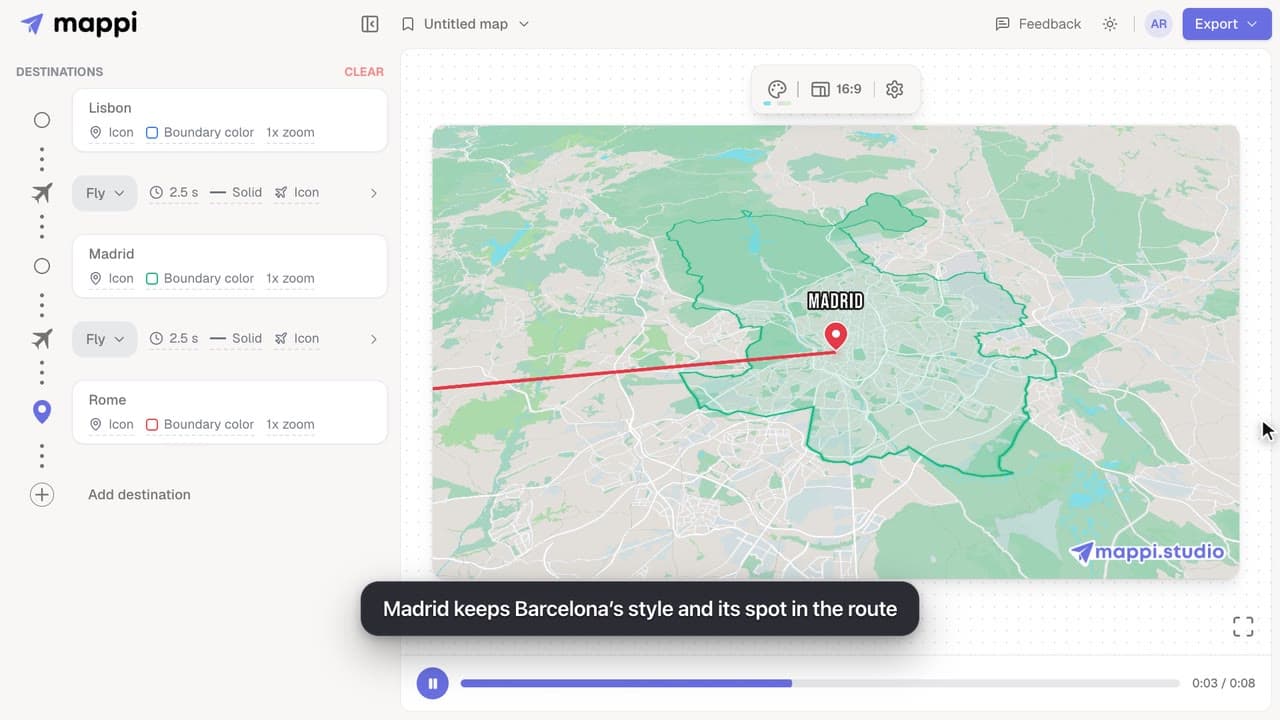 0:38
Destinations & routes
How to swap a destination for another place
Replace a stop with a different place without deleting it: the new destination keeps its colors, icon and position in the route. Undo is one click away.
