


How to add a place by GPS coordinates
Click Add destination, then the Drop a custom pin crosshair. In the picker’s search box, Search places or coordinates, paste coordinates such as 48.6361, -1.5115 and pick the result. Name the pin and click Add destination.
Step by step
Open the pin picker
Click Add destination (on an empty map, click the search field that reads Search for a city or region). While the search field is active, click the crosshair button Drop a custom pin at its right. On a phone, tap the search bar at the bottom (Where to first? or Add a destination) and, before typing, choose Drop a pin on the map.
Paste the coordinates
Click Search places or coordinates at the top of the picker and paste your coordinates, latitude first, for example 48.6361, -1.5115. Pick the Coordinates result and the map flies there.
Name it and add it
Click the name in the card at the bottom of the picker (it starts as “Custom place” and a number) and replace it with the label you want on the map. Adjust the zoom if you like, and click Add destination.
Which coordinate formats work?
| Format | Example |
|---|---|
| Decimal degrees with a comma | 40.6782, -73.9442 |
| Decimal degrees with a space | 40.6782 -73.9442 |
| Degrees with N/S and E/W | 40.6782° N, 73.9442° W |
| A map link with coordinates | Links with @lat,lng, or q=, ll=, query= or center= parameters, when the coordinates fall within the first 100 characters. The search keeps only 100 characters, so for a longer link, paste the coordinates instead. @lat,lng is the map’s view, not always the pin, so check the spot before adding it. |
Video transcript
Show the transcriptHide the transcript
- 0:04Click Add destination, then the Drop a custom pin button
- 0:10Type or paste coordinates, like 48.6361, -1.5115
- 0:20Type a label, then click Add destination
- 0:28Play it to fly from Paris to your new stop
Was this guide helpful?
Try it in the editor
Mappi is a map animation maker that runs in your browser. No download, and no account needed to start.
Open MappiRelated guides
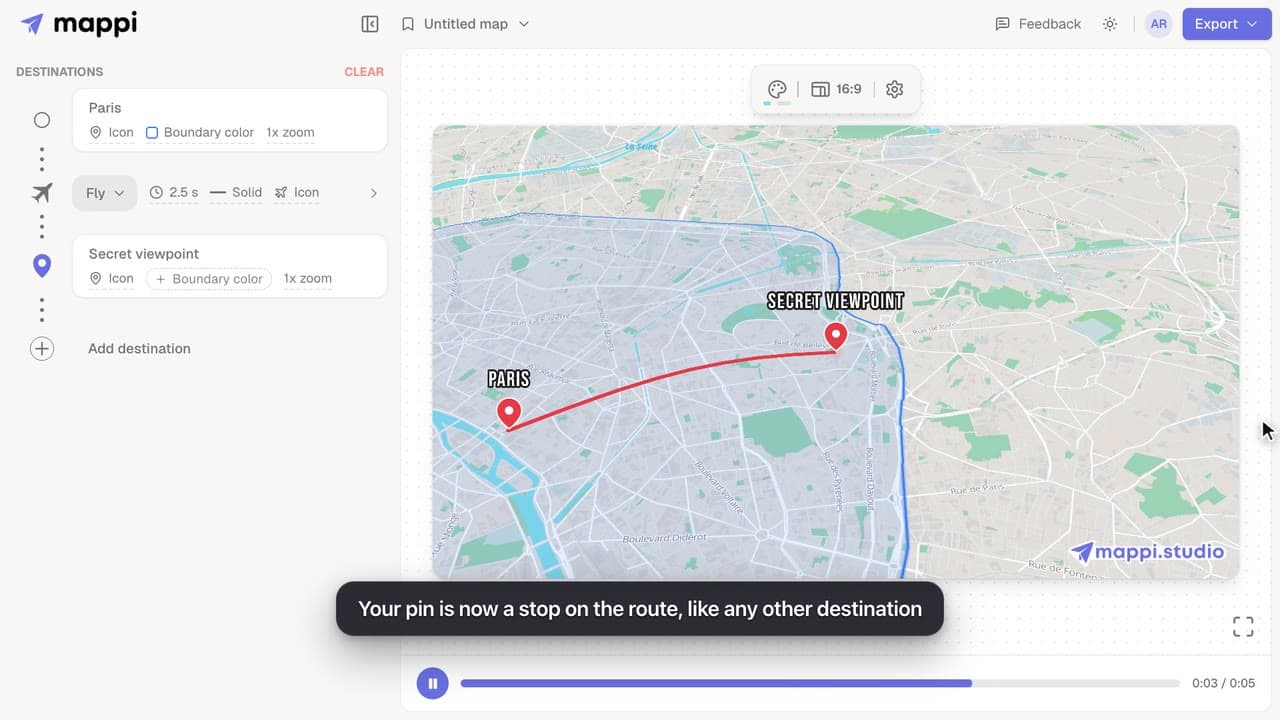 0:41
Destinations & routes
How to drop a custom pin on your map
Add a destination search can’t find: drop a custom pin anywhere on the map, set the exact spot and zoom, name it, and add it to your animated route.
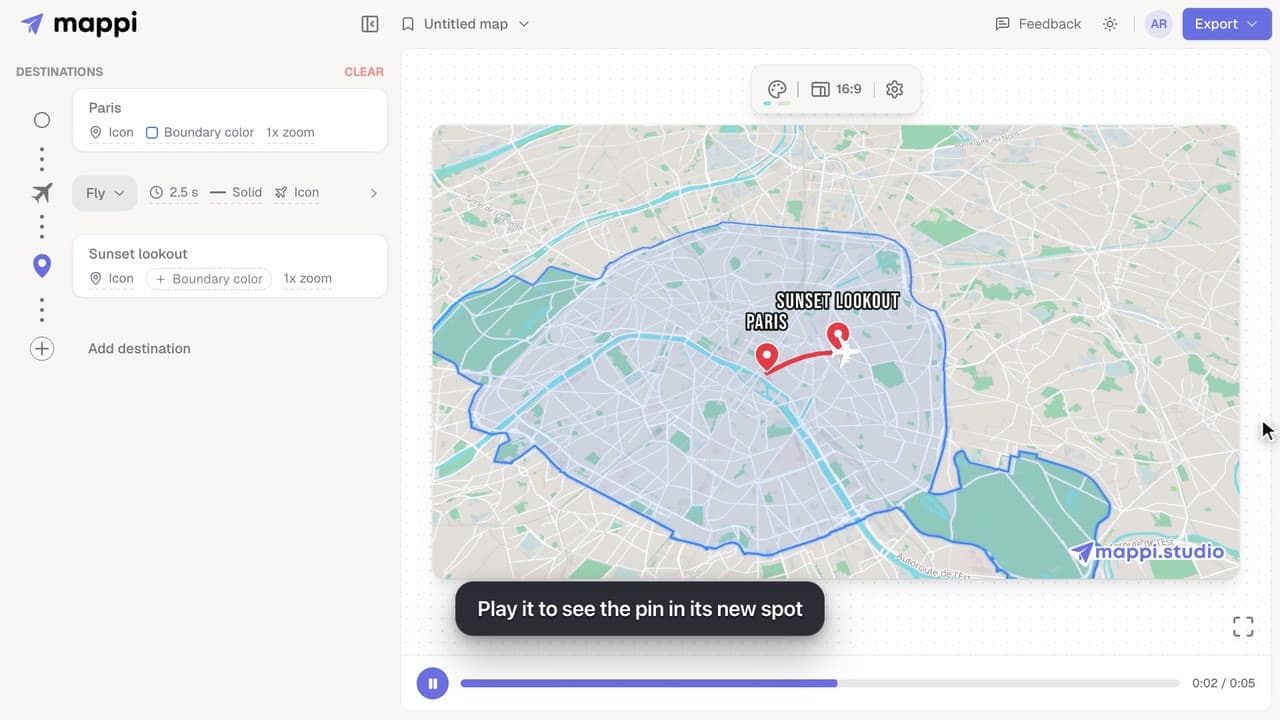 0:41
Destinations & routes
How to move or rename a dropped pin
Edit a custom pin after you add it: move it to a new spot, rename its label, or swap it for a place from search. Moves and swaps can be undone in one click.
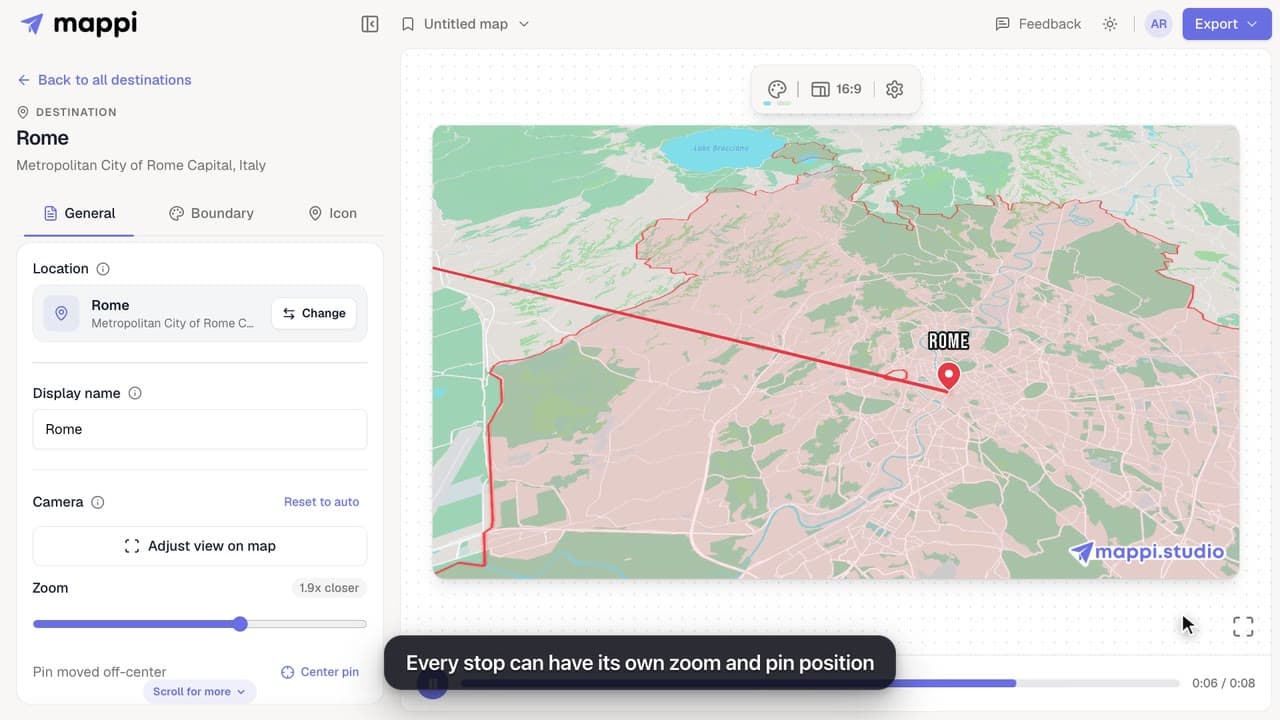 0:34
Animation & camera
How to zoom the camera in or out on a destination
Frame each stop of your map animation: zoom the camera closer or wider and move the pin off-center with Adjust view, then save the framing for that stop.
