


Map Animation Sizes for TikTok, Reels, and YouTube
The same animation can feel cinematic on YouTube and cramped on a phone, because every platform plays video in a different frame. This guide gives you the exact sizes for a map animation for TikTok, Reels, Shorts, and YouTube, and shows how to set each one in the Mappi Export panel. If you publish travel map videos across several platforms, this is the reference to keep open while you export.
Pick the aspect ratio before you animate
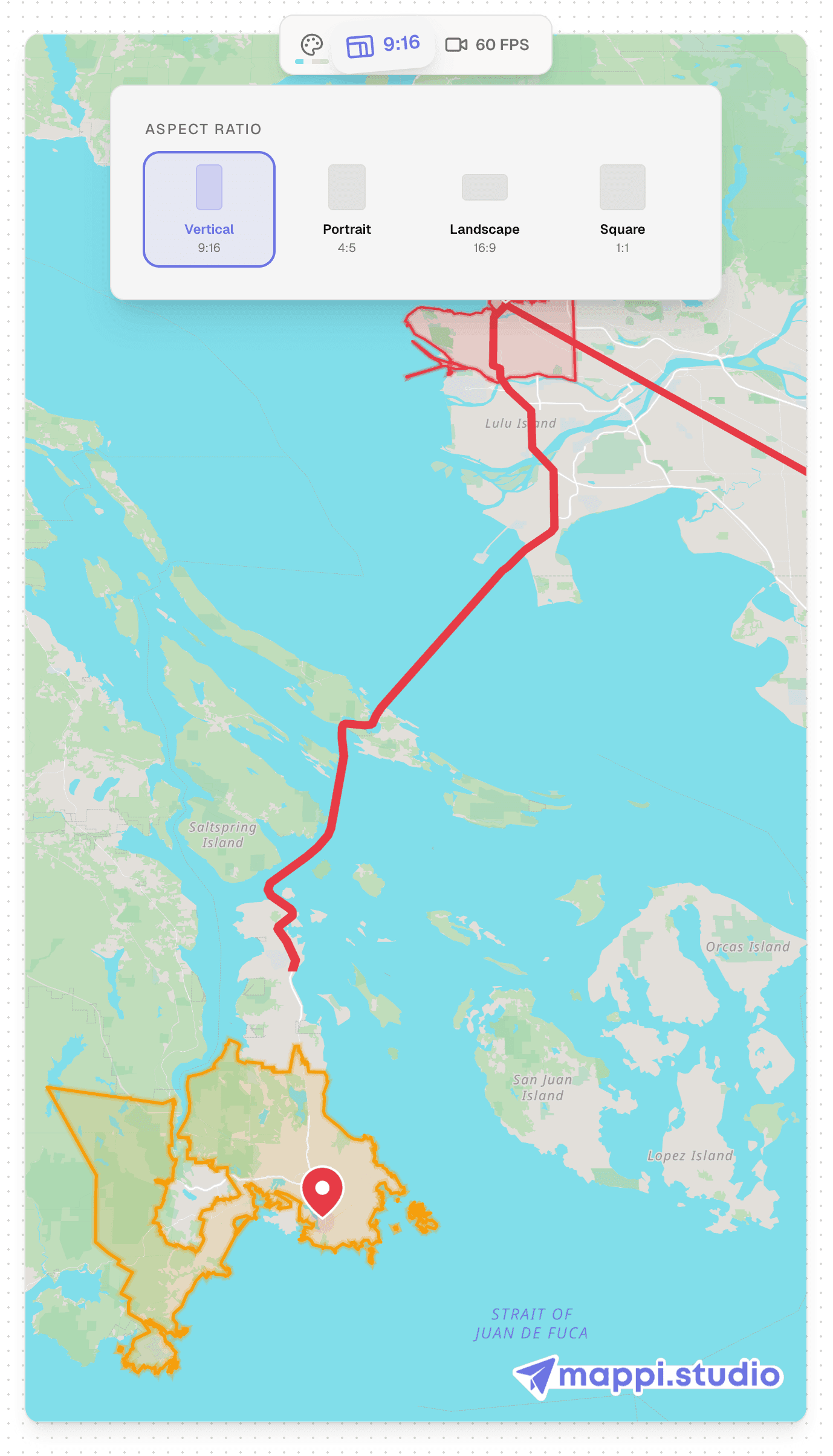
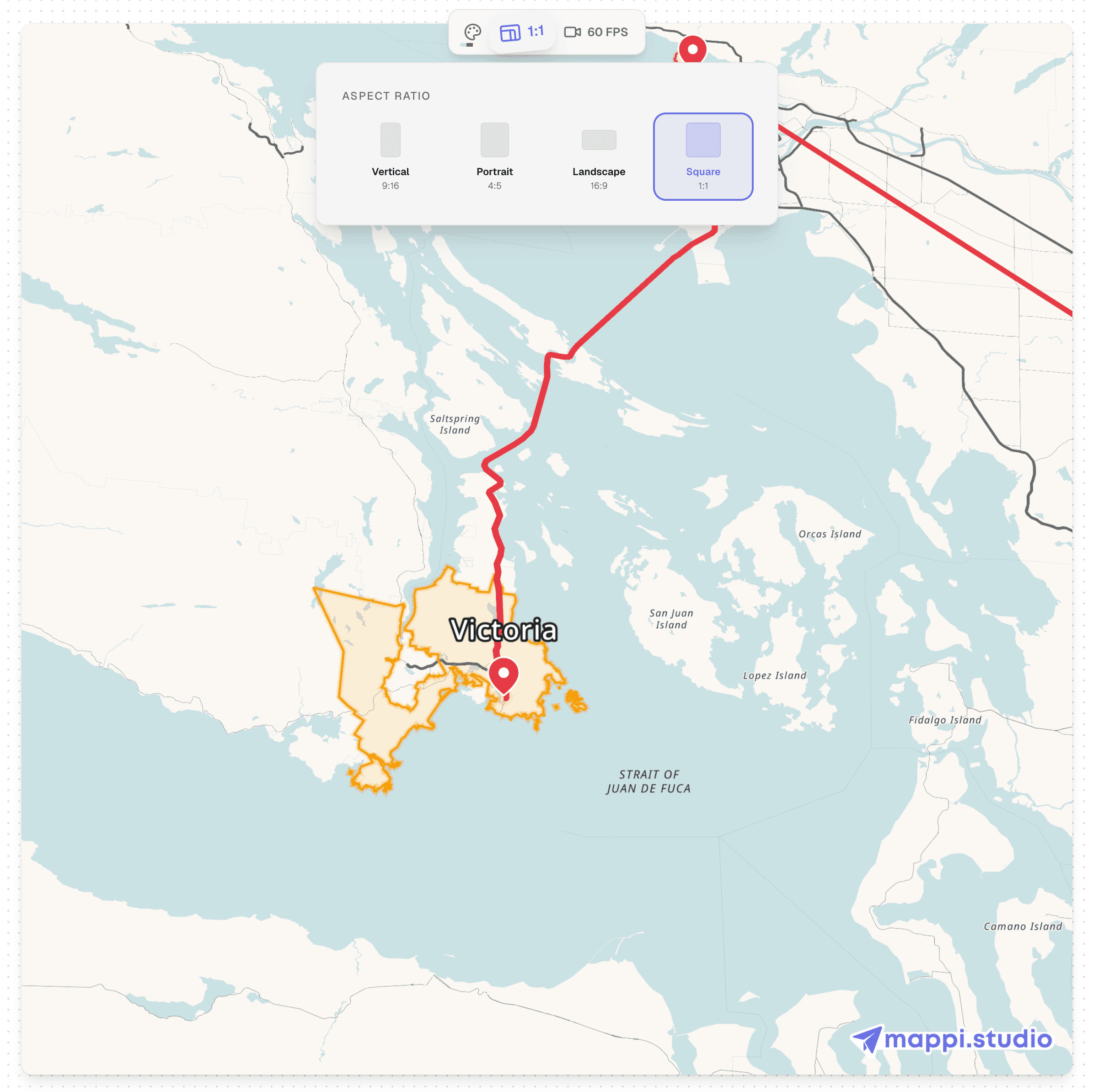
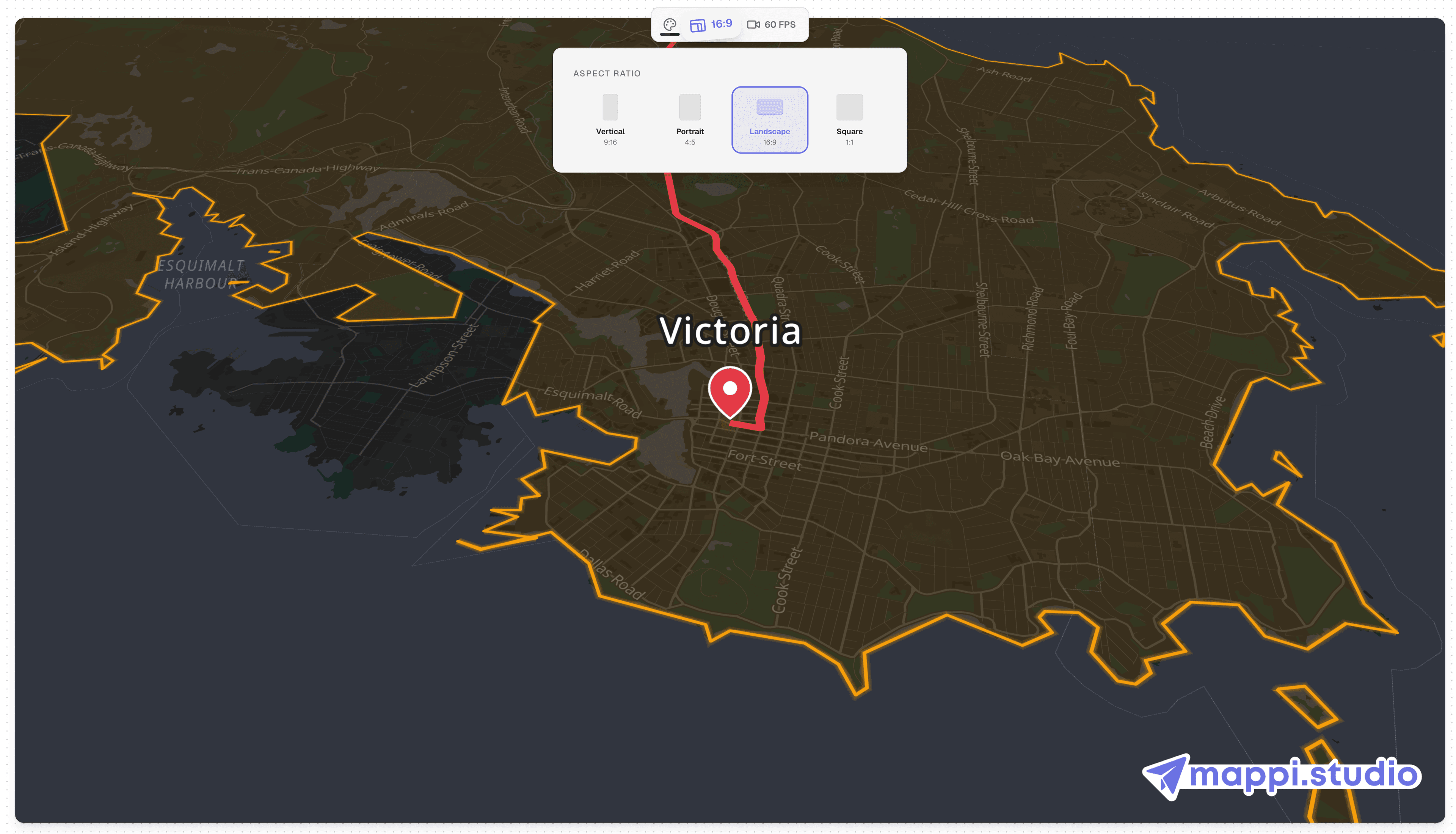
Aspect ratio is not an export detail, it is a framing decision. A route that sweeps left to right composes beautifully in 16:9 and gets amputated in 9:16, where the frame is tall and narrow. Vertical video rewards routes that travel up the frame, tighter zoom levels, and fewer destinations on screen at once. So choose the ratio first: open the Export panel, set the aspect ratio picker to your target platform, and the preview reframes instantly. Then build the animation inside that frame. If a leg suddenly hugs the edge, adjust the zoom level in the camera settings until the route breathes again; our guide to camera movements and easing covers this in depth.
Platform cheat sheet: ratios and resolutions
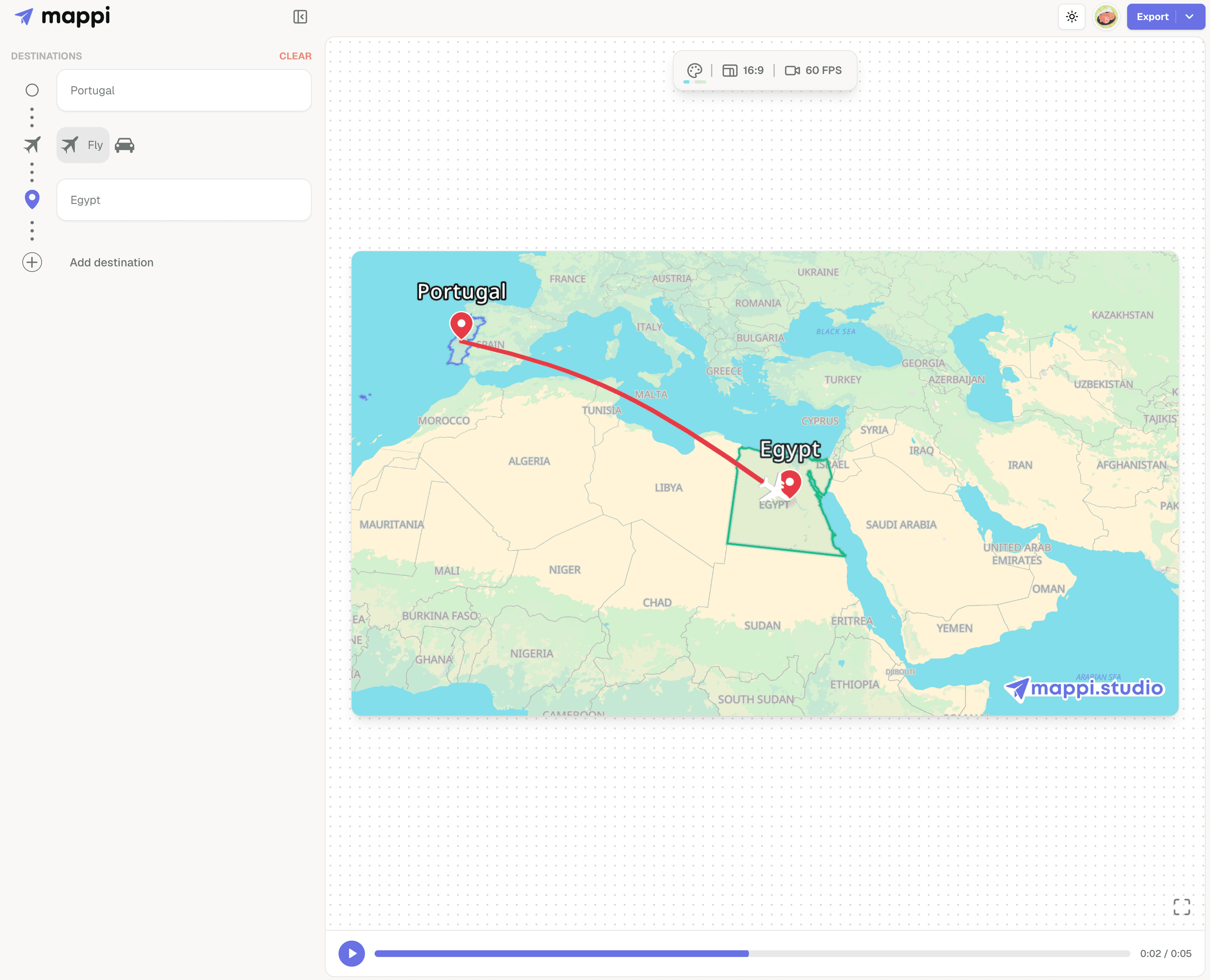
Every major placement maps to one of the four ratios in the Export panel: 16:9, 9:16, 1:1, or 4:5. Use this table to match platform, ratio, and export resolution.
| Platform | Aspect ratio | Export at | Framing notes |
|---|---|---|---|
| TikTok | 9:16 | 1080p or 4K | Keep the route and labels in the middle of the frame; captions and buttons cover the top and bottom edges |
| Instagram Reels | 9:16 | 1080p or 4K | Same vertical frame as TikTok; the bottom quarter sits under the caption overlay |
| YouTube Shorts | 9:16 | 1080p or 4K | Title and subscribe elements crowd the lower edge, so land arrivals in the upper two thirds |
| YouTube | 16:9 | 4K | The most forgiving frame; wide fly-overs and multi-stop routes have room to spread out |
| Instagram feed | 4:5 or 1:1 | 1080p | Taller 4:5 posts claim more screen than square; center the route since both edges get tight |
Map animation for TikTok, Reels, and Shorts: the 9:16 workflow
Vertical is where most map animations underperform, usually because a 16:9 project was exported tall as an afterthought. The fix takes minutes.
- Switch the Export panel to 9:16. Do this before polishing anything else, so every preview you watch from now on is the frame your audience will see.
- Tighten the camera. Raise the zoom level on each leg until the route fills the tall frame. Vertical viewers sit close to the screen, so closer camera work reads as intentional rather than cropped.
- Slow the arrivals. Short-form viewers decide in seconds. Set easing to Slow arrival on the leg that lands on your key destination, so the payoff moment holds long enough to register before the loop restarts.
- Export at 1080p minimum. Phone screens are dense, and platform compression is aggressive. Pick 1080p, or 4K on Pro if the animation carries small labels, then render and download the MP4.
One project, every platform
You rarely need to rebuild an animation per platform. The efficient pattern is one project, two exports: a 16:9 master for YouTube and a 9:16 version with tightened camera settings for the vertical platforms. Duplicate the project, switch the aspect ratio, spend five minutes re-framing the legs, and both versions stay in sync when the trip changes. Square and 4:5 feed posts can usually be cropped from the 16:9 master in any editor, since feeds tolerate looser framing than full-screen vertical playback does.
What to do next
Sizing is the last decision that should surprise you; framing, pacing, and export quality all build on it. Browse the rest of our map animation tutorials to go deeper on any of those, or continue with the related guides below.
