Map Animation In After Effects
Generate cinematic map animations in Mappi and use them as footage in your After Effects compositions. Skip the tedious keyframing of camera moves and route reveals, export a clean 4K MP4, and spend your time on the motion design that matters.
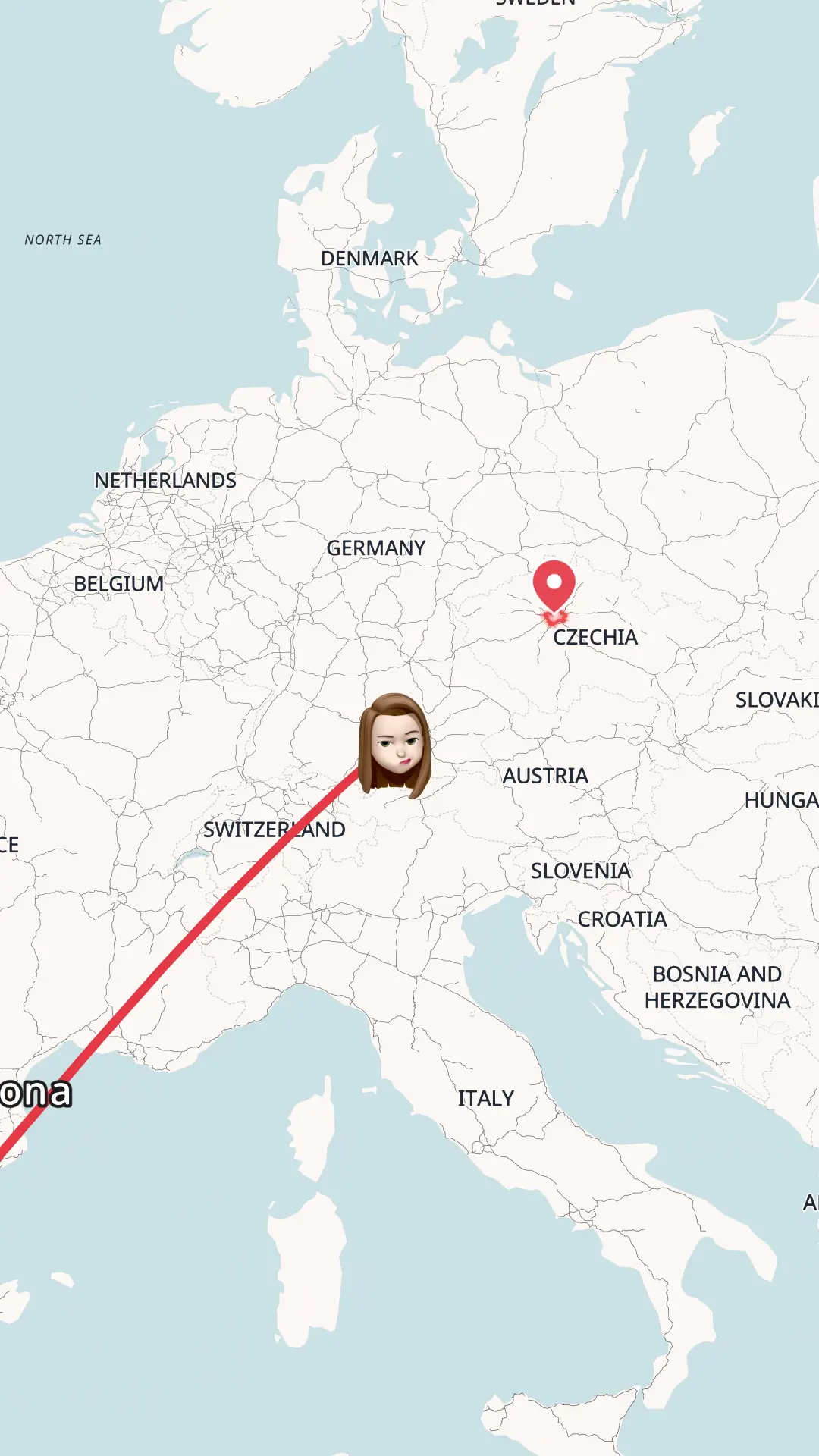
Create a map animation in After Effects
Hand-animating a map in After Effects means hours of camera keyframes, path trims, and easing curves. The faster workflow: generate the map animation in Mappi, then import it into your project as footage and composite on top. Here is every step.
- Step 1
Create a Mappi account
Sign up for Mappi for free, right in your browser. No plugins, scripts, or templates to install. You get the full Mappi editor with cinematic map themes, camera flights, and high-resolution video export.
- Step 2
Design and export your map in Mappi
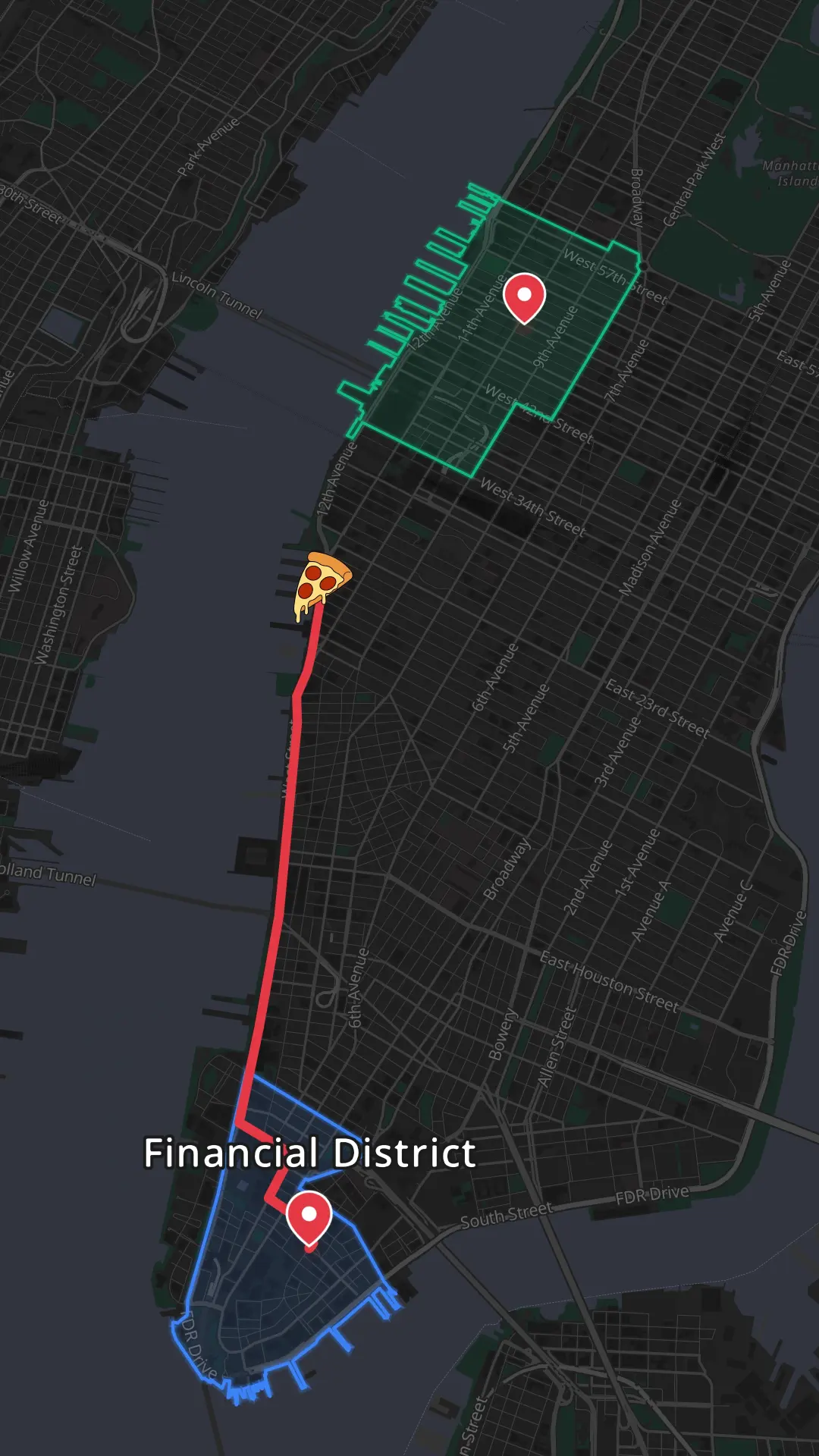
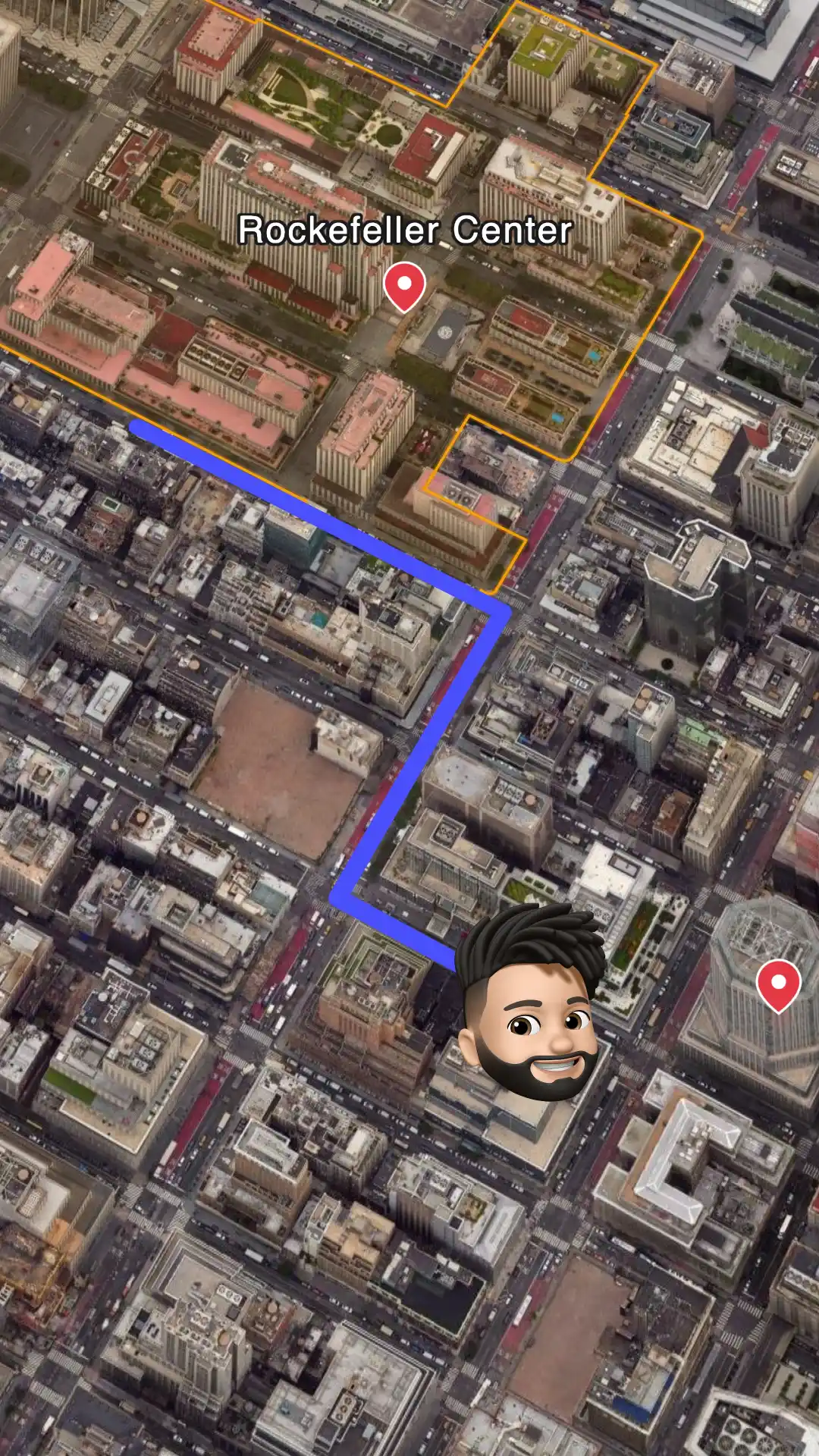
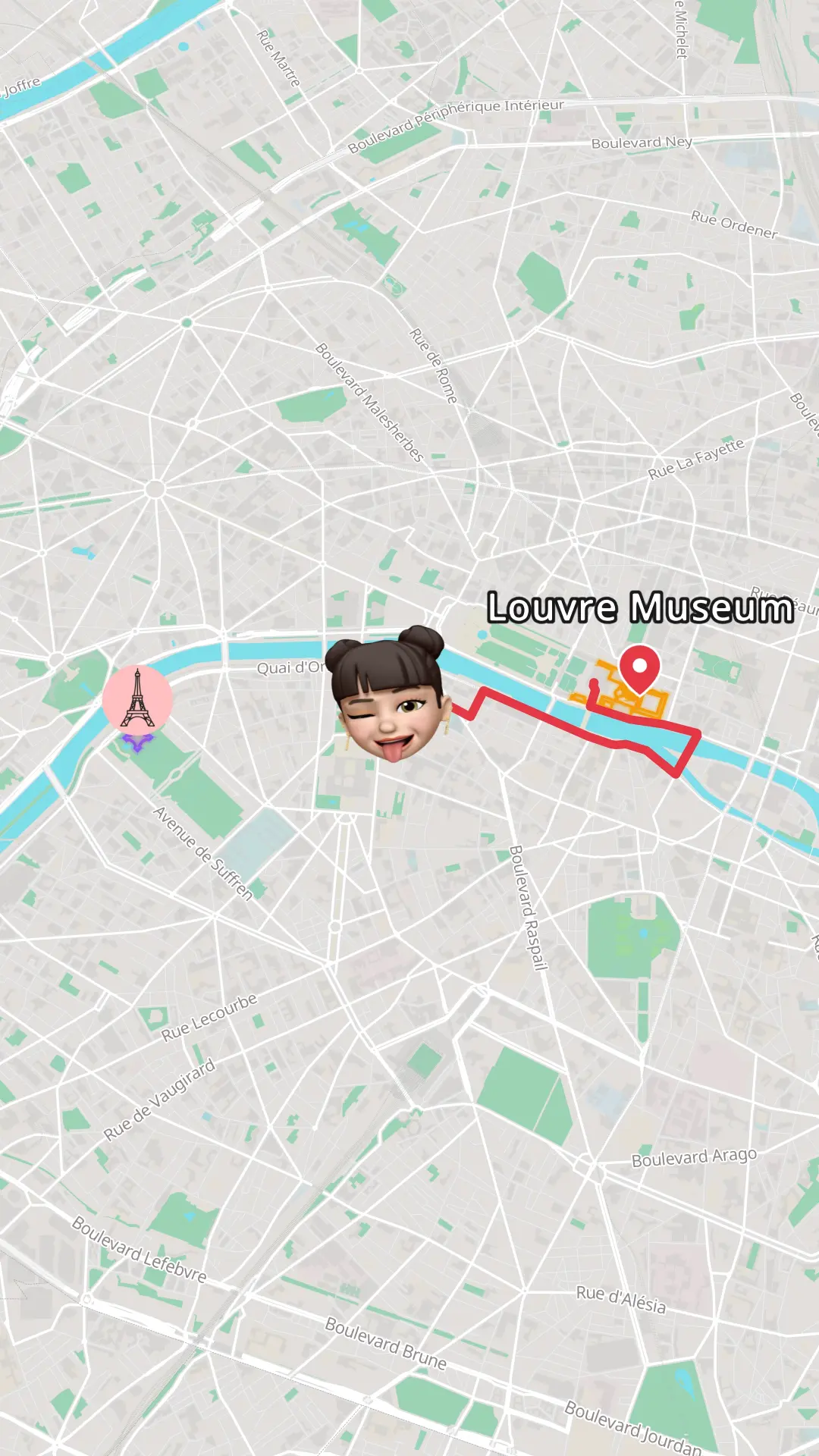
Search for your locations, connect them with animated routes, and pick a map theme that fits the look of your project. Set the resolution and aspect ratio to match your target composition: 16:9 for a standard 1920x1080 or 4K comp, 9:16 for vertical work, or 1:1 for square deliverables. Then export the animation as an MP4 file.
- Step 3
Import the footage into your Project panel
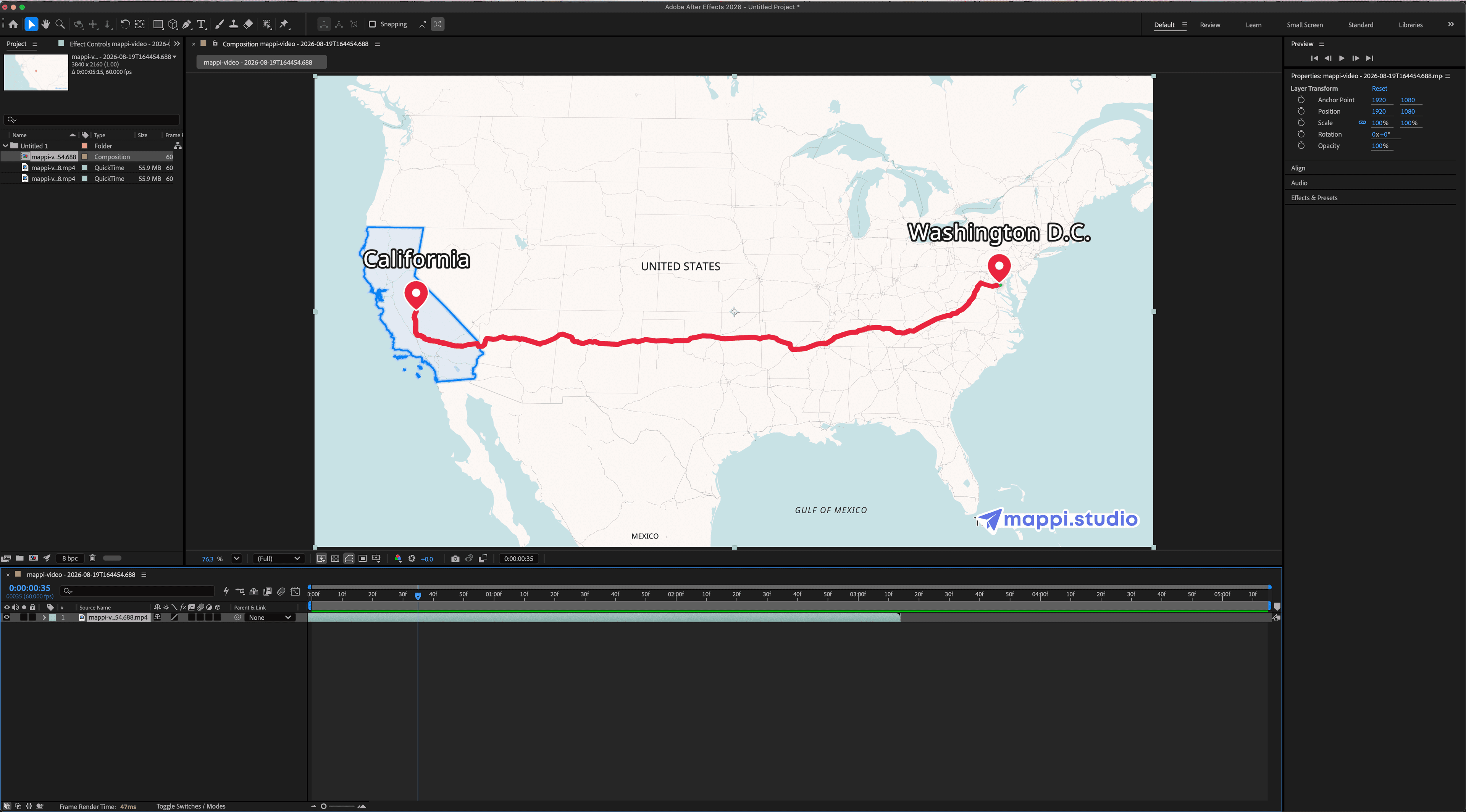
In After Effects, go to File > Import > File (Ctrl+I on Windows, Cmd+I on Mac) and select the MP4 you exported from Mappi, or simply drag the file from your file browser into the Project panel. The clip imports as footage and sits alongside your other assets, ready to use in any composition.
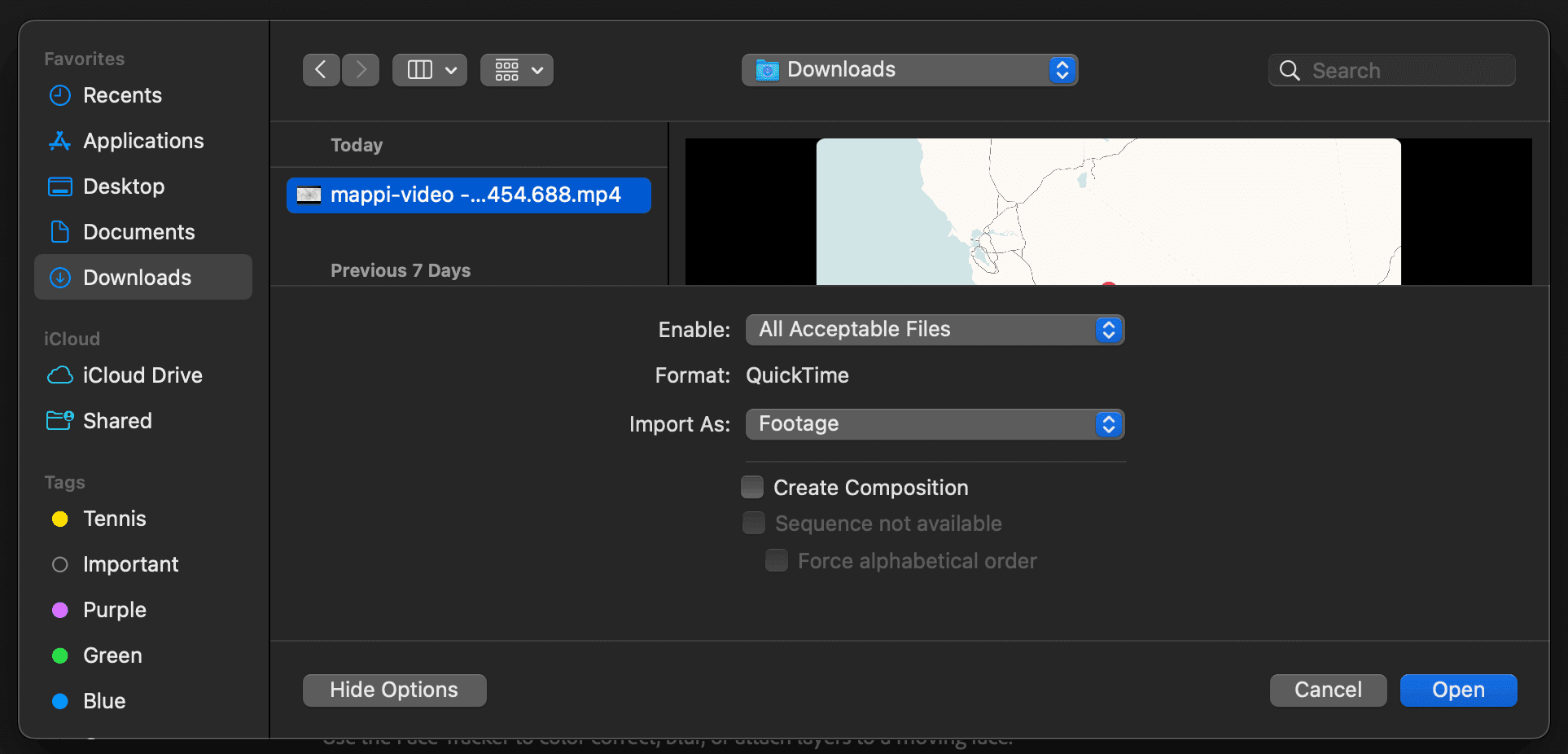
The Mappi MP4 imported as footage in the After Effects Project panel. - Step 4
Add it to a composition
Drag the footage from the Project panel onto the New Composition icon to create a comp that matches its resolution, frame rate, and duration, or drop it into an existing comp where it becomes a layer in the Timeline panel like any other footage. From there, use the Transform properties to set Scale, Position, and Opacity, and trim the layer in and out points to fit your edit.
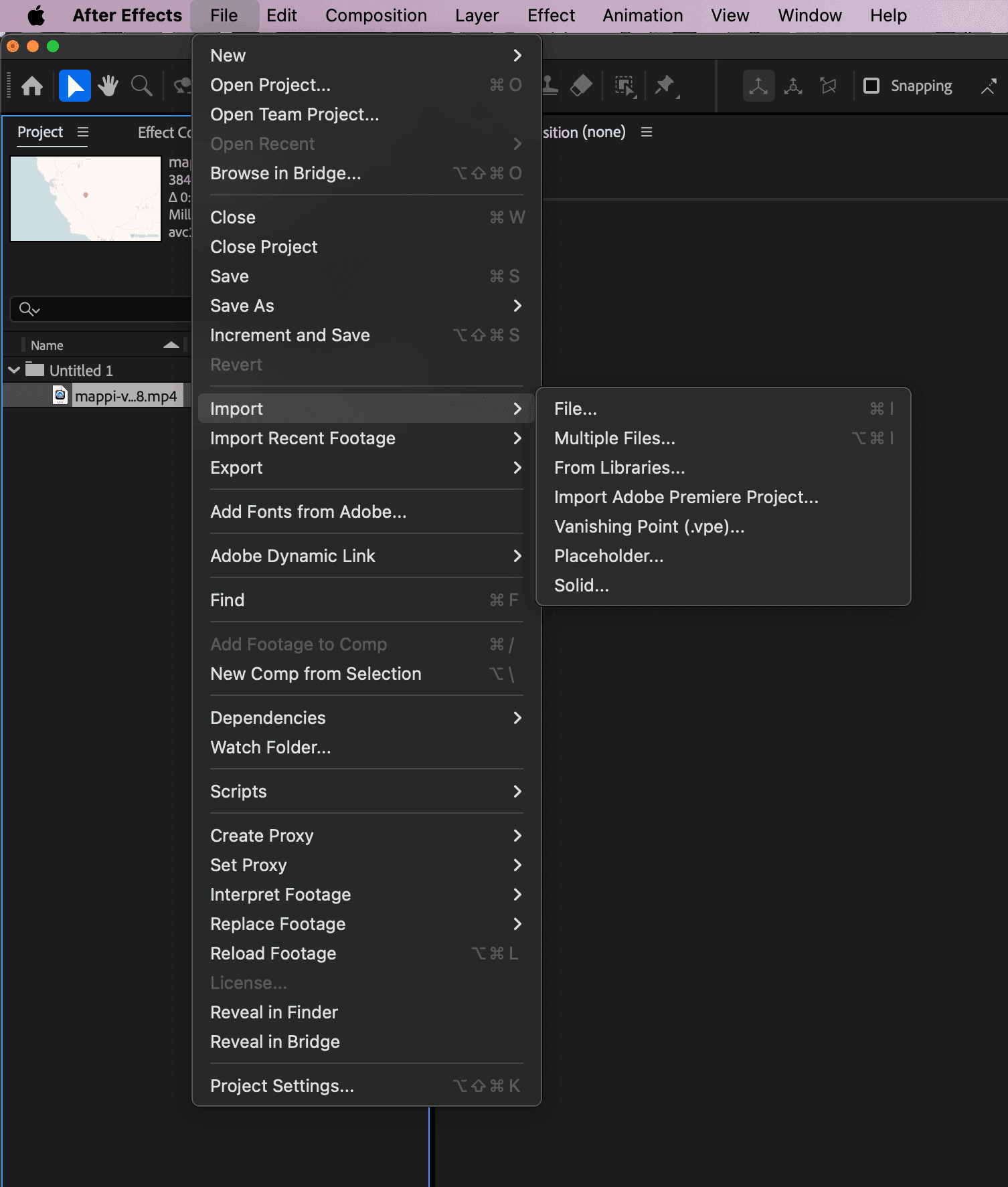
The map animation as a layer in the Timeline panel, with Transform properties ready to adjust. - Step 5
Composite and style it with After Effects tools
This is where After Effects earns its keep. The map is now regular footage, so the entire compositing toolkit applies to it, from effects and text animators to mattes and expressions.
- Drop effects from the Effects & Presets panel onto the layer, like Glow, Gaussian Blur, or CC Vignette, and fine-tune them in the Effect Controls panel.
- Add an adjustment layer above the map and apply Lumetri Color to grade it so it matches the rest of your sequence.
- Create text layers with text animators over the map for animated location titles, distance callouts, and lower thirds.
- Keyframe Scale and Position for punch-ins on key destinations, then select the keyframes and apply Easy Ease (F9), refining the curve in the Graph Editor.
- Use a shape layer as an alpha matte on the map layer to reveal it inside a circle, rounded rectangle, or any custom mask path.
- Parent the map to a null object to drive its movement alongside other layers in the comp.
- Enable motion blur on the layer for smoother, more cinematic camera flights.
- Use time remapping (Layer > Time > Enable Time Remapping) to speed up, slow down, or freeze the flight at exactly the right beat.
- Precompose the map with its overlays (Ctrl+Shift+C / Cmd+Shift+C) so you can reuse the whole setup across comps.
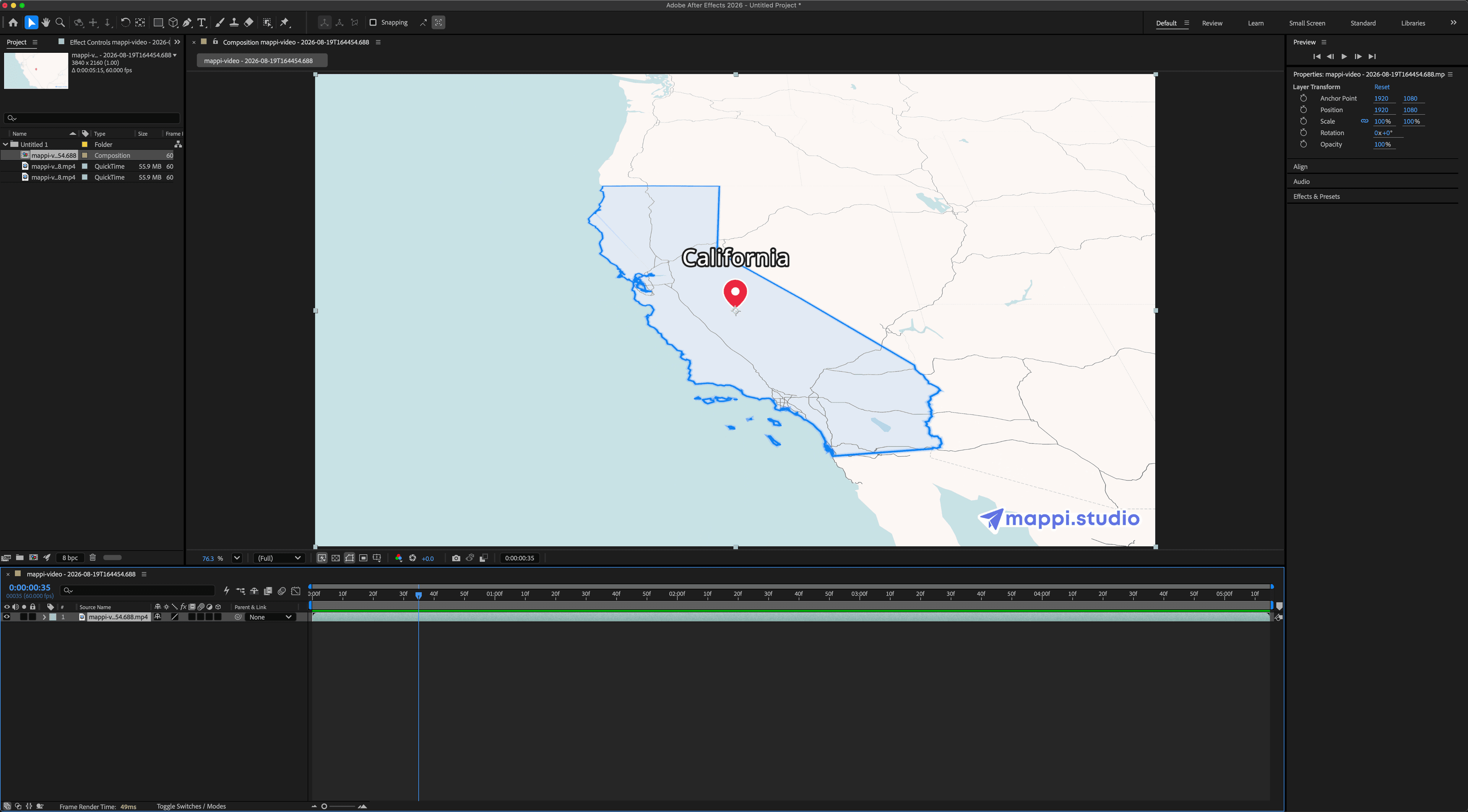
The composited result: map footage with text animators, effects, and color grading applied. - Step 6
Render your final composition
Add the comp to the Render Queue (Ctrl+M / Cmd+M) and pick an output module, or send it to Adobe Media Encoder for H.264 and other delivery formats. Your finished video ships with the map animation baked in, ready for client delivery or any platform.
Read the next guide
The same Mappi export works in every editor. See how to import it into these tools.


Bring a moving map into your next composition
Generate the map animation in Mappi, export it in 4K, and composite it in After Effects. Free to try, no camera rigging required.



Mappi is the simplest way to create stunning animated maps. Perfect for YouTubers, journalists, and storytellers.
 Stripe Climate member
© 2026 Mappi. All rights reserved.